Review protection for a B2B transaction
Check holds, evidence and links to related returns or disputes.
Before you begin
- A confirmed shared transaction for the selected company and partner store.
- Who it is for
- company
- Where to find it
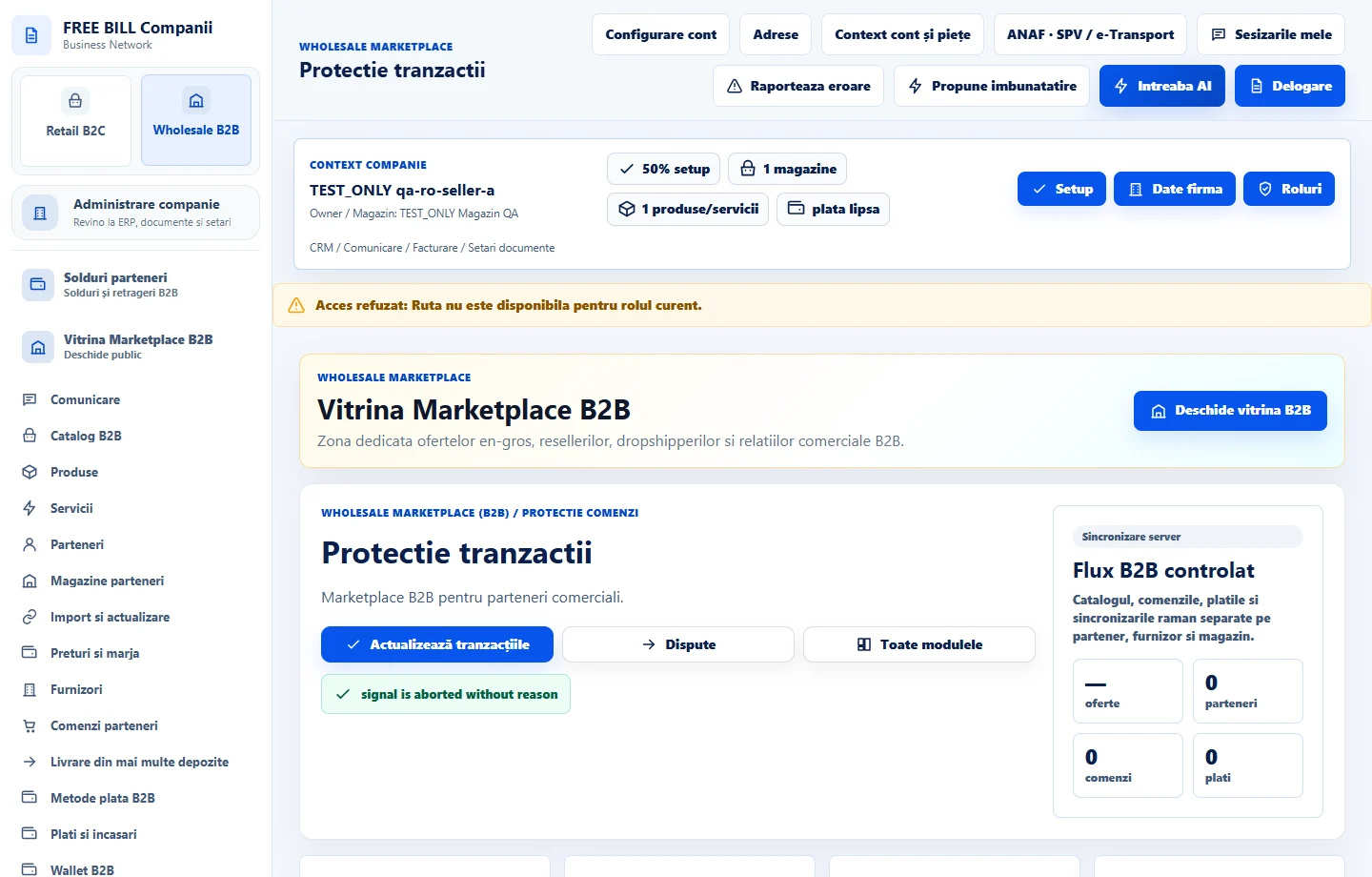
- Protectie tranzactii
Step by step
Open the protection register
Choose «Protectie tranzactii», then «Compania activă» and «Magazin reseller» where displayed. Identify the transaction by order.
Read the hold and its source
Check the status and shared evidence. Compare the related receipt, return or dispute.
Resolve the issue in its source module
Use «Retururi furnizori» for returned items or «Dispute» for a documented issue. Return to transaction protection once the outcome is confirmed.
Check the status after resolution
Refresh the case and verify whether the hold is still active. If its status remains unclear, check the evidence and the operation again in the source module.
Check the result
You can identify the protected transaction and any action to resolve before the hold is released.
If something is missing
If shared information is missing, check your access and the server status. Follow the same reference across modules.
Availability depends on your role, enabled modules, country and company configuration.
Open in FreeBill Conect