Calculate B2B margin after returns
Review profitability by company, store, currency and period.
Before you begin
- Confirmed company orders and actual costs remaining after returns or refunds.
- Who it is for
- company
- Where to find it
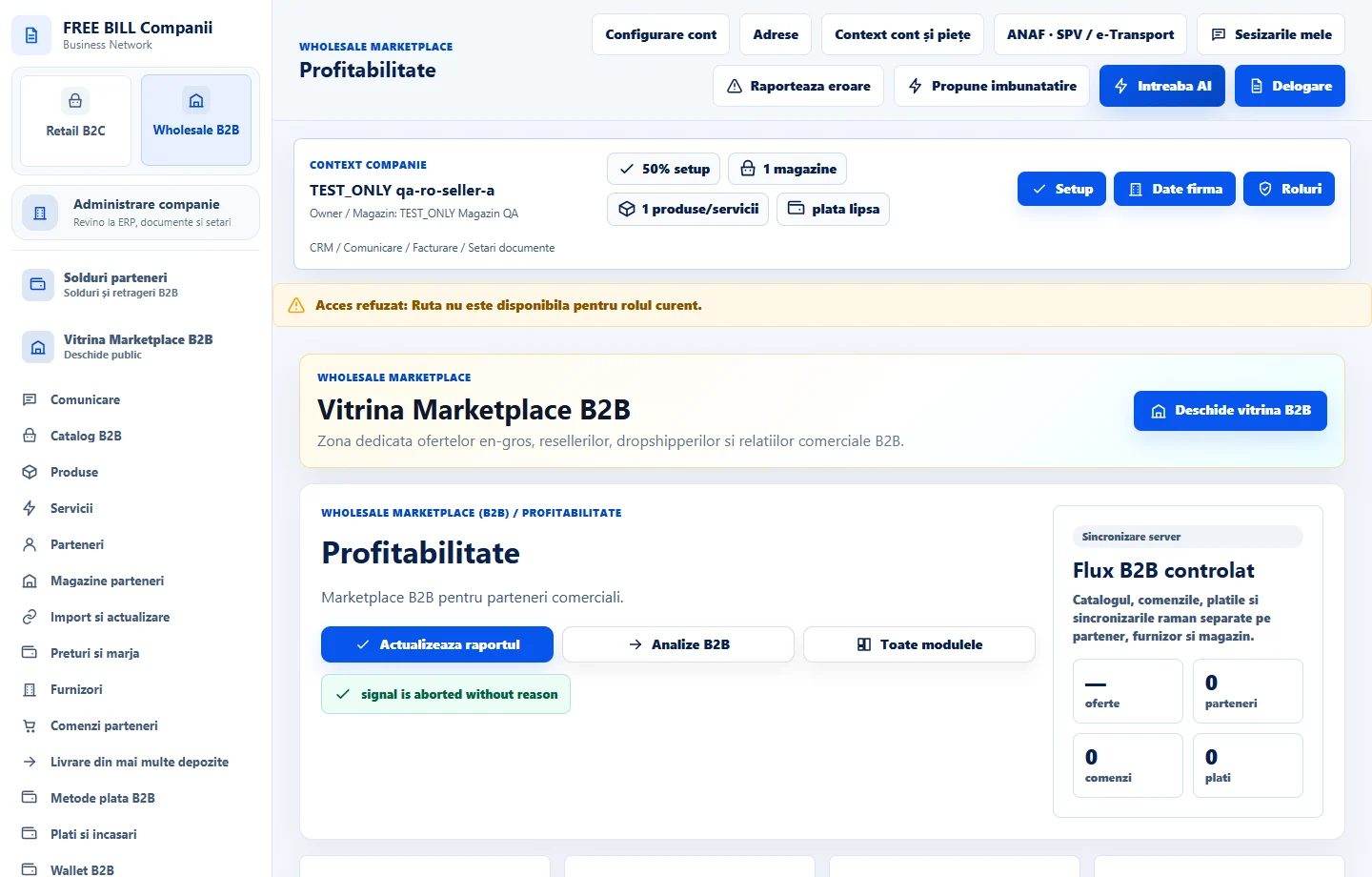
- Profitabilitate
Step by step
Select the reporting scope
Open «Profitabilitate» and select the company, currency, reseller store and order period.
Review report coverage
Compare reported receipts and refunds with confirmed orders. Identify rows with missing costs before interpreting margin.
Record the remaining cost
Enter «Costul propriu al companiei», the supporting document and explanation on the relevant row. Confirm the remaining cost after any returns and refunds.
Review the result
Refresh the report and check «Istoricul costurilor». Check the margin and any data still missing for the selected order.
Check the result
The report uses documented costs and separates missing information from a calculable margin.
If something is missing
If the report is empty, check the currency and dates. Obtain the source document for any missing cost.
Availability depends on your role, enabled modules, country and company configuration.
Open in FreeBill Conect