Reconcile B2B payments and receipts
Match payments, receipts and refunds to the correct commercial reference and documents.
Before you begin
- A confirmed supplier order and, for manual operations, actual evidence of payment or refund.
- Who it is for
- company
- Where to find it
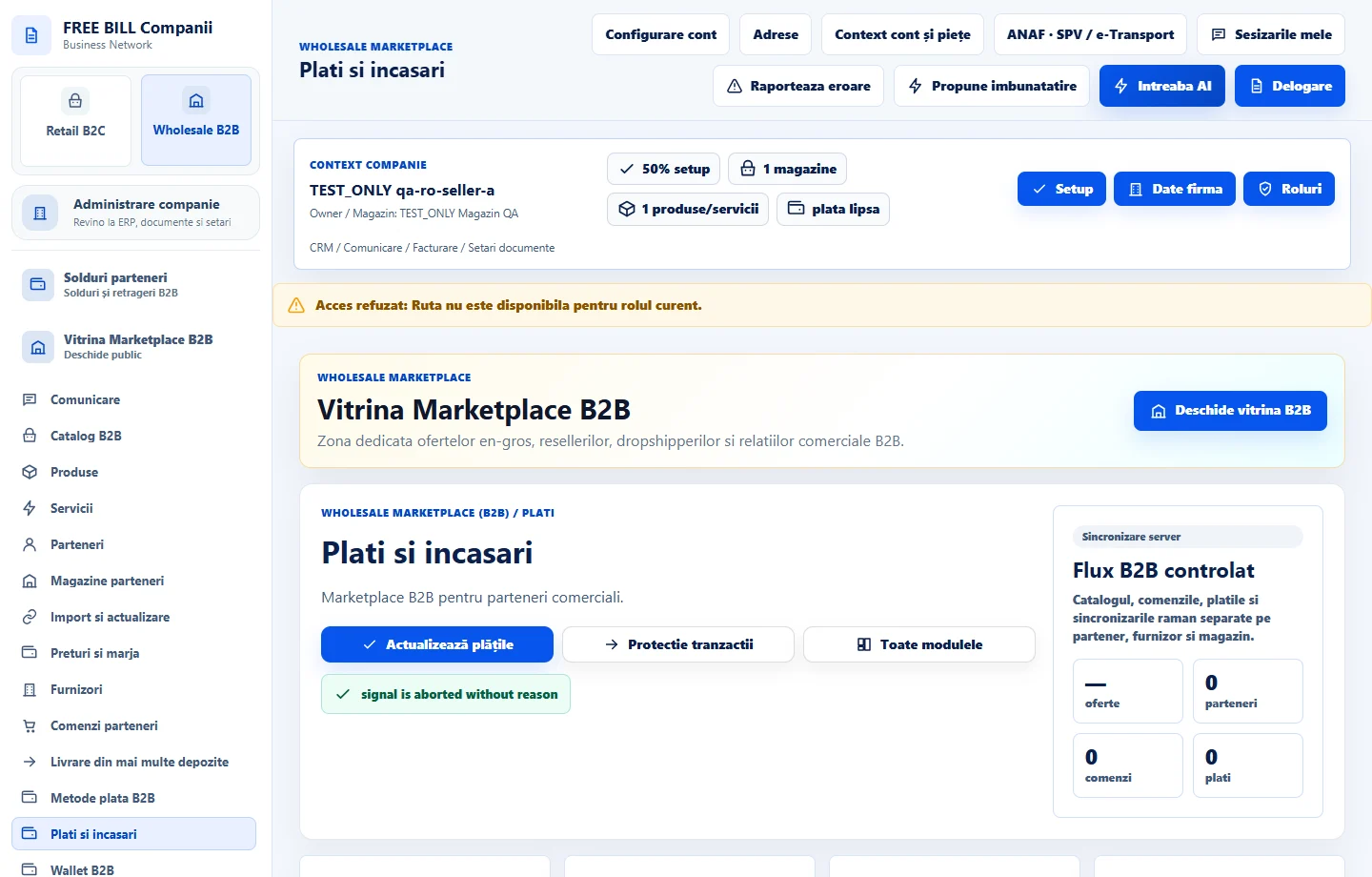
- Plati si incasari
Step by step
Narrow the list
Open «Plati si incasari» and select the company and reseller store. Find the order reference and verify the amount, currency and method.
Match the confirmation
Check receipt status, reference and documents. For a manual transfer, verify the actual receipt before confirming it.
Track a refund
For an approved correction, check the original method and refundable amount. Use the available action and track processor confirmation, or record evidence of the actual bank or cash refund.
Check supplier balances
Review «Mișcări în soldurile furnizorilor» after the operation and compare currency, reference and environment. Reconcile any blocked amount before retrying a payment.
Check the result
The receipt or refund can be identified in the correct register with the available evidence.
If something is missing
If the result is pending, refresh and check the existing operation. Confirm a manual refund only after it has been paid.
Availability depends on your role, enabled modules, country and company configuration.
Open in FreeBill Conect