Configure B2B payment methods
Check which options resellers can use to pay for your company's orders.
Before you begin
- Permission to edit payments and, for external processing, your company's own provider account and credentials for the selected environment.
- Who it is for
- company
- Where to find it
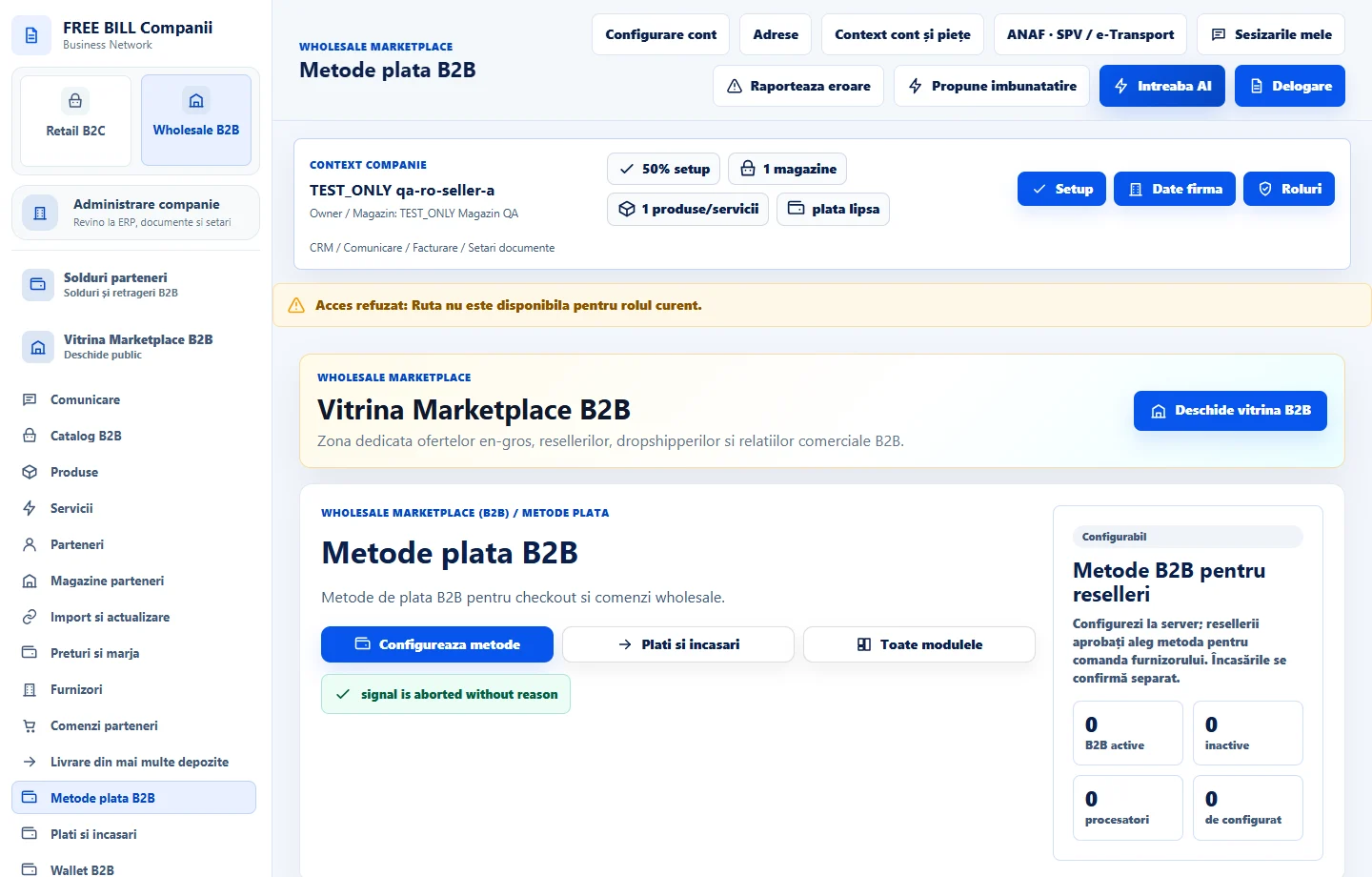
- Metode plata B2B
Step by step
Open B2B payment settings
Open «Metode plata B2B». Select the company and the store or scope available.
Choose and configure the method
Review the permitted options. For manual payments, enter the required instructions and references. For a processor, select your connection, currency and available environment.
Check the status after saving
Review the method and distinguish manual confirmation from a configured processor. Check availability on an eligible order and the appropriate environment before commercial use.
Follow the payment in the receipts module
In «Plati si incasari», find the same suborder. Confirm a result only when the method record or supporting document confirms it.
Check the result
The method is configured for the company and can be checked on an eligible order.
If something is missing
If configuration is incomplete, check the company's account, environment and currency. Enter credentials only in the integration's secure fields.
Availability depends on your role, enabled modules, country and company configuration.
Open in FreeBill Conect