Approve a reseller's access to your catalog
Manage your company's relationships with resellers and their stores.
Before you begin
- The supplying company selected and an access request from a reseller.
- Who it is for
- company
- Where to find it
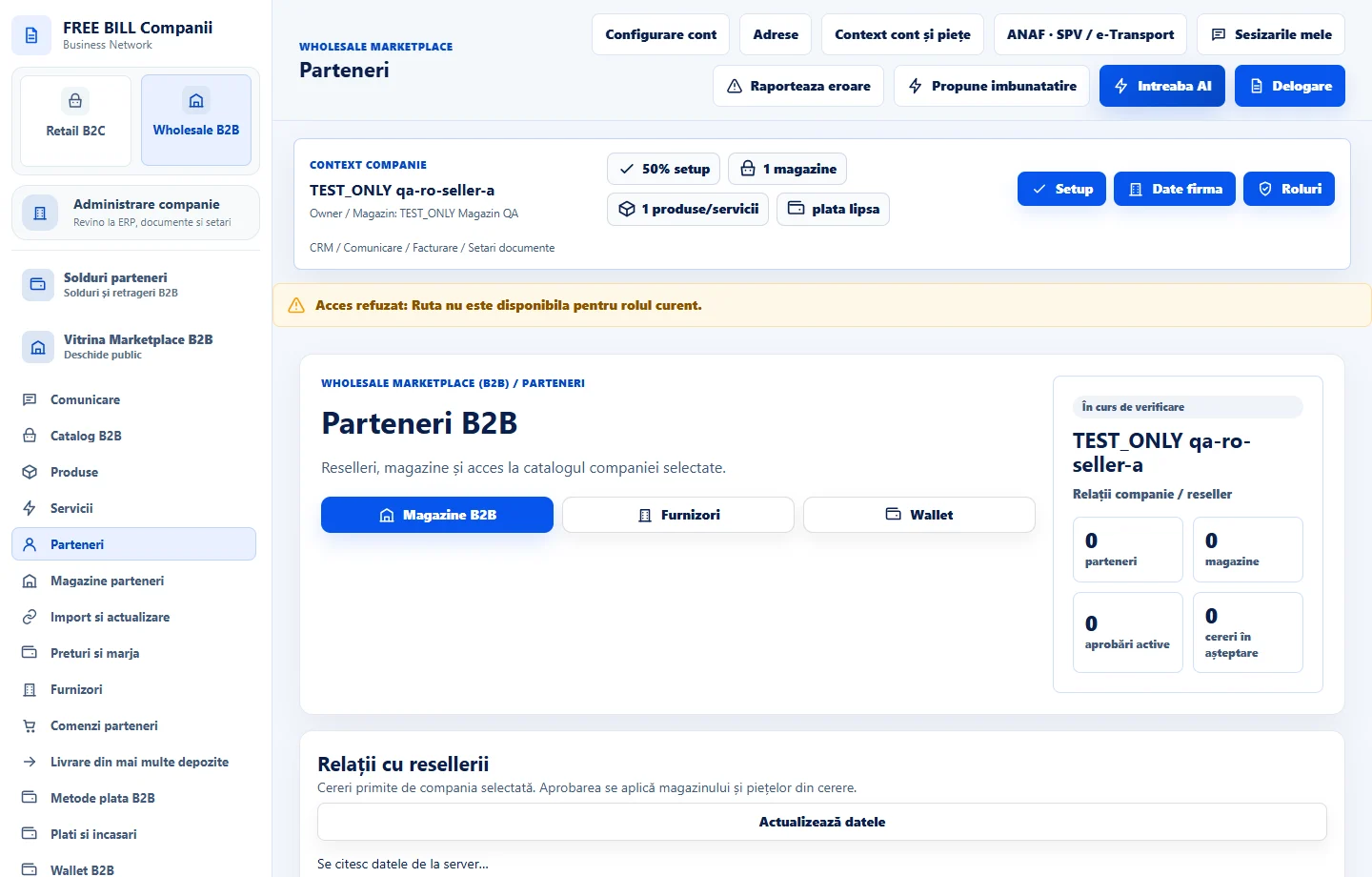
- Parteneri
Step by step
Open reseller relationships
Under «Parteneri», find «Relații cu resellerii». Review the request status and identify the partner, destination store and supplier store.
Verify the request scope
Review the requested markets and level of access. Compare them with the commercial terms agreed before making a decision.
Record your decision
Use «Aprobă» or «Respinge» on the request row. For an active relationship check «Suspendă» as well. Refresh the list and confirm the updated status.
Check access for the individual store
Open «Magazine parteneri» and find the same store. Test access with an account eligible for that store and market.
Check the result
The decision is visible on the right relationship, with access scoped to the store and market.
If something is missing
If the request is missing, check the selected company and verify that the reseller sent it to your store.
Availability depends on your role, enabled modules, country and company configuration.
Open in FreeBill Conect