Process an order from a reseller
Open your company's suborder, confirm its items and follow the invoice and delivery.
Before you begin
- A server-confirmed B2B suborder for the supplying company and the reseller's store.
- Who it is for
- company
- Where to find it
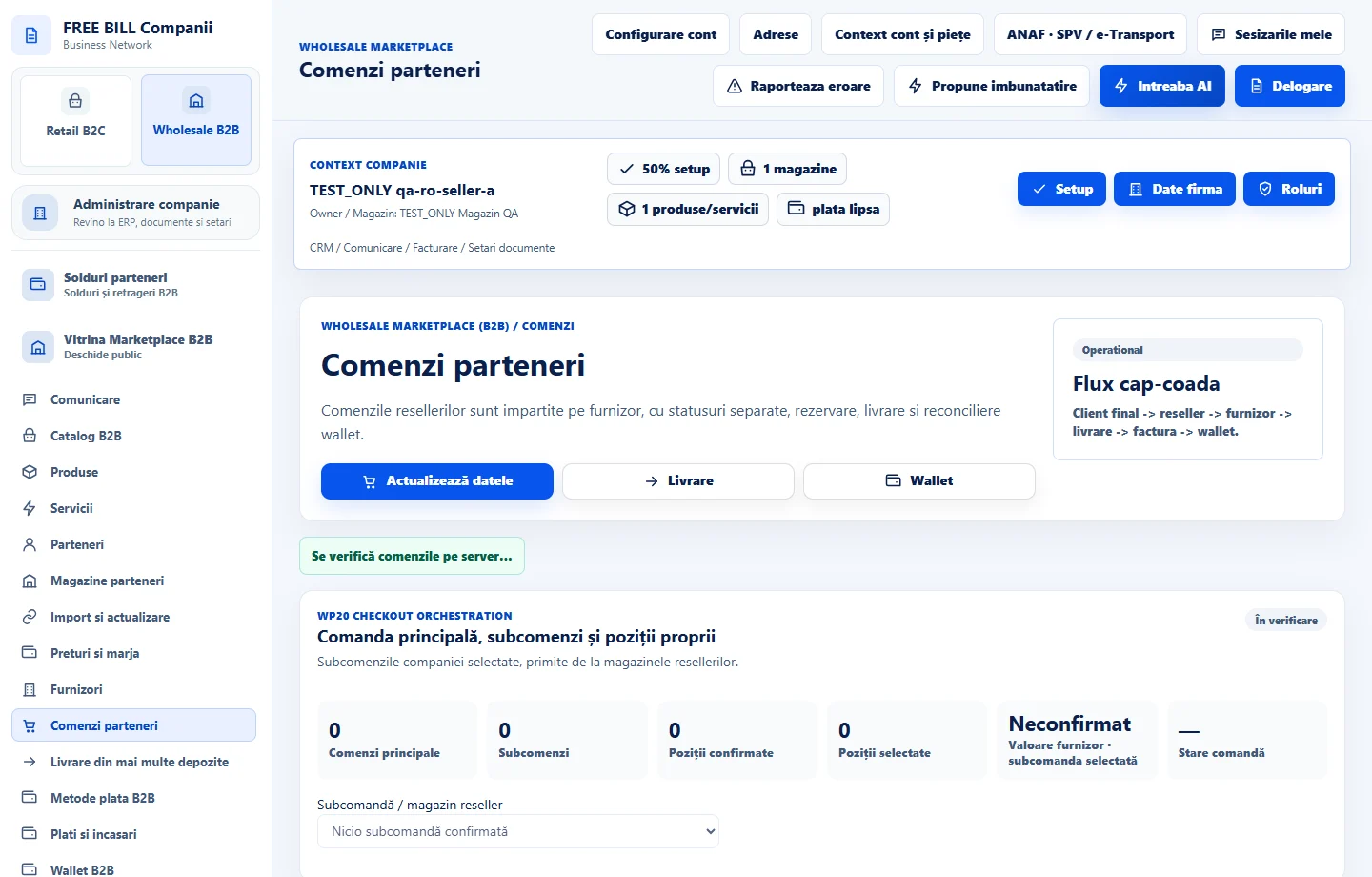
- Comenzi parteneri
Step by step
Load your own suborders
Open «Comenzi parteneri» and choose «Actualizează datele». Select the row using its suborder reference and reseller store. The main order can include several suppliers.
Check items and commercial data
Review the quantities, supplier value, payment and delivery status. Confirm your company can fulfill its items on the agreed terms.
Record your decision
Choose «Accepta», «Partial» or «Respinge». For partial acceptance, select the accepted items, enter your note, confirm the response and choose «Salvează răspunsul».
Verify the result and invoice
Refresh and read the updated status. If «Vezi factura furnizorului» is available, open it and compare the items and amounts with the accepted suborder.
Continue in the related modules
For products, open «Livrare» and locate the shipment for this suborder. For receipts, refunds or balances, use the same suborder reference in the B2B financial modules.
Check the result
The company's response is recorded on the correct suborder and its invoice and delivery links can be followed.
If something is missing
If the response deadline has passed or your response cannot be changed, check the server status. For an uncertain save, use «Reîncearcă salvarea» if available.
Availability depends on your role, enabled modules, country and company configuration.
Open in FreeBill Conect