Check a partner's commercial balance
Reconcile shared balances and documents with the order and receipts register.
Before you begin
- The company selected, permission to read balances, and the partner or order reference.
- Who it is for
- company
- Where to find it
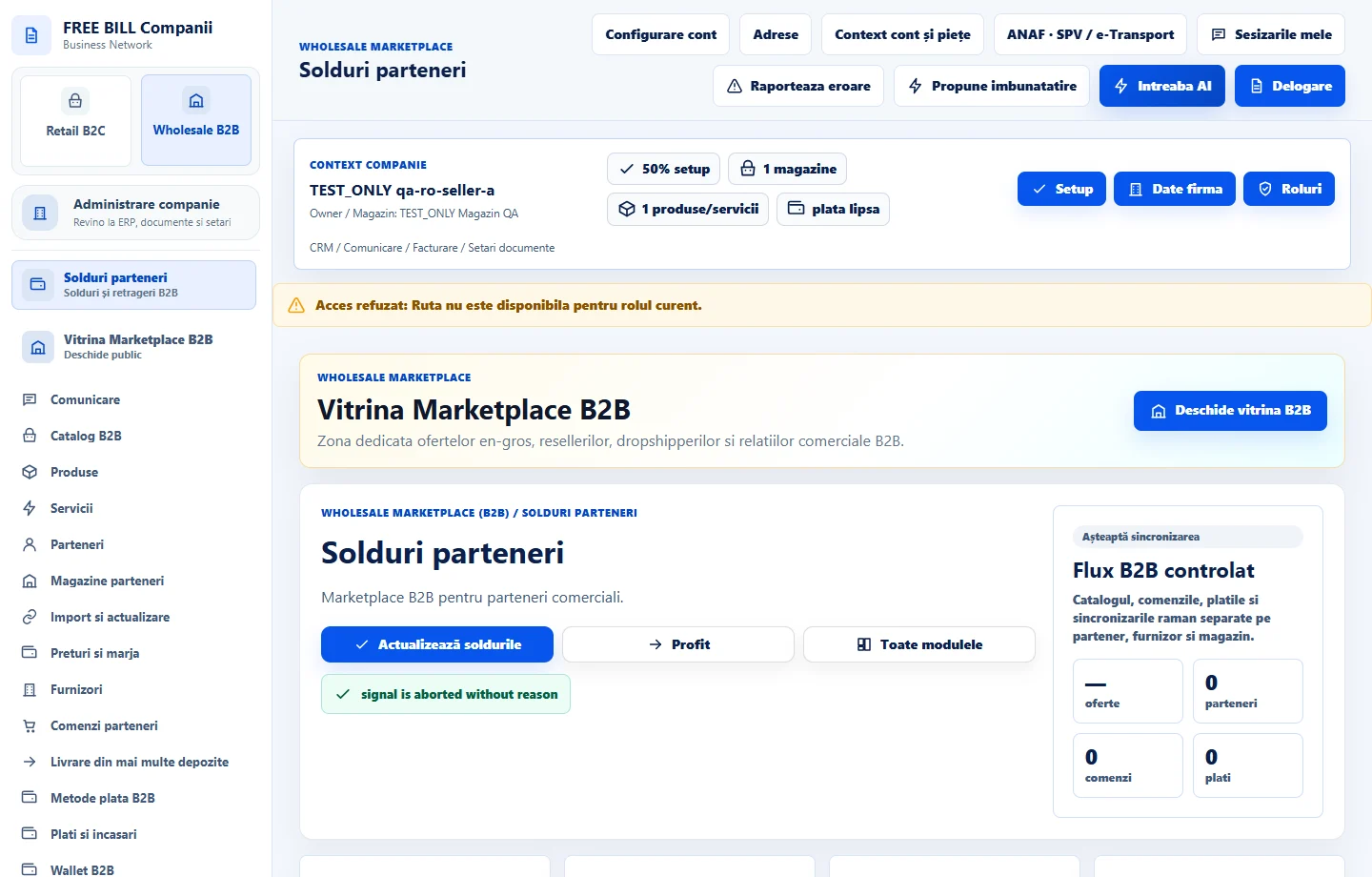
- Solduri parteneri
Step by step
Open the company's register
Open «Solduri parteneri» in Wholesale B2B. Load the data and find the partner or document.
Compare financial entries
Check the currency, source and amount of each movement. Distinguish the documented commercial balance from funds available for withdrawal or payment.
Check the source of discrepancies
Open the order, payment, refund or invoice referenced in the register. Compare the situation after any correcting document.
Keep reconciled references
If the records differ, note the reference, currency and amount and follow the transaction in its original module.
Check the result
The partner balance can be explained using identified orders, documents and movements.
If something is missing
If an operation is missing, check the company, currency and environment. Wait for server confirmation before recording a second operation.
Availability depends on your role, enabled modules, country and company configuration.
Open in FreeBill Conect