Configure your Wholesale B2B integrations
Add a connection for your company, verify access and prepare a transfer.
Before you begin
- An eligible company and store, integration permission and your own account with the service.
- Who it is for
- company
- Where to find it
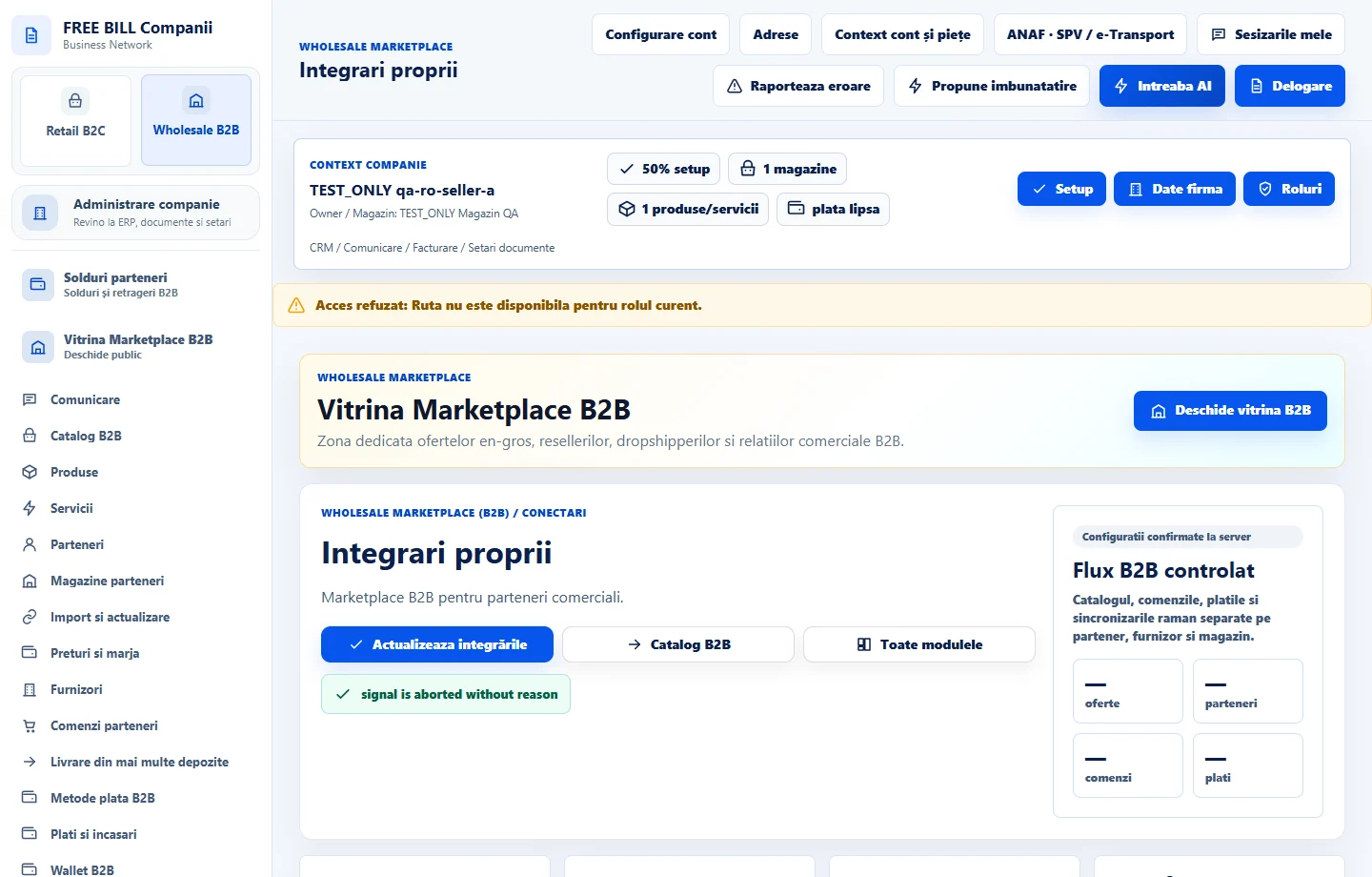
- Integrari proprii
Step by step
Choose the integration type and scope
Open «Integrari proprii», then «Conectări potrivite pentru magazinul tău». Choose the service and store or company context.
Enter connection settings
Enter the address, options and credentials in the designated fields. Choose «Salvează configurația» and check the connection's purpose and status.
Verify before transferring
Select the configured integration and use the available connection check. For catalogs, inspect the title, source price and returned items before using the data in an offer.
Review history
Open «Istoricul operațiunilor» and check the result and item count. For an unconfirmed external result, check the same request before starting a new one.
Check the result
The company connection and the result of its check or transfer can be identified.
If something is missing
Availability depends on the service, store and access. If an action remains blocked, check your configuration and the service status.
Availability depends on your role, enabled modules, country and company configuration.
Open in FreeBill Conect