Configure and track a B2B promotion
Prepare a campaign for an eligible offer you own and follow moderation and budget.
Before you begin
- A published product, service or store you own, confirmed for the B2B context.
- Who it is for
- company
- Where to find it
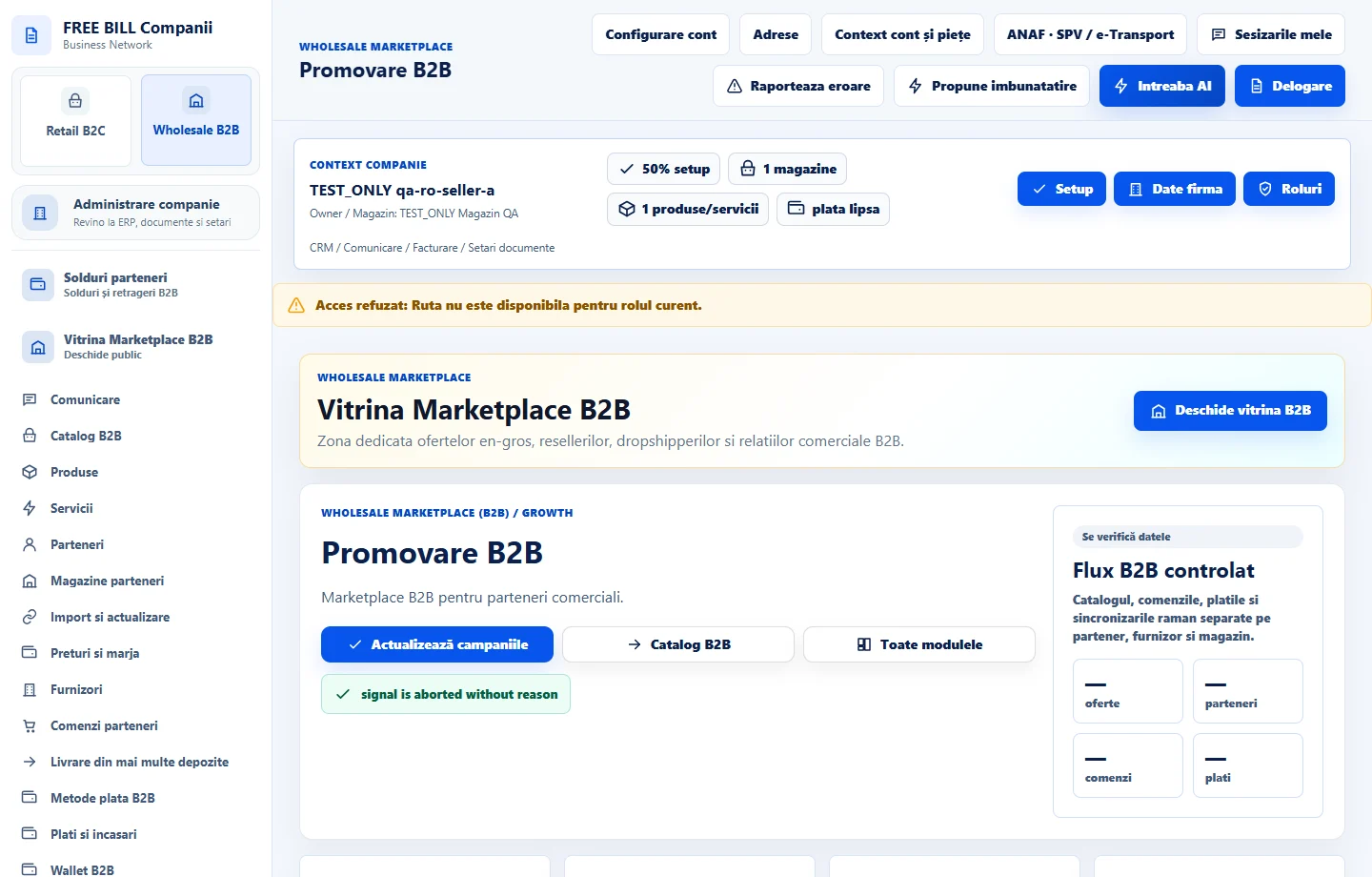
- Promovare B2B
Step by step
Start a campaign
In «Promovare B2B», select the company and choose «Campanie nouă». Choose your offer or store and enter the title, message and dates.
Check budget and terms
For paid placement, review the pricing model, total budget, daily cap and conditions before saving.
Save and submit for moderation
Choose «Salvează ciorna», review the information and submit the campaign. For paid campaigns, also check the receipt status before placement begins.
Track the campaign
Use the «Stare campanie» filter and review «Istoric confirmat la server». Check the reason if placement stops or the budget is exhausted.
Check the result
The campaign is recorded with its offer, dates and a verifiable moderation or placement status.
If something is missing
If the offer cannot be selected, check its publication status and company. A saved draft still needs to be submitted for moderation.
Availability depends on your role, enabled modules, country and company configuration.
Open in FreeBill Conect