Handle a dispute with a reseller
Open or resolve a shared case using evidence and order history.
Before you begin
- An eligible shared order or existing case for the selected company.
- Who it is for
- company
- Where to find it
- Dispute
Step by step
Find the order or case
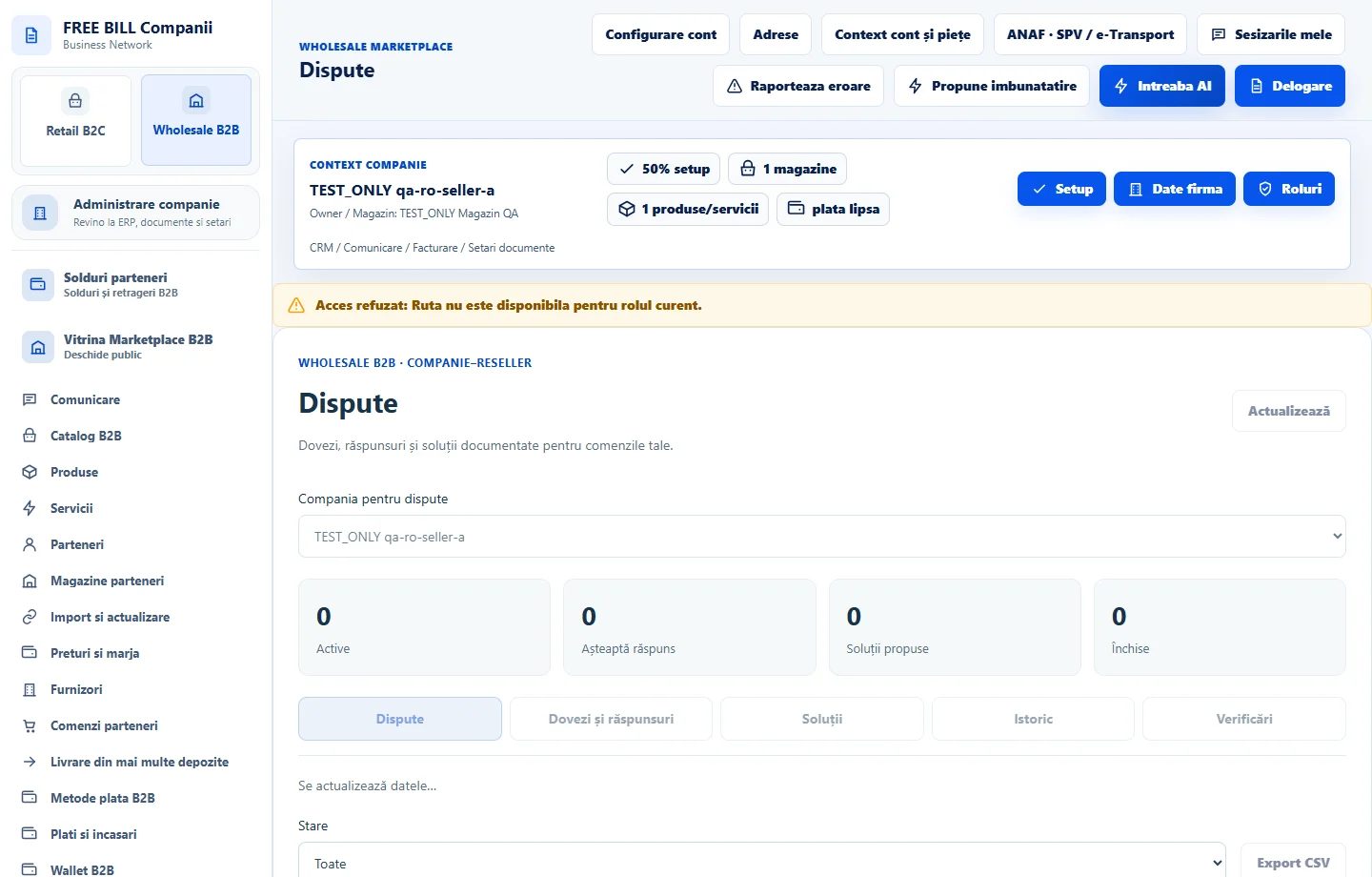
In «Dispute», choose the company, order and status. For a new case, use «Comenzi pentru deschiderea unei dispute».
Record the facts
Under «Dovezi și răspunsuri», include only order-relevant information and the document reference. The company and reseller can both view shared messages.
Propose a resolution
Choose «Propune o soluție» and select a remedy, replacement or refund as appropriate. If the solution requires a financial or logistics operation, record it in its own module.
Confirm resolution or request another review
Once the resolution is supported by evidence, choose «Confirmă rezolvarea» or «Solicită reanalizarea». Check «Istoric» and the case status.
Check the result
The shared case tracks the evidence, responses, resolution and status.
If something is missing
If an action is unavailable, check which party should respond and the current case status.
Availability depends on your role, enabled modules, country and company configuration.
Open in FreeBill Conect