Configure and simulate B2B automation rules
Check rules before enabling them and track recorded tasks.
Before you begin
- The company selected, automation access and confirmed catalog and order data.
- Who it is for
- company
- Where to find it
- Automatizari B2B
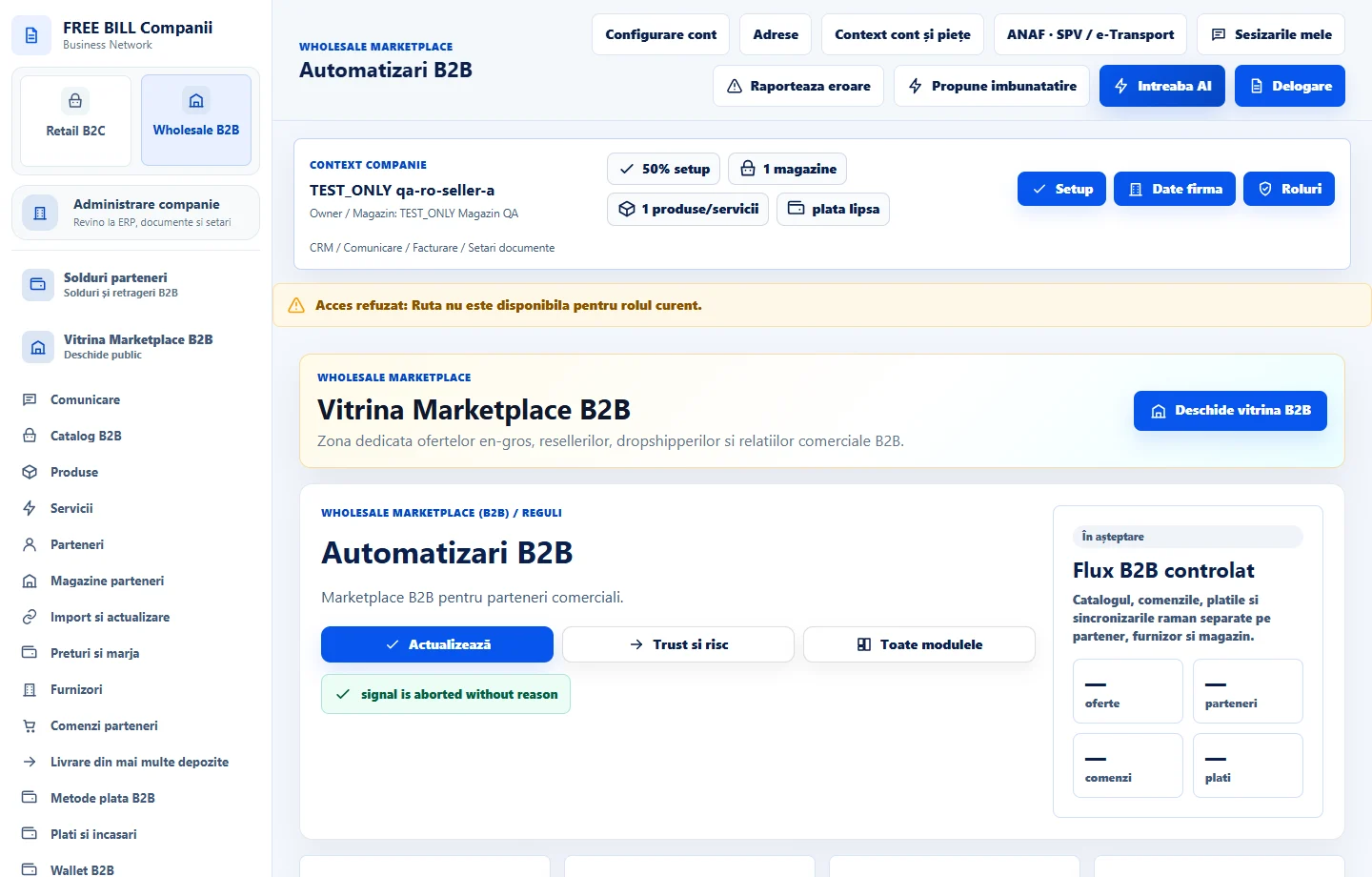
Step by step
Read existing rules
Open «Automatizari B2B» and choose «Actualizează». Check selected rules, notifications and «Sarcini și statusuri sincronizate».
Prepare a change
Select a rule, such as «Suspendă automat ofertele publicate cu stoc zero». Check its scope and displayed interval before saving.
Simulate before running
Choose «Simulează» and read «Simulare fără modificări». Check which offers or tasks would be affected and choose «Salvează regulile» if the result is appropriate.
Track execution
Use «Rulează acum» after checking the scope. Review «Istoric salvat la server» and refresh the register to confirm the result.
Check the result
Rules have been evaluated, and runs and tasks are verifiable for the selected company.
If something is missing
For an uncertain save, choose «Reîncearcă aceeași operațiune» where shown and check the history before starting another run.
Availability depends on your role, enabled modules, country and company configuration.
Open in FreeBill Conect