Connect an application to Wholesale B2B data
Configure your company's API access and track authorized transfers.
Before you begin
- Integration permission for the company and a secure place on your application server to store the key. Notifications require your own HTTPS endpoint.
- Who it is for
- company
- Where to find it
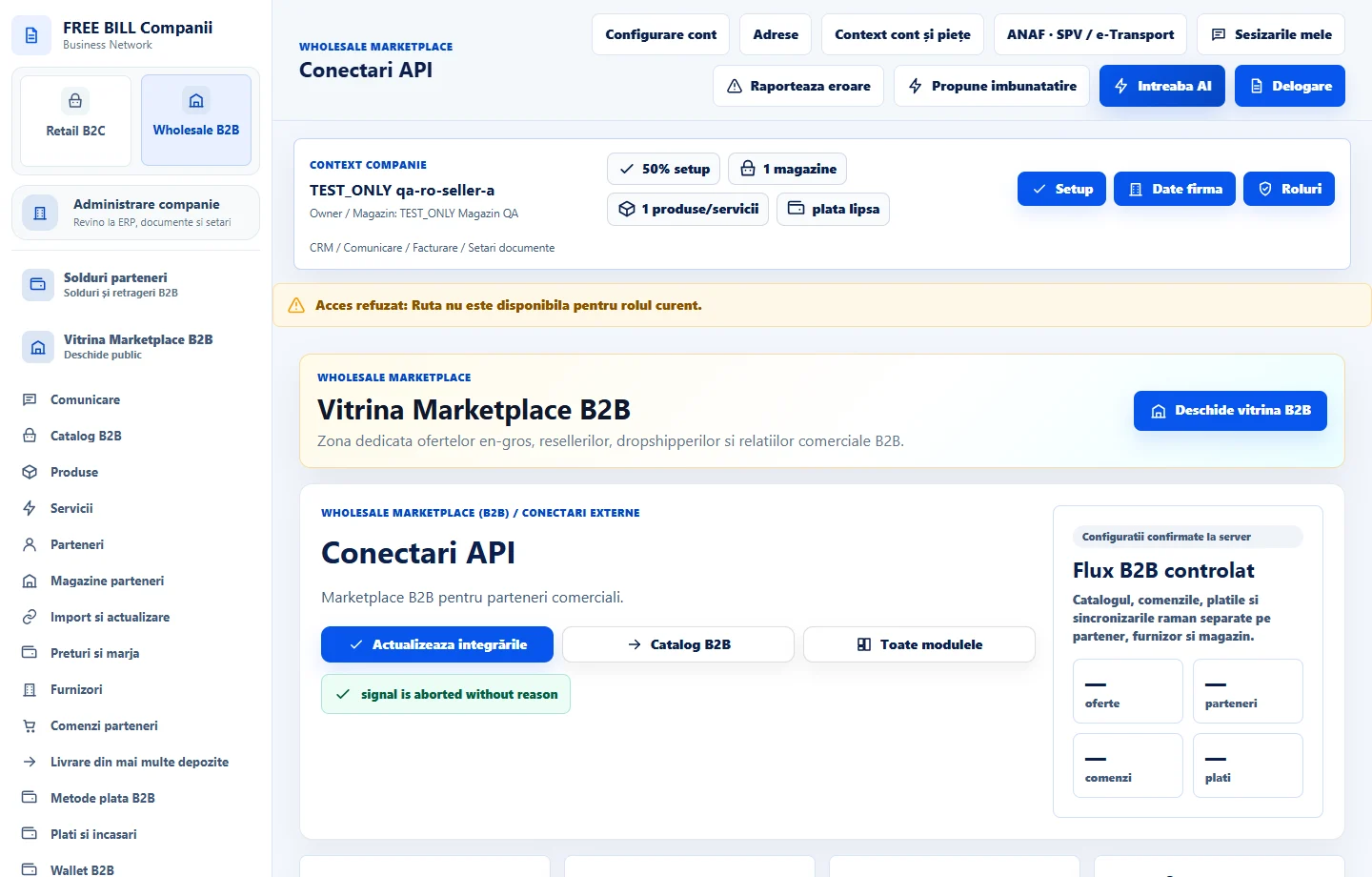
- Conectari API
Step by step
Open FreeBill API access
In «Conectari API», find «Acces API și notificări FreeBill». Select the company and use «Descarcă documentația JSON» or «Descarcă exemplul de integrare Node.js».
Issue a scoped key
Choose «Generează cheie pentru aplicația proprie». Enter the name and expiry and select only necessary permissions, such as catalog read. Add «Adresă webhook HTTPS» if the application will receive notifications.
Store credentials in your application
Copy the key and, if shown, the webhook signing secret. Store them in your server's secure configuration and confirm «Am salvat acreditările».
Verify access with a controlled test
Read an authorized resource for the selected company through the API. Match the result against FreeBill records. For a webhook, verify its signature and check the delivery journal.
Maintain the key list
Review expiration, permissions and notifications regularly. Revoke any keys that are no longer used.
Check the result
The connection has a controlled scope and access, with a traceable transfer.
If something is missing
If no resources or keys are visible, check the role and context. Keep keys out of notes, messages and screenshots.
Availability depends on your role, enabled modules, country and company configuration.
Open in FreeBill Conect