Review Wholesale B2B commercial reports
Track sales, returns, disputes and margins in the company registers.
Before you begin
- The company and currency selected and read access to B2B sources.
- Who it is for
- company
- Where to find it
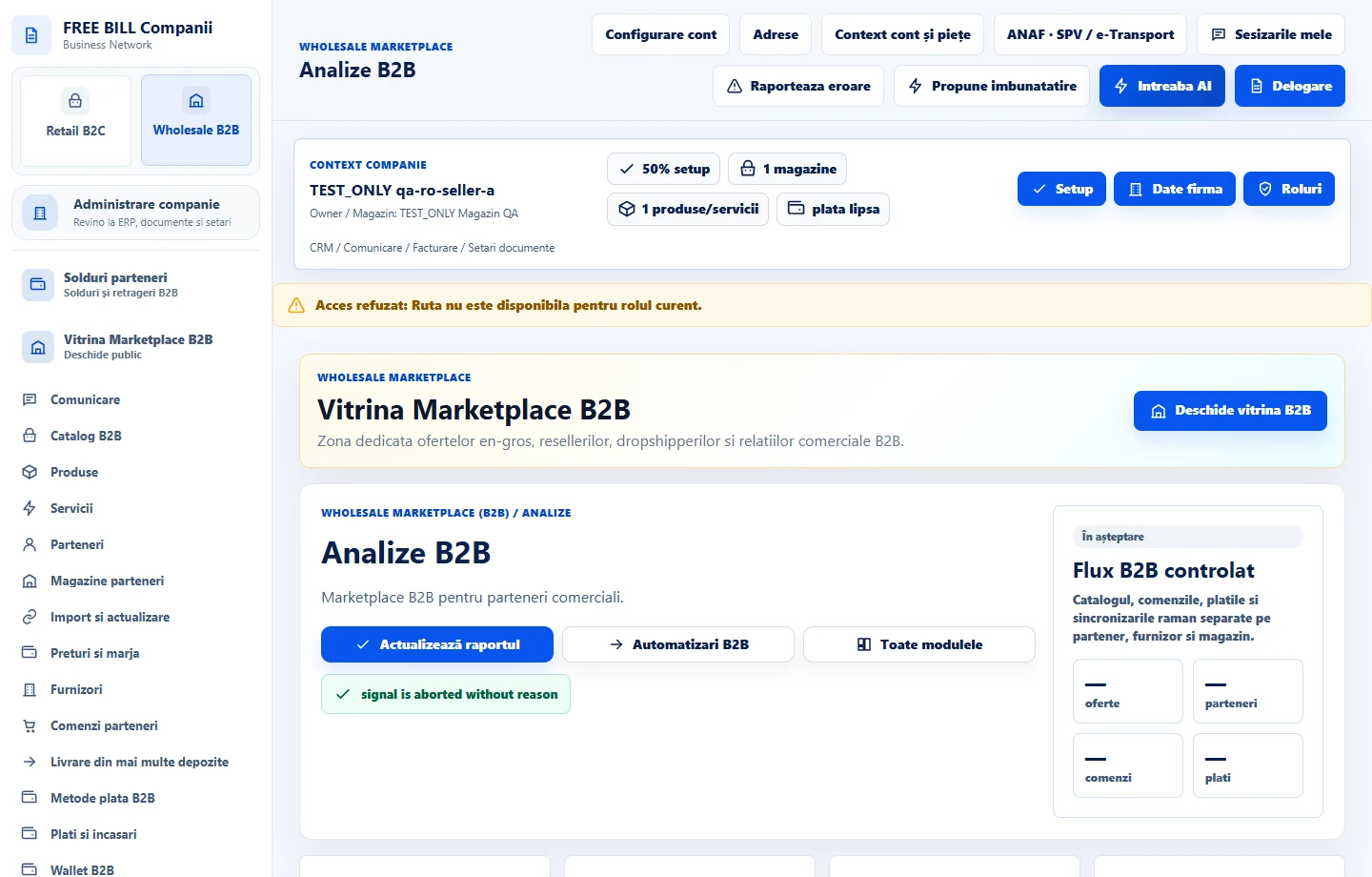
- Analize B2B
Step by step
Set dates and stores
Open «Analize B2B». Choose «Magazin furnizor», «Magazin reseller», the currency and dates «De la» and «Până la».
Compare reports
Review receipts, returns and disputes, then costs and margins. Read «Formule și acoperire» to understand which data is included.
Investigate a discrepancy
Open «Reconciliere» and choose «Deschide sursa» or «Deschide registrul» for the affected reference. Check the status in the source module.
Keep a copy of the report
Export where available and record the selected filters. Keep TEST reports separate from actual receipts.
Check the result
You have a commercial report for the selected scope with verifiable sources and coverage.
If something is missing
If an order is missing, check its store, dates, currency and confirmation status. TEST records are excluded from actual results.
Availability depends on your role, enabled modules, country and company configuration.
Open in FreeBill Conect