Use the B2B AI Assistant with your company's key
Choose a local report or send a question through your company's AI connection.
Before you begin
- The company selected. An external call requires your own verified AI key in the company integrations.
- Who it is for
- company
- Where to find it
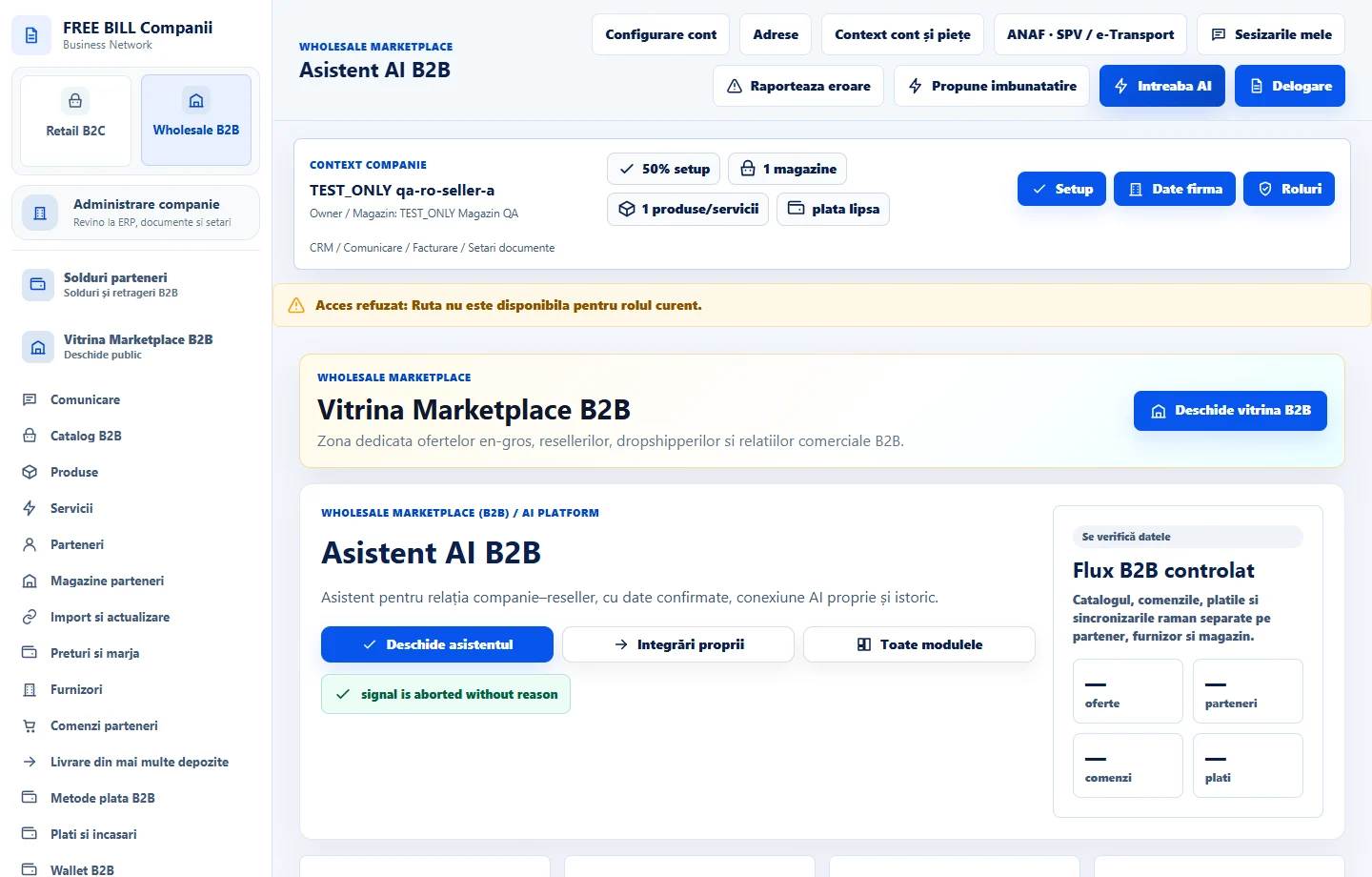
- Asistent AI B2B
Step by step
Open the assistant
In «Asistent AI B2B», check the connection status. For internal analysis choose «Raport local, fără apel AI» and select the relevant section.
Set up the provider when you need external AI
Choose «Configurează conexiunea AI» and use your company's account and key. Return once the connection is confirmed.
Check the data to be sent
In «Întreabă furnizorul AI», choose the connection and enter your question. Review «Previzualizarea exactă a contextului AI» and keep only the necessary information. Confirm when you agree to send it.
Verify the answer at its source
Compare the result with the relevant offer, order or receipt before using it. Review the request history for the company.
Check the result
You have a traceable local report or an answer for your company context and have reviewed any information sent.
If something is missing
If the connection list is empty, check the company, key status and permission. Use the local report for available internal data.
Availability depends on your role, enabled modules, country and company configuration.
Open in FreeBill Conect