Prepare and track B2B social publishing
Use your own channels, reviewed drafts and provider confirmations.
Before you begin
- A reviewed editorial draft, publishing permissions and your company's social account configured for the chosen channel.
- Who it is for
- company
- Where to find it
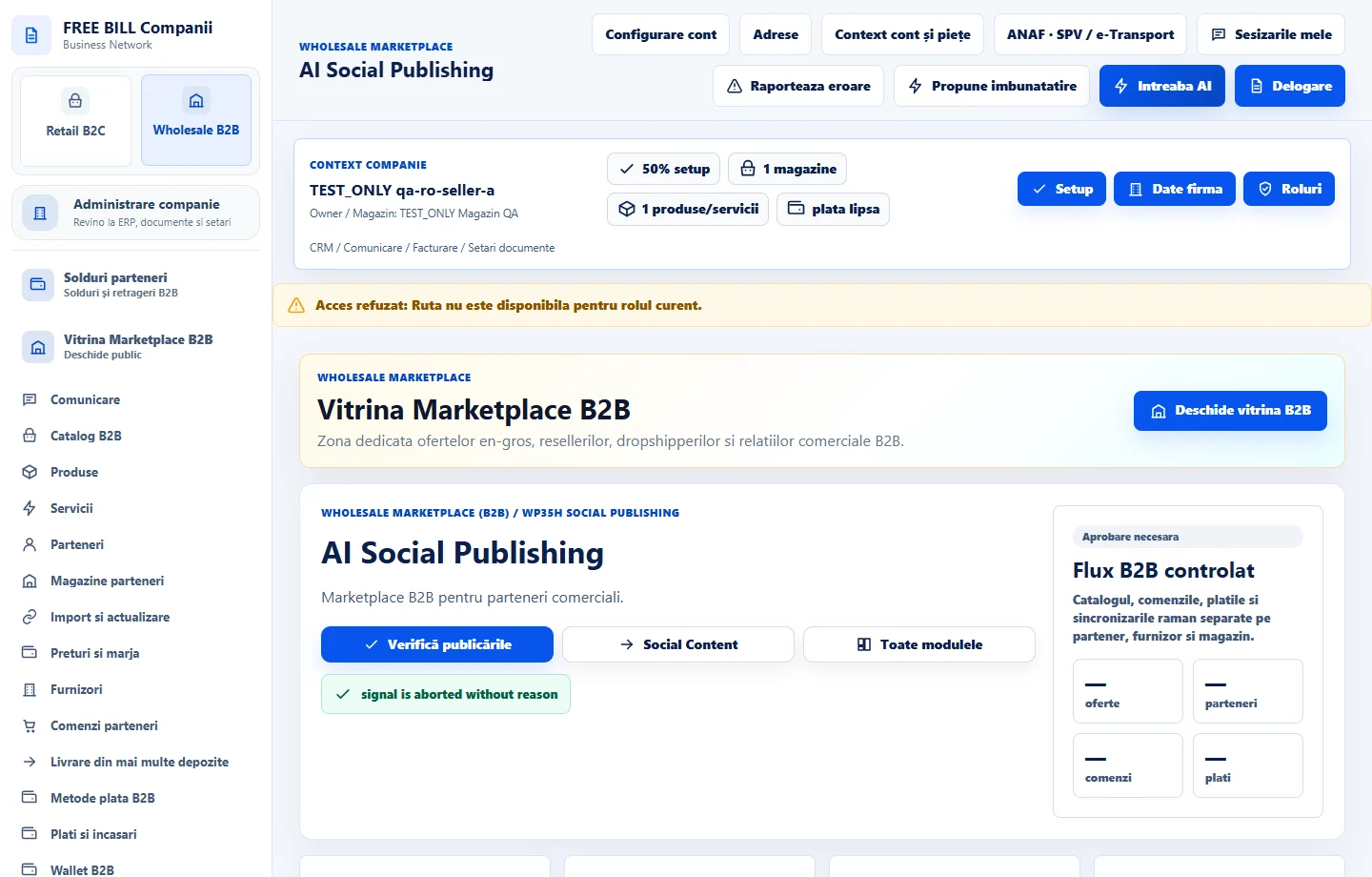
- AI Social Publishing
Step by step
Check the channel identity
Open «AI Social Publishing». Identify the company, store and channel connection. Use your own integrations to connect and verify it.
Select the material
Choose a compatible draft and verify the text, media, format and destination account before starting.
Authorize the available publishing action
Choose sending or scheduling where supported. Check the date, time zone and displayed status before confirming.
Track delivery
Check the journal and provider reference. For an unconfirmed result, check the existing operation and the channel before retrying.
Check the result
The publishing operation is traceable to its connection, material and result.
If something is missing
Channels have their own permission and format requirements. If publishing is blocked, check the message for that connection.
Availability depends on your role, enabled modules, country and company configuration.
Open in FreeBill Conect