Create editorial content for B2B offers
Draft content manually or with AI for a social channel and verify the claims.
Before you begin
- A store, product or service you own and checked sources. For an AI draft, configure the company's own key.
- Who it is for
- company
- Where to find it
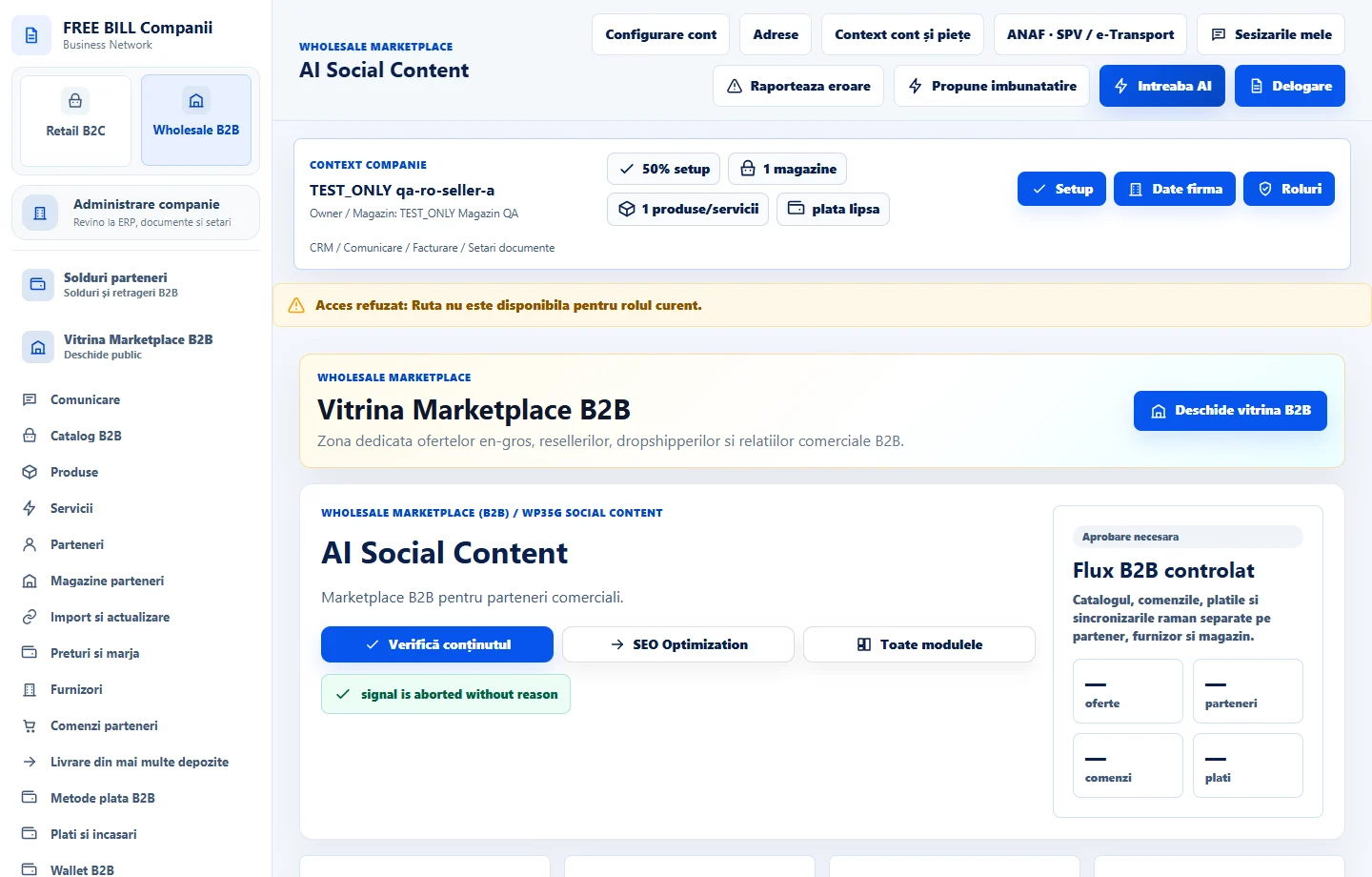
- AI Social Content
Step by step
Choose a source and channel
In «AI Social Content», select the company and start from your own catalog. Choose the intended format and channel.
Write the draft
Enter the copy manually or use «Generează ciornă AI» with your company connection. Check prices, claims and image rights.
Review and export
Enter the note under «Verificare și pregătire» and prepare the editorial package. Use the editorial date to organize the work.
Continue to publishing
Open «AI Social Publishing» to send through a configured social connection. Check the publishing date and delivery status there.
Check the result
The editorial package is ready with its source and review documented.
If something is missing
The editorial date organizes drafts. Set the publishing date separately in the publishing module.
Availability depends on your role, enabled modules, country and company configuration.
Open in FreeBill Conect