Prepare and apply B2B SEO metadata
Review the title, description and visibility of a page your company controls.
Before you begin
- A catalog or store page you own. An AI draft requires your own verified connection.
- Who it is for
- company
- Where to find it
- AI SEO Optimization
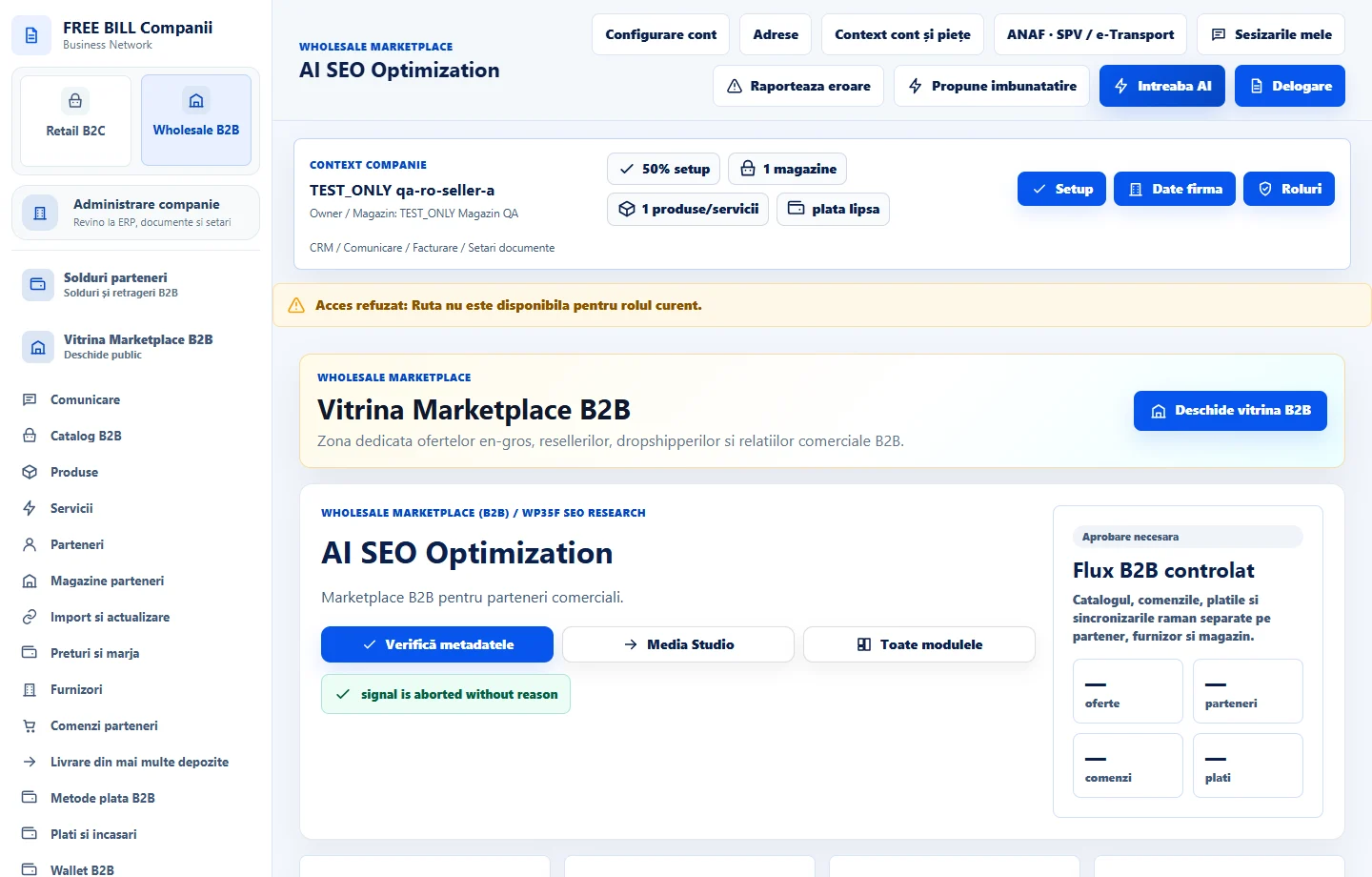
Step by step
Choose the page
In «AI SEO Optimization», select the company and open «Pagini și propuneri SEO». Check the store and current visibility.
Enter or generate metadata
Choose «Completează manual» or «Generează propunere AI». Review «Titlul paginii» and «Descriere pentru rezultatele căutării» in the preview.
Confirm the review and apply
Under «Revizuire și aplicare», confirm the text accurately describes the page and the visibility is appropriate. Enter a note and apply in the displayed context.
Check the change
Review «Istoricul modificărilor SEO» and open the public page where available. Verify which metadata was applied.
Check the result
The metadata and visibility decision are saved with a reviewable history.
If something is missing
Search engines may display a different title and description. Check indexing status separately.
Availability depends on your role, enabled modules, country and company configuration.
Open in FreeBill Conect