Set up a sender and B2B email campaigns
Prepare a campaign for eligible recipients and track results for each recipient.
Before you begin
- Your own store, a sender validated with the selected service, your credentials and eligible recipients.
- Who it is for
- company
- Where to find it
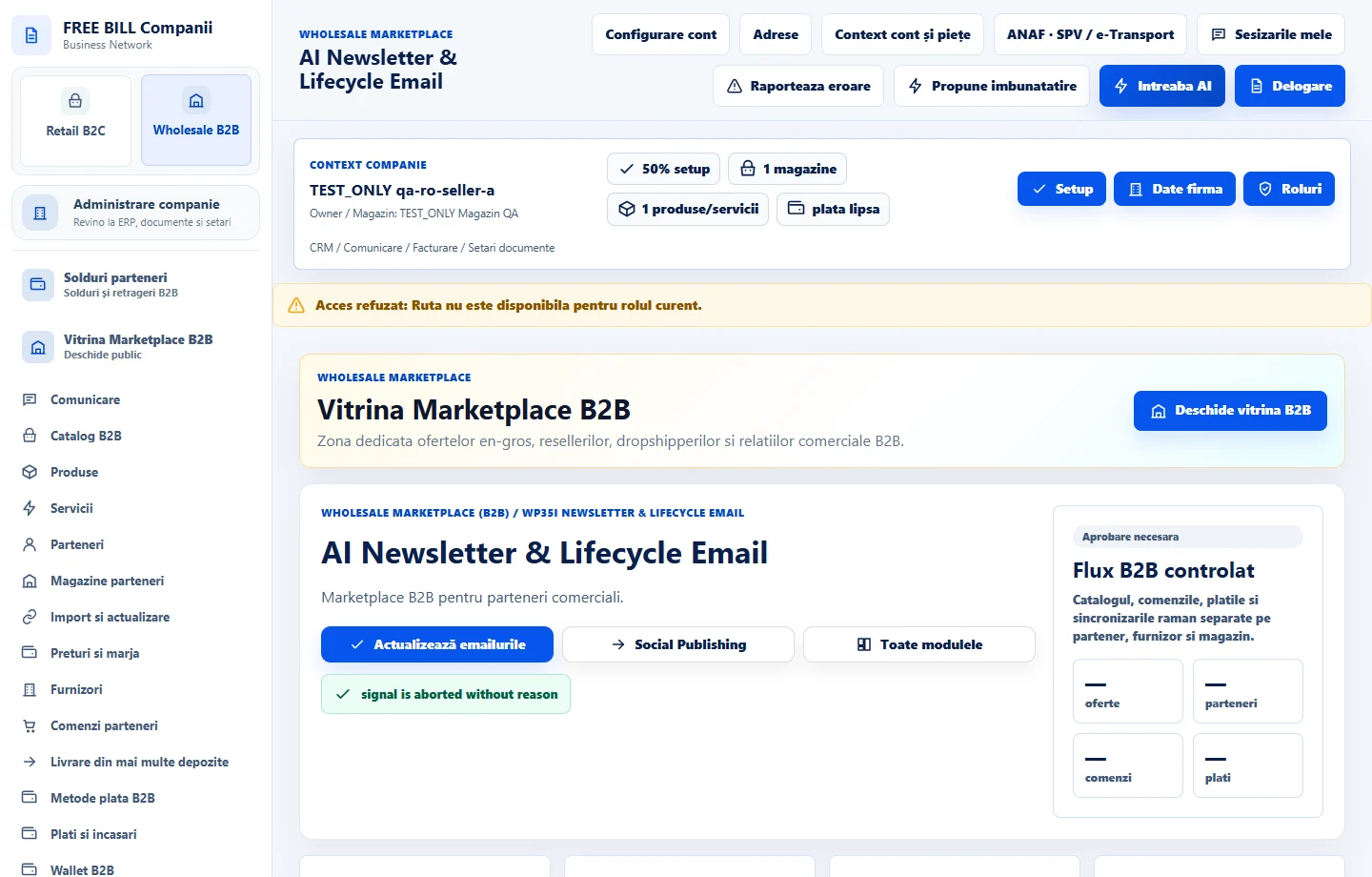
- AI Newsletter & Lifecycle Email
Step by step
Connect the sender
In «AI Newsletter & Lifecycle Email», review options such as Brevo, Resend or Postmark. Choose your service, store identity and sender, then check the saved connection status.
Prepare the campaign
Choose the source product, service or store and the sender. Enter the content and choose the segment. Authorize any AI call separately through the company's key.
Check the audience and schedule
Review «Destinatarii magazinelor tale» and preferences before authorizing. Verify recipients, content and scheduled time.
Track sending
Review «Rezultate pe destinatar» and «Istoric și rezultate». Check confirmed delivery and any sender errors separately.
Check the result
The campaign has a verified sender and segment with traceable results.
If something is missing
If there are no recipients, check the approved relationship, confirmed address and eligible preferences.
Availability depends on your role, enabled modules, country and company configuration.
Open in FreeBill Conect