Prepare B2B images and videos
Upload, generate and review assets for a product, service or store.
Before you begin
- A source you own and usage rights. AI generation requires the appropriate active image or video connection.
- Who it is for
- company
- Where to find it
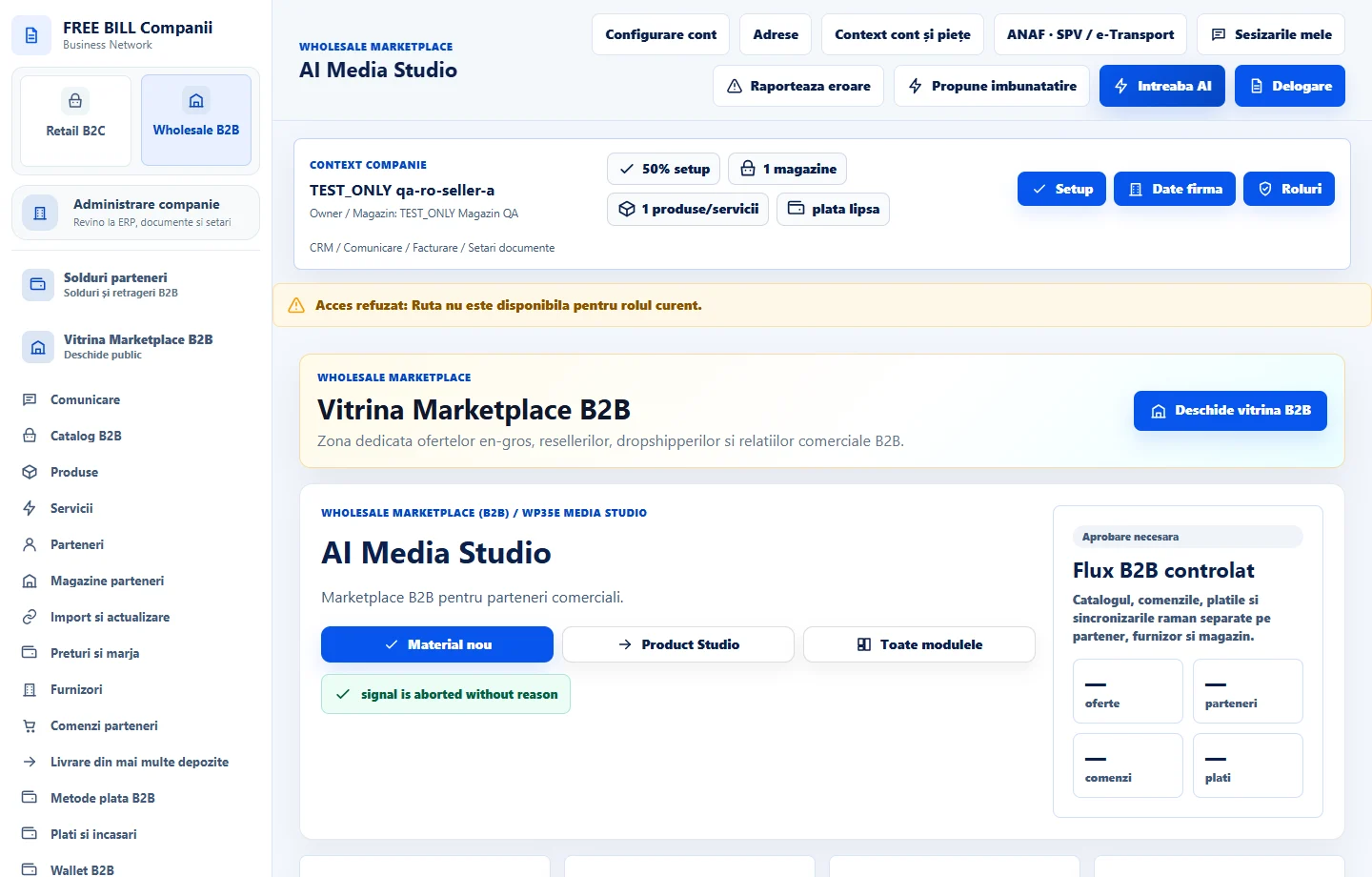
- AI Media Studio
Step by step
Choose the source
In «AI Media Studio», open «Material nou». Choose a product, service, store or reviewed draft.
Prepare the asset
Choose «Încarcă imagine» for a file you own. For «Generează imagine AI» or «Generează video AI», review the provider, instructions and available options before confirming.
Review the asset
Open the result and compare it with the source. Check the description, any artifacts and usage rights. Add a note and confirm the review.
Check catalog usage
Apply the result in the available context and review «Utilizare în catalogul B2B» and «Istoricul materialelor». Reopen the offer to check how it appears.
Check the result
The asset is linked to your source, with a verifiable review and status.
If something is missing
If the source changed or the connection is unavailable, reread the current data and review again. For video, check the job before starting a new generation.
Availability depends on your role, enabled modules, country and company configuration.
Open in FreeBill Conect