Review sales, support and growth proposals
Use company records and retain the approval and evidence for each proposal.
Before you begin
- The active company selected in the module and confirmed source records.
- Who it is for
- company
- Where to find it
- AI Sales, Support & Growth
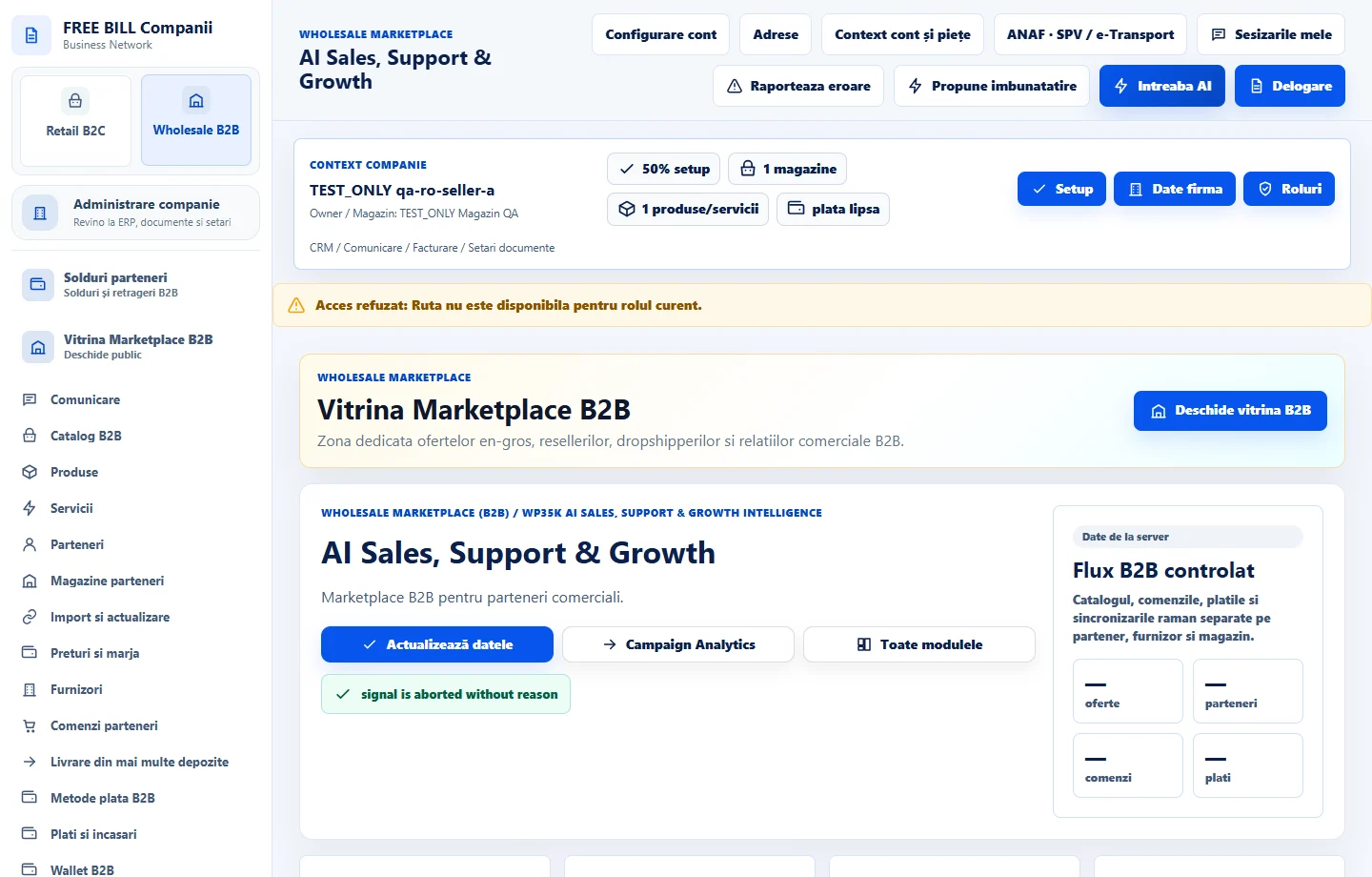
Step by step
Choose a record
In «AI Sales, Support & Growth», open «Înregistrări de analizat». Verify the company, source, reference and status.
Add working context
Complete the relevant brief or note. For an AI proposal, check whether governance allows the request and what information will be sent.
Review proposals
In «Propuneri și aprobări», open the proposal and compare it with the current data. Record a review note and approve only after checking the source.
Check what was carried out
Review the history and verify the operation in its own module, such as orders or campaigns.
Check the result
The proposal remains linked to the reviewed source and documented decision.
If something is missing
If the source has changed or the report is partial, reread current data before approving.
Availability depends on your role, enabled modules, country and company configuration.
Open in FreeBill Conect