Set up brand rules and supporting evidence
Define the brand profile, supported claims and usage rights for materials used in B2B.
Before you begin
- Governance editing permissions and evidence for claims, images and other materials.
- Who it is for
- company
- Where to find it
- AI Brand & Truth
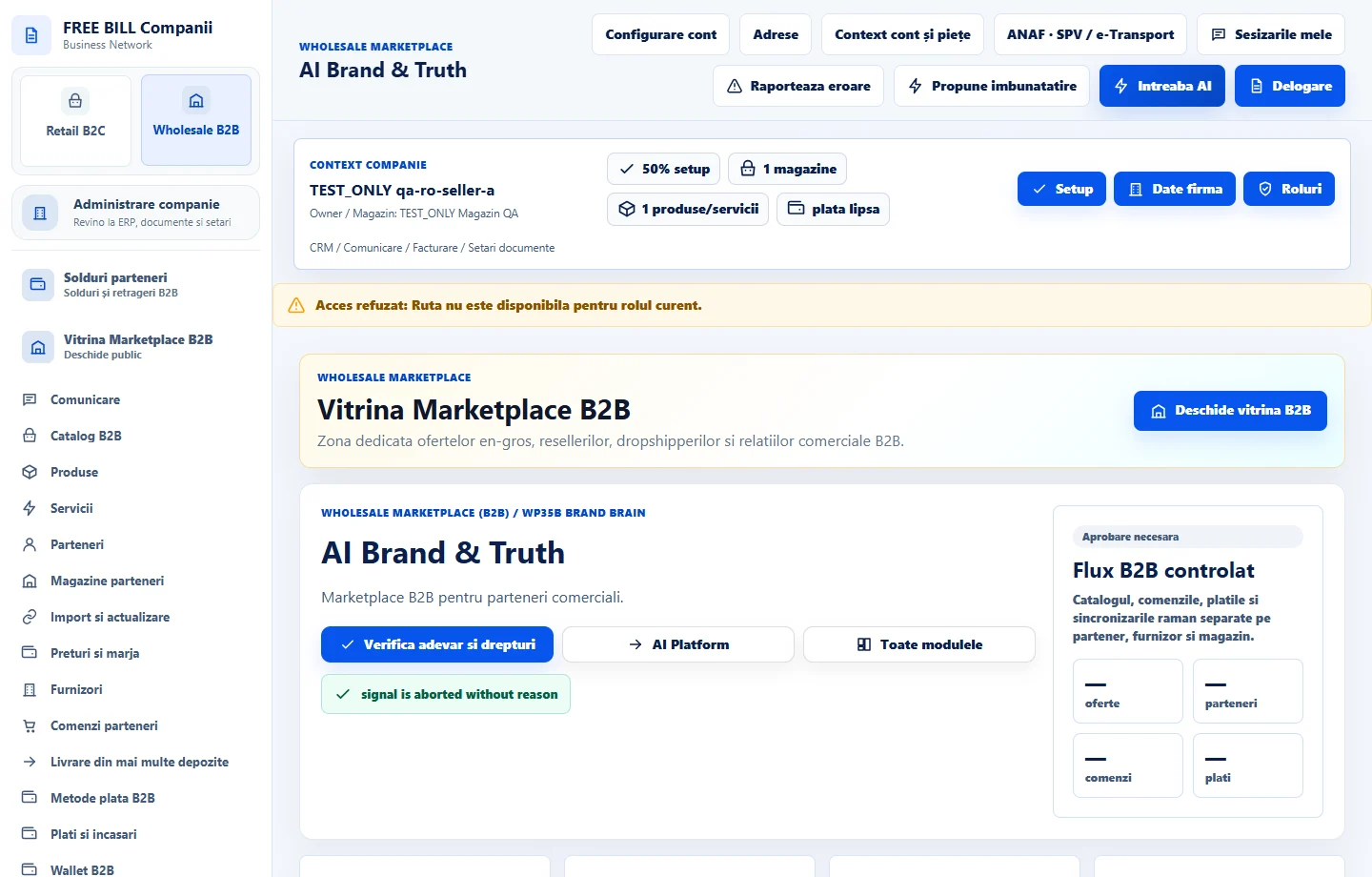
Step by step
Choose the company and verify sources
Open «AI Brand & Truth» and select the company. Choose «Verifică tot» for the current status.
Complete the profile
Use «Profil de brand» to enter the name and editorial guidance used by content tools. Use language that describes the actual offer.
Record claims and rights
Use «Adaugă afirmație» or «Adaugă drepturi» to record the source and evidence. Review the record and confirm it once you have checked the document.
Review the history
Open «Revizuire și istoric» after edits and check the latest status. If the source changes, review any material based on it again.
Check the result
Company content can use documented rules and evidence, with a review history.
If something is missing
Automated checks can identify inconsistencies. Verify usage rights against the original documents and terms.
Availability depends on your role, enabled modules, country and company configuration.
Open in FreeBill Conect