Create and review a B2B AI plan
Build a local or AI-assisted plan and check it before approval.
Before you begin
- The company selected and a catalog or relationship source. An assisted plan requires your own AI connection.
- Who it is for
- company
- Where to find it
- AI Command Center
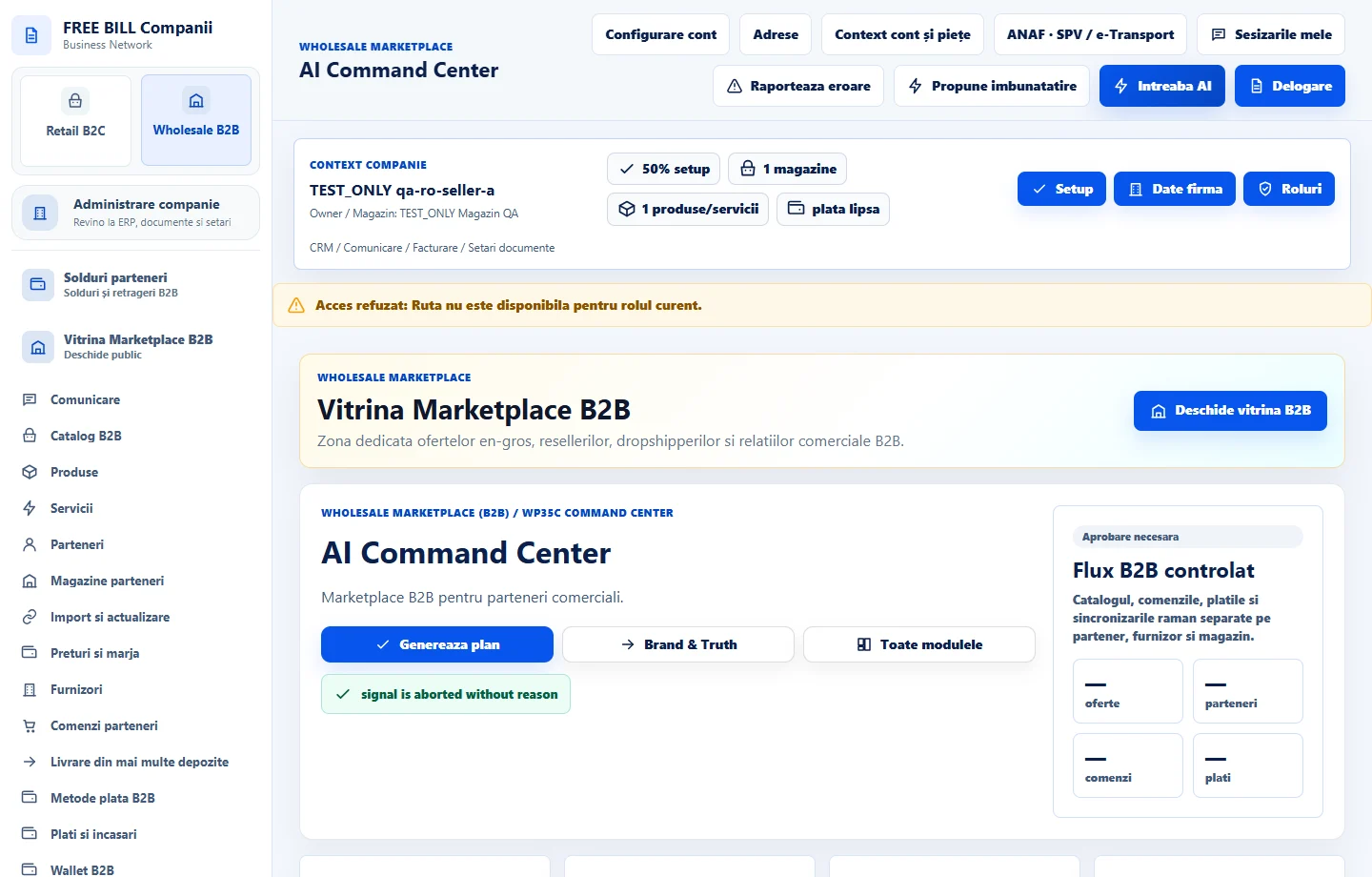
Step by step
Start a plan
In «AI Command Center», choose «Plan nou». Select the source, objective and intended audience.
Choose how to generate the plan
For internal work choose «Plan local, fără apel AI». For «Plan asistat AI», choose the connection and review the context and potential cost before confirming.
Review the plan and steps
Compare «Contextul salvat» with «Contextul actual». If the source has changed, rebuild the plan before approving it.
Save the review
Add a review note, confirm your checks and follow progress and history. Open the content or campaign modules to carry out the planned steps.
Check the result
The plan has a confirmed objective, steps, context and review.
If something is missing
If the context has changed, check the current company or offer data before regenerating.
Availability depends on your role, enabled modules, country and company configuration.
Open in FreeBill Conect