Compare B2B campaign results
Review distribution, advertising charges, attributed sales and net receipts.
Before you begin
- A company with campaign records and, for the financial report, order and receipt data in the same currency.
- Who it is for
- company
- Where to find it
- AI Campaign Analytics
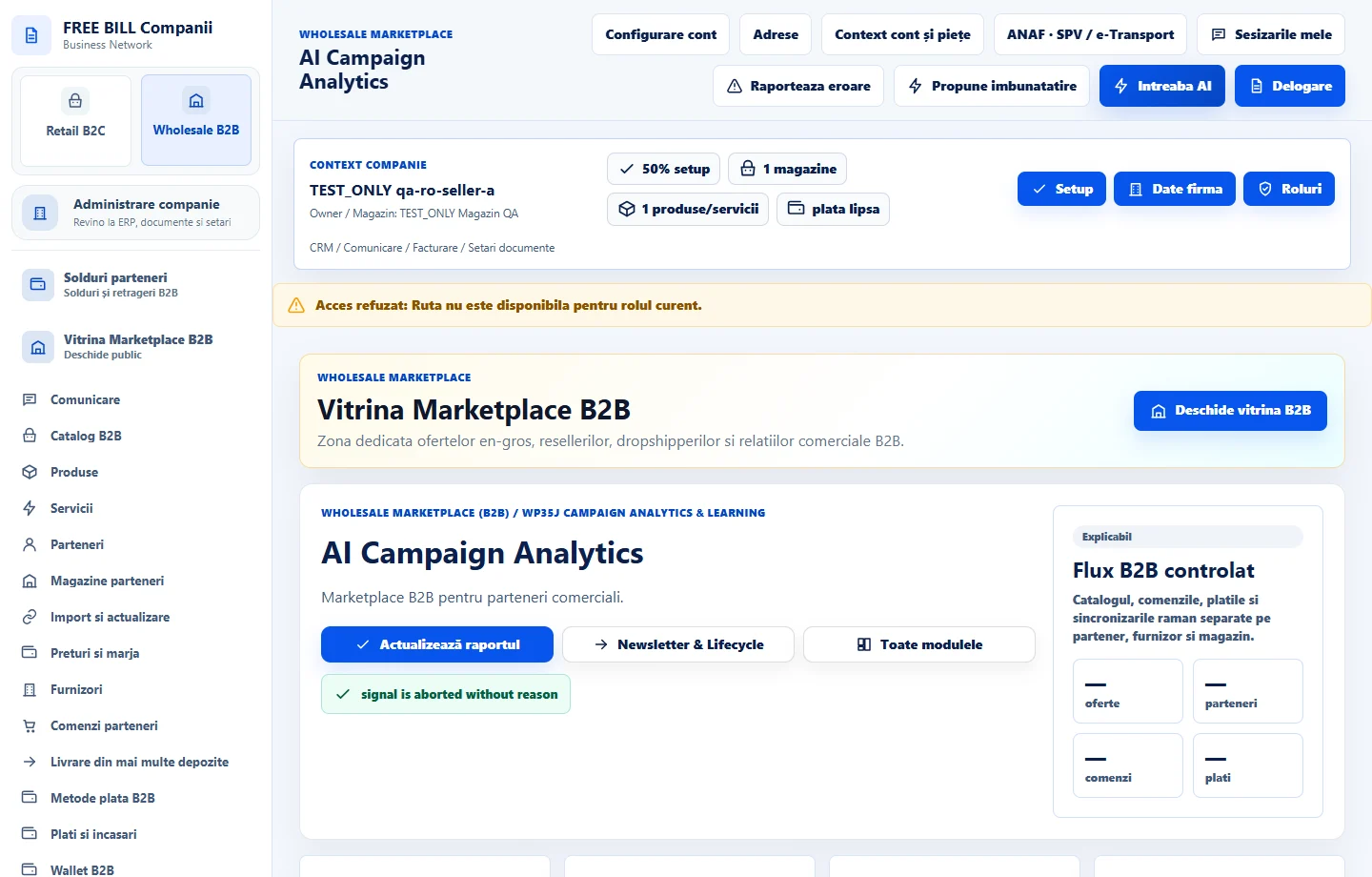
Step by step
Filter campaigns
In «AI Campaign Analytics», choose the store, channel, dates and status. Choose «Actualizează».
Separate costs and results
Check «Debit CPC/CPM», reported results and «Vânzări atribuite și încasări». Select the currency and compare confirmed receipts, refunds and net receipts.
Compare like-for-like campaigns
Use «Compară campanii». Select comparable result types and date ranges before comparing rates.
Review an AI interpretation if needed
Choose the company's connection under «Interpretare AI», review the context and authorize the call. Compare the interpretation with the source and «Limitele măsurării».
Check the result
You have a report with costs, attributed receipts and visible sources and limitations.
If something is missing
For a partial report or unconfirmed payment, check the source register before interpreting results.
Availability depends on your role, enabled modules, country and company configuration.
Open in FreeBill Conect