Run the final Wholesale B2B checks
Verify relationships, offers, orders and supporting evidence before operating commercially.
Before you begin
- The company and commercial relationship selected, with confirmed data for the modules in use.
- Who it is for
- company
- Where to find it
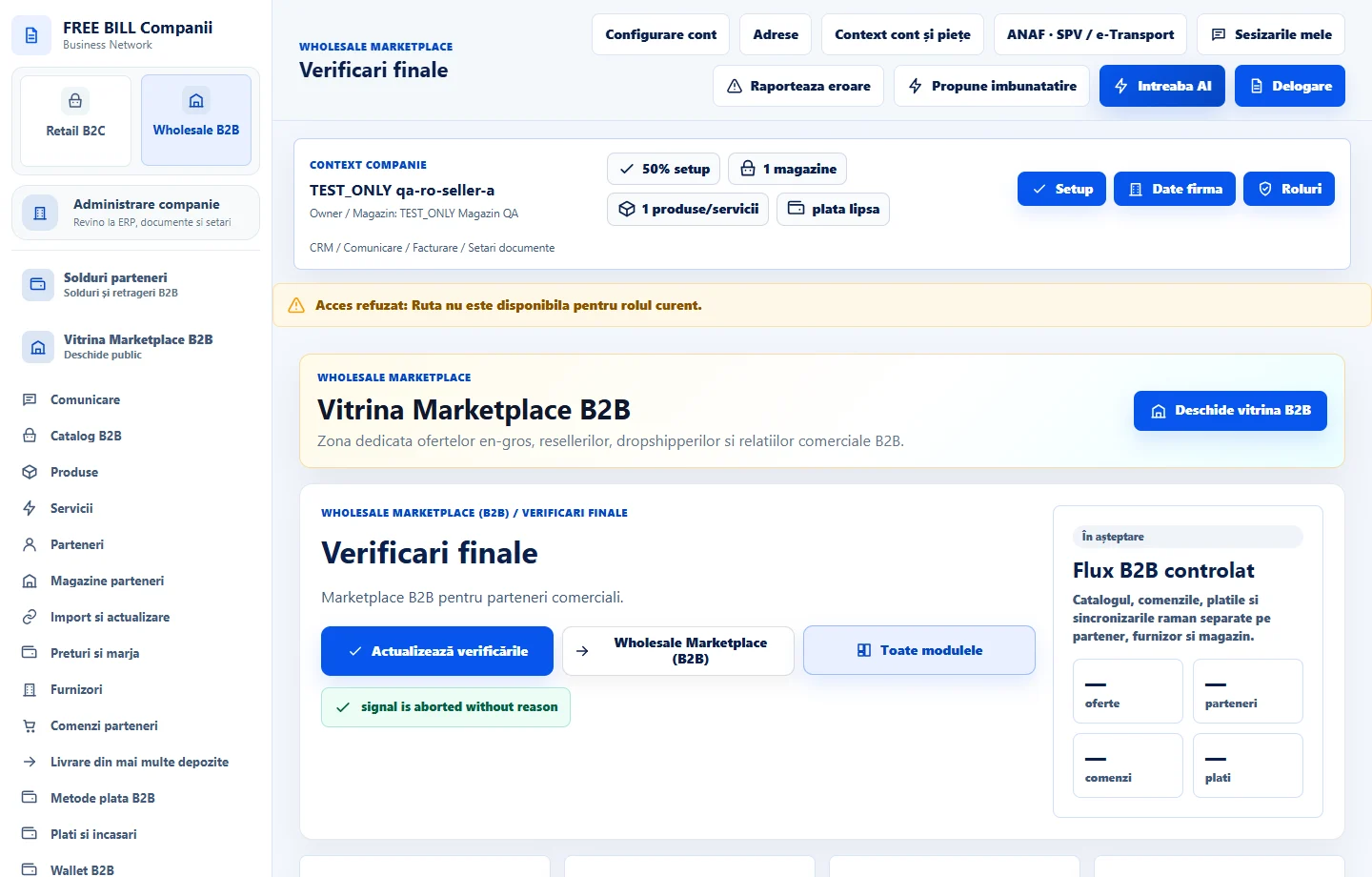
- Verificari finale
Step by step
Review the current report
Open «Verificari finale». Choose the context and check whether source data loads. Filter by result or stage.
Compare company and relationship records
Review offer and order references and confirm their status in the source module. Compare history and any discrepancies with the current status.
Correct issues and recheck
Make the correction in the module indicated, then check again. Verify the offer, access, order, documents, payment and delivery for the same relationship.
Keep the results
Review the run and sources and note what is confirmed and what is missing. Verify external integrations used by the company separately.
Check the result
You have a verifiable status for each commercial stage and an actionable list of source corrections.
If something is missing
A check without enough data stays open until the source confirms the result.
Availability depends on your role, enabled modules, country and company configuration.
Open in FreeBill Conect