Register a supplier document
Capture a supplier invoice, order, receipt or expense.
Before you begin
- Purchase permission; a warehouse and stock products if receiving goods.
- Who it is for
- company user with module permission
- Where to find it
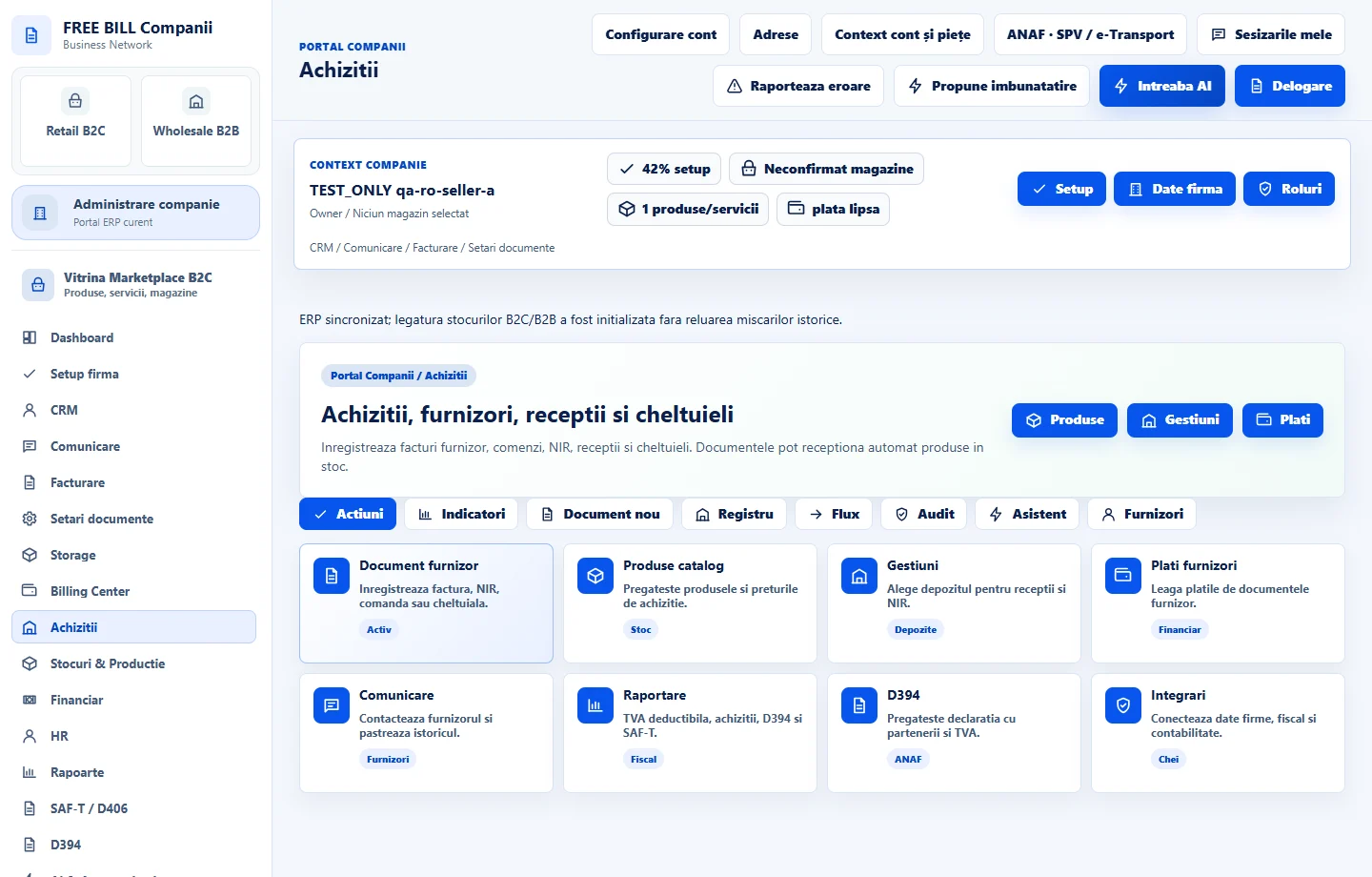
- Achizitii
Step by step
Open Achizitii
Select the relevant company or account, then open «Achizitii».
Set document details
Choose «Tip document», initial status, supplier document number, document date, due date and currency.
Enter supplier and lines
Review the supplier identity/address and document line items; select «Gestiune receptie» for stock receipts.
Choose operational effects
Use «Receptioneaza in stoc si genereaza NIR» only when goods are received. Mark the manual-payment checkbox only for a payment already made.
Register and inspect
Select «Inregistreaza document» and review the purchase record and any related stock/payment result.
Check the result
A registered supplier document with the explicitly selected stock and payment effects.
If something is missing
If editing is disabled, check the active company and your permission for this module. Resolve the validation message shown in the form before submitting again.
Availability depends on your role, enabled modules, country and company configuration.
Open in FreeBill Conect