Convert a supplier order into a goods receipt
Register the supplier order, create a receipt from its row and verify the resulting stock movements.
Before you begin
- The supplier, stock items and destination stock location are set up in the active company.
- Ordered and received quantities have been checked.
- Who it is for
- Operator with write permissions in purchasing and stock management.
- Where to find it
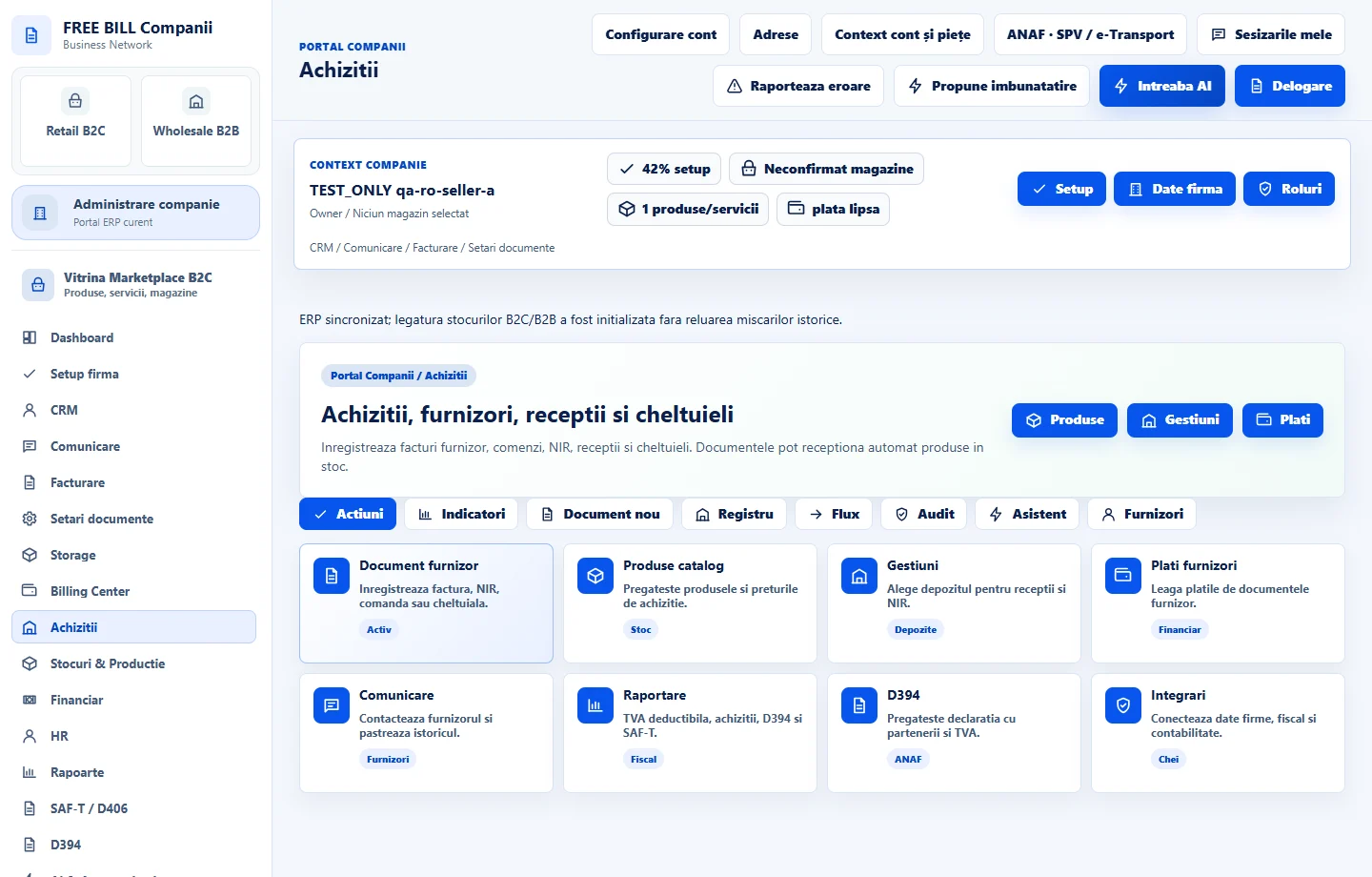
- Achizitii
Step by step
Prepare the supplier order
Under «Achiziții» → «Document furnizor nou», choose «Comandă furnizor». Select the supplier, date and currency, then enter products, quantities and amounts. Save the document.
Register the order if it is a draft
Find the order in «Documente furnizori» and check its type and status. If it is a draft, select «Înregistrează». Registration prepares the order for goods receipt.
Check whether every line can be received
Compare the document quantities and stock location with what arrived. Conversion uses the order's existing lines. If the delivery differs, prepare a receipt for the actual quantities and check for existing receipts before using the conversion action.
Create the receipt from the order
On the registered order, select «Creează recepție» when all lines match. Note the receipt number in the confirmation and find the new document in the register. FreeBill links it to the original order and prevents a second conversion for that order.
Verify the stock location and movements
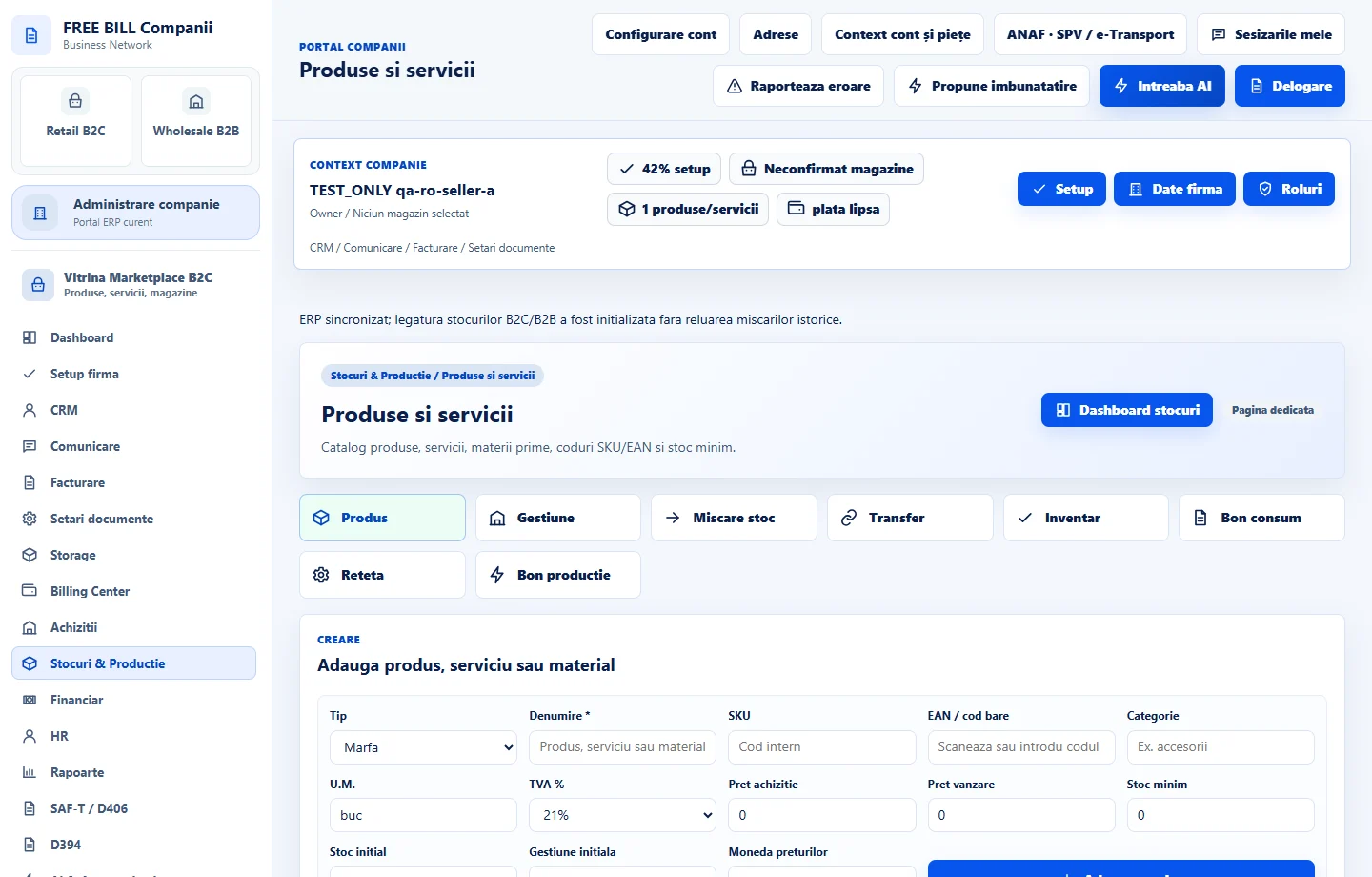
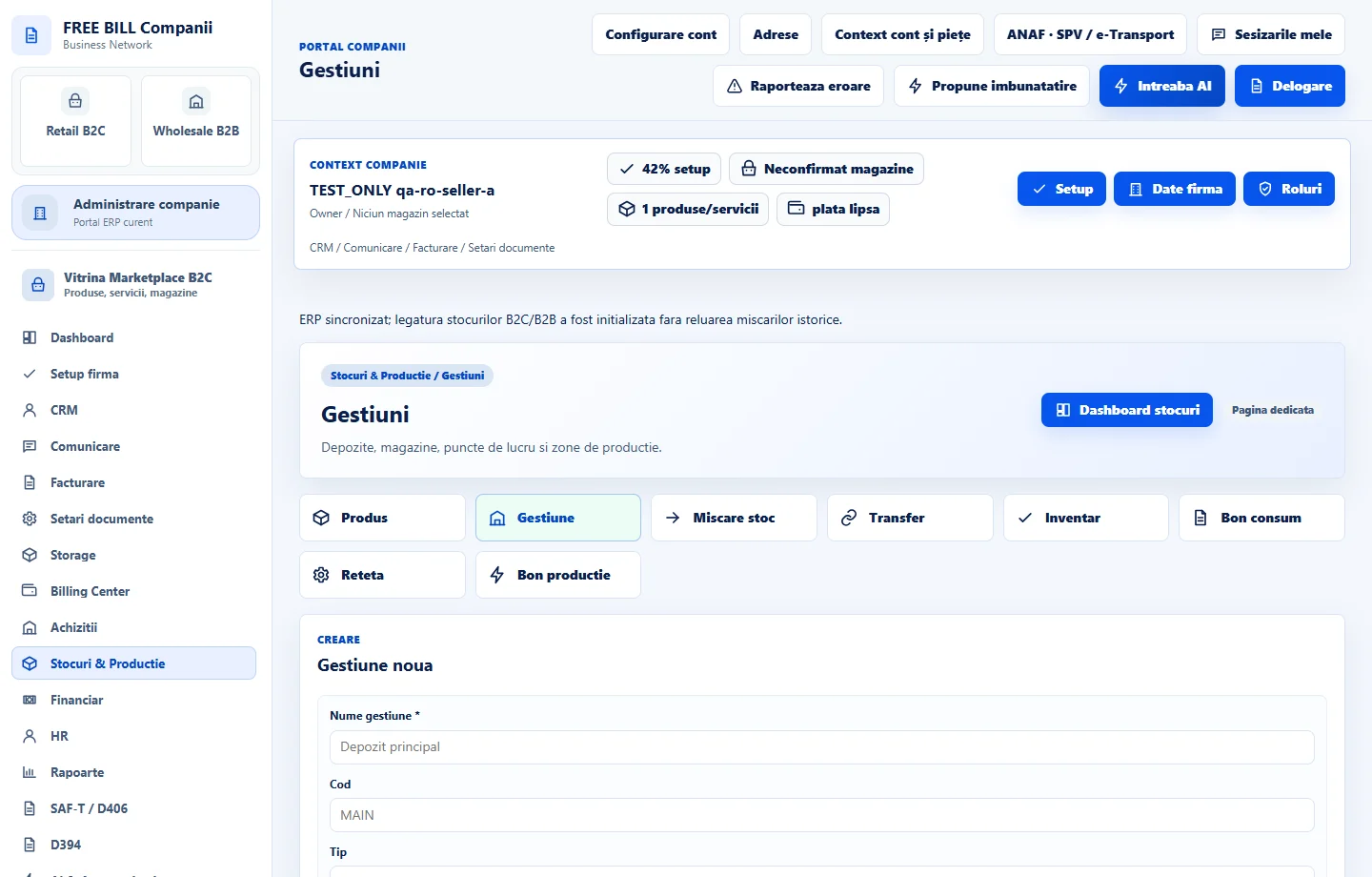
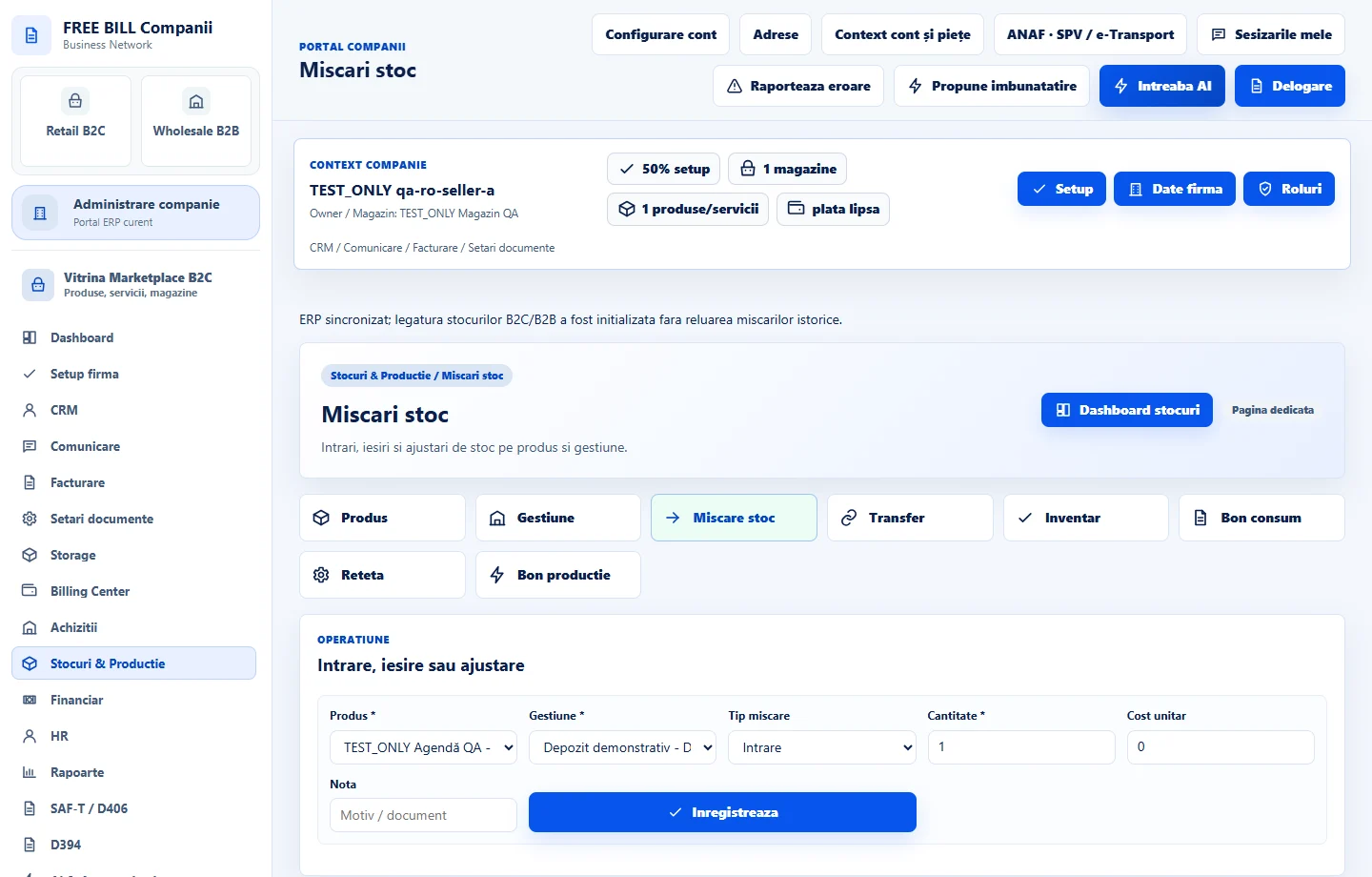
Open the receipt and check the stock indicator or NIR number. In «Stocuri & Producție» → «Mișcări stoc», compare the inbound movements at the stock location with the items received.
Application interface · Romanian · 3
Check the result
You can trace the order and resulting receipt in purchasing and check the inbound stock movement by document and stock location.
If something is missing
If «Creează recepție» is missing, check whether the order is registered, whether it already has a receipt and whether you have stock write access. After goods receipt, use the applicable correction workflow if direct cancellation is blocked.
Availability depends on your role, enabled modules, country and company configuration.
Open in FreeBill Conect