Receive goods from a supplier and check payment
Prepare the catalogue and stock location, record receipt of the goods, then check stock and the supplier document balance.
Before you begin
- The supplier, products and stock location are available for the active company.
- The supplier document and the quantities actually received.
- Who it is for
- Operator with purchasing and stock permissions, plus finance permission to record payment.
- Where to find it
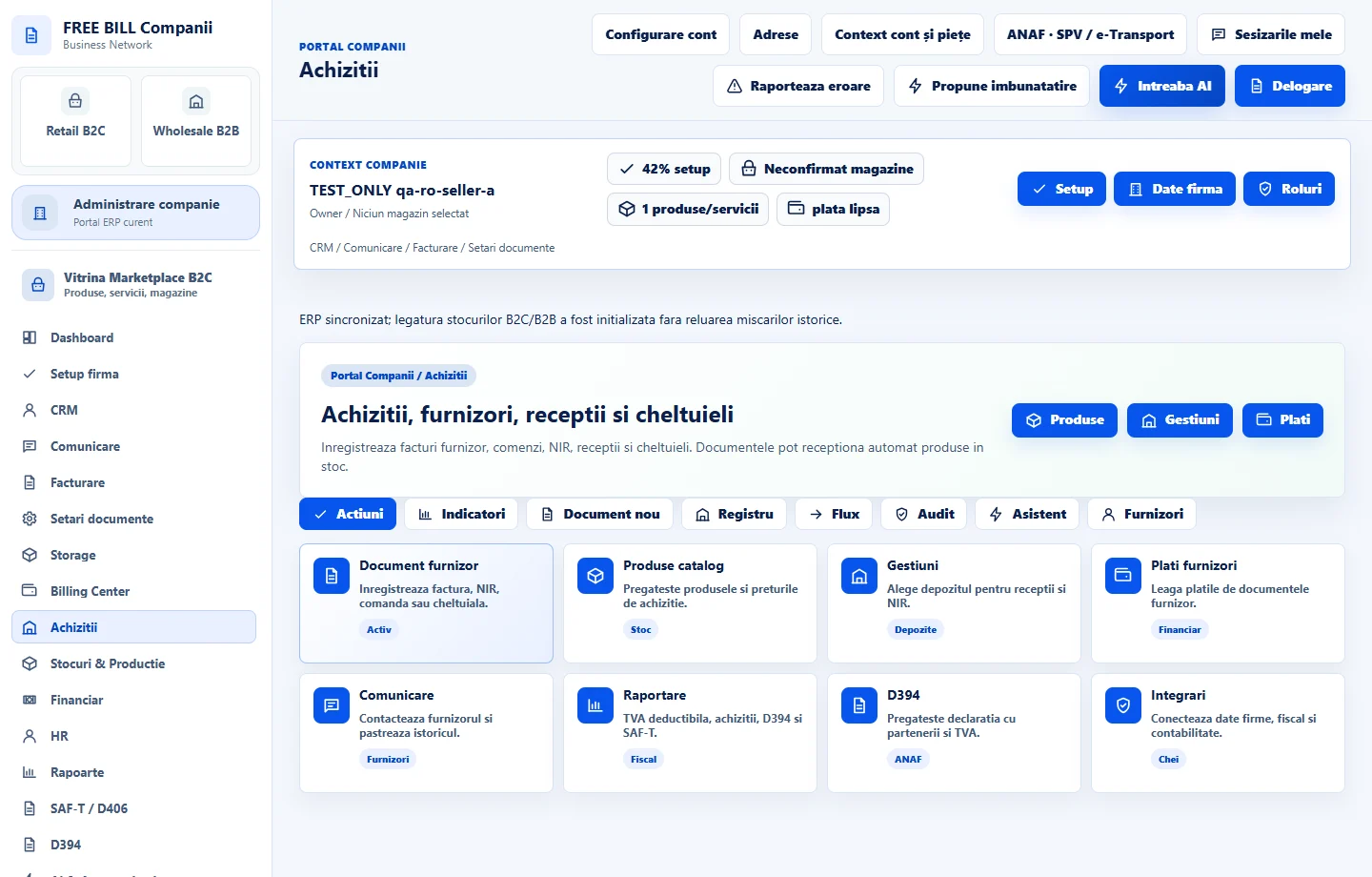
- Achizitii
Step by step
Prepare the master records
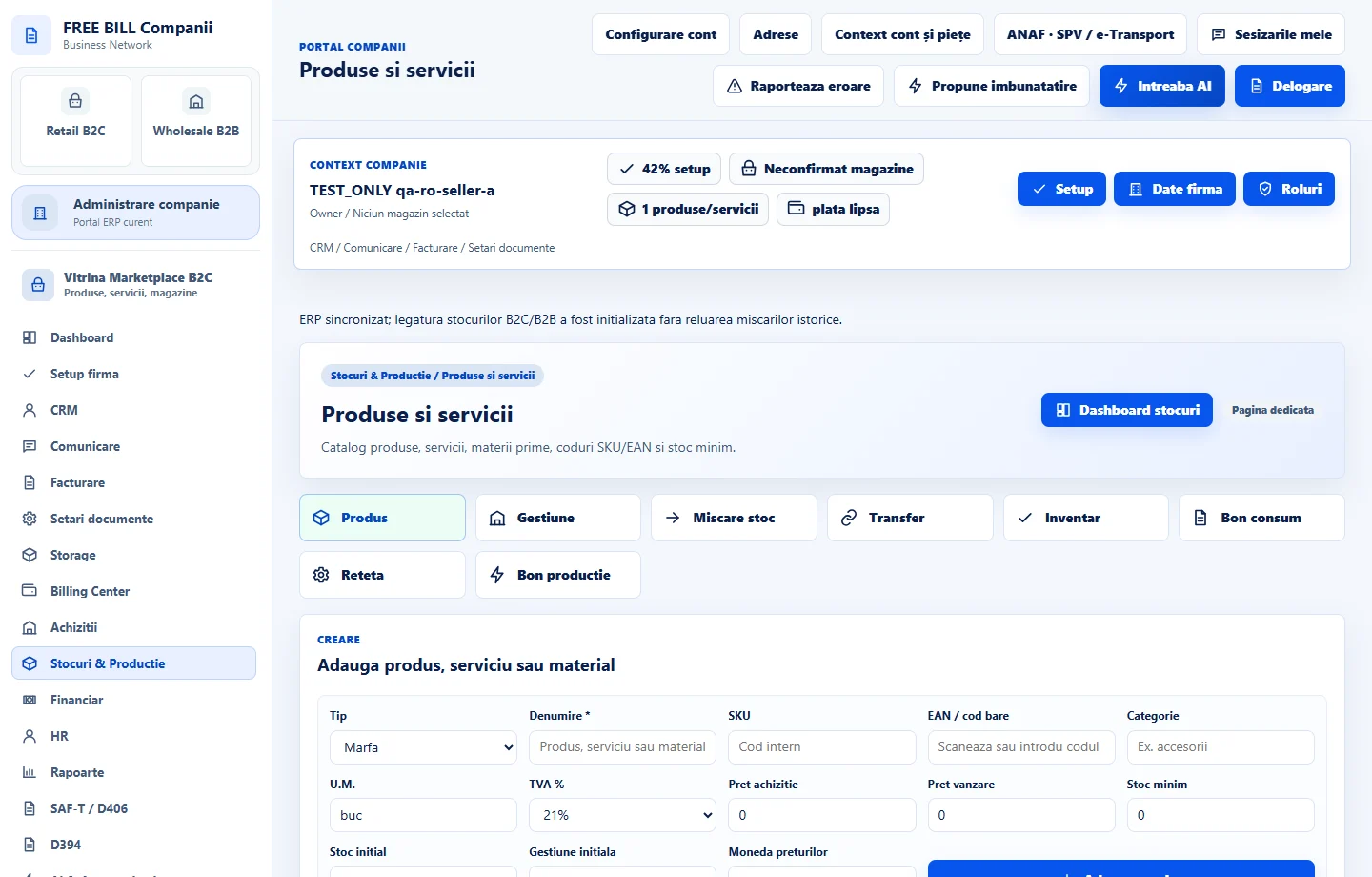
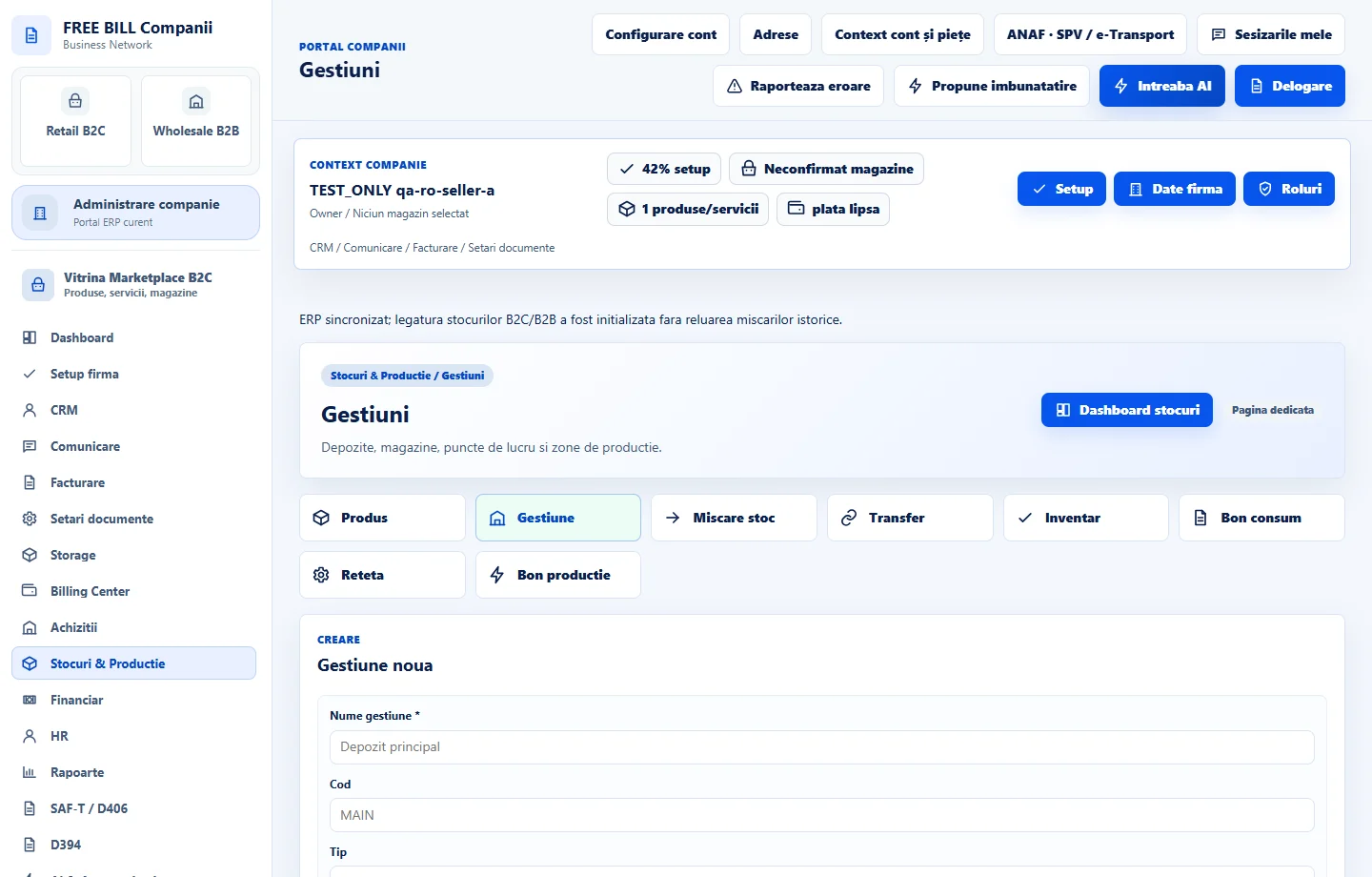
In «Achiziții», verify the supplier. If the form lists prerequisites for goods receipt, use the links to «Produse și servicii» and «Gestiuni», save the required records and return to «Achiziții».
Complete the document and lines
Choose the appropriate document type. Enter the number, date, supplier and currency. For goods received, select the matching product and stock location, then enter the quantities and values on each line.
Save and check the register
Compare the total with the supplier document and the quantities with the goods received. Save, find the document by number and check its status before continuing.
Check the stock entry
Open «Stocuri & Producție» → «Mișcări stoc». Filter by stock location, product or reference and verify the movement associated with the receipt document.
Link the payment to the supplier document
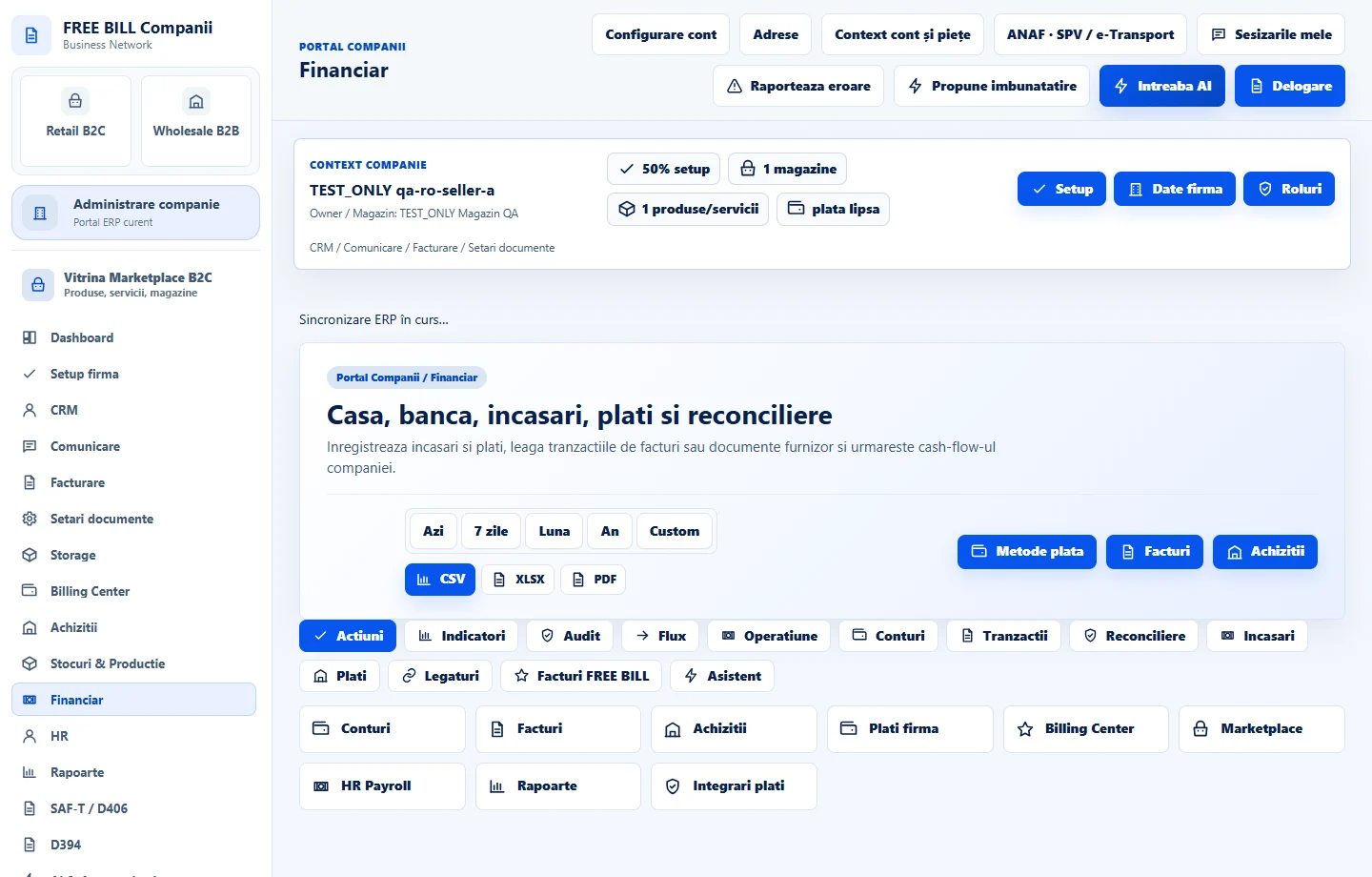
After making the payment, open «Financiar». Record it in the relevant account, link the supplier document and check the remaining amount in the register.
Application interface · Romanian · 4
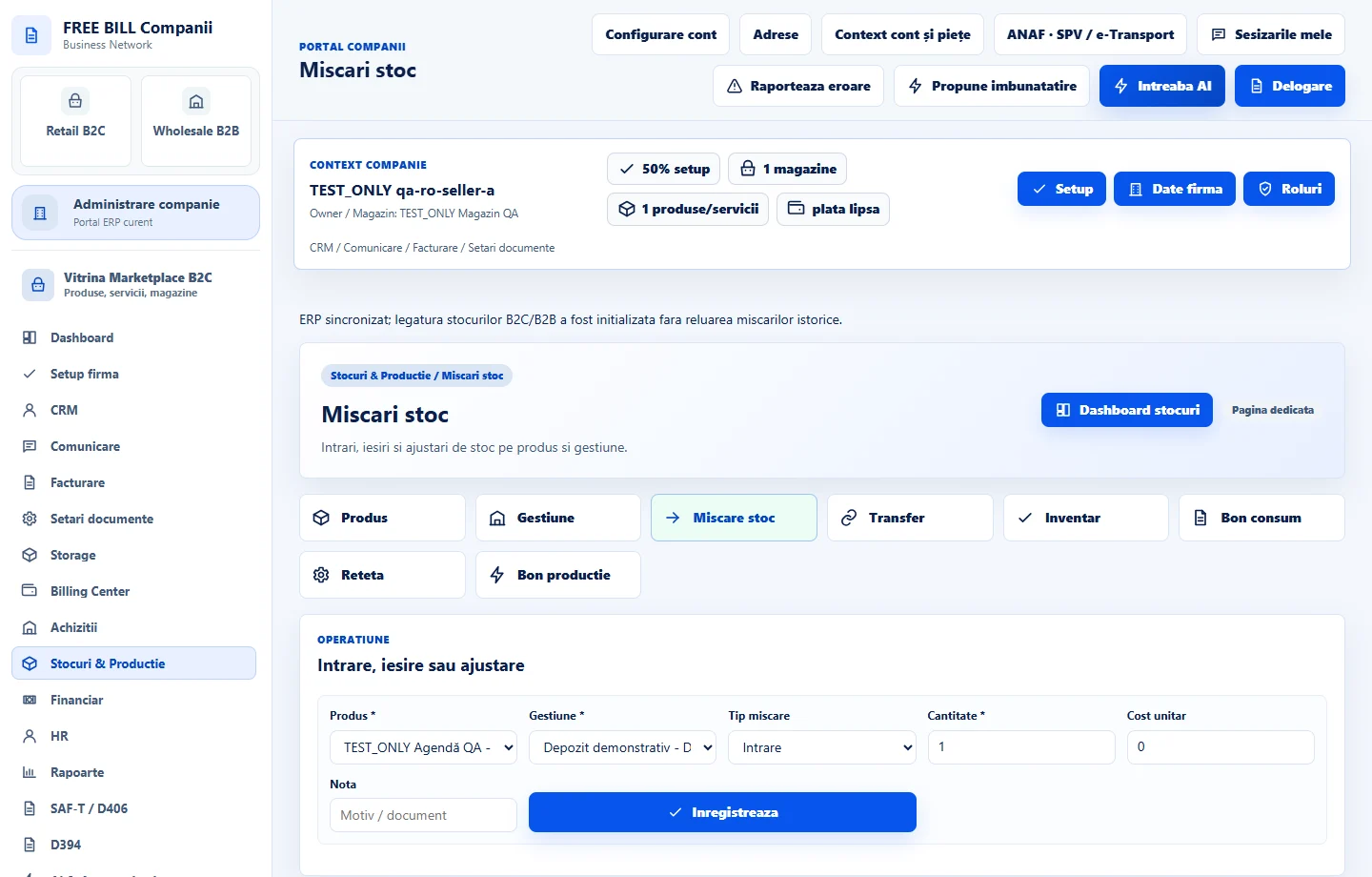
Check the result
Depending on the operations completed, the document appears in purchases, the movement in the stock register and the payment in finance.
If something is missing
If stock did not update, check the document type and status, product link and stock location. If the amount remains outstanding, check the document linked to the payment and its currency.
Availability depends on your role, enabled modules, country and company configuration.
Open in FreeBill Conect