Record a receipt, payment or transfer
Register an actual financial operation and its document reference.
Before you begin
- Financial edit permission, an appropriate account and evidence of the transaction.
- Who it is for
- company user with module permission
- Where to find it
- Financiar
Step by step
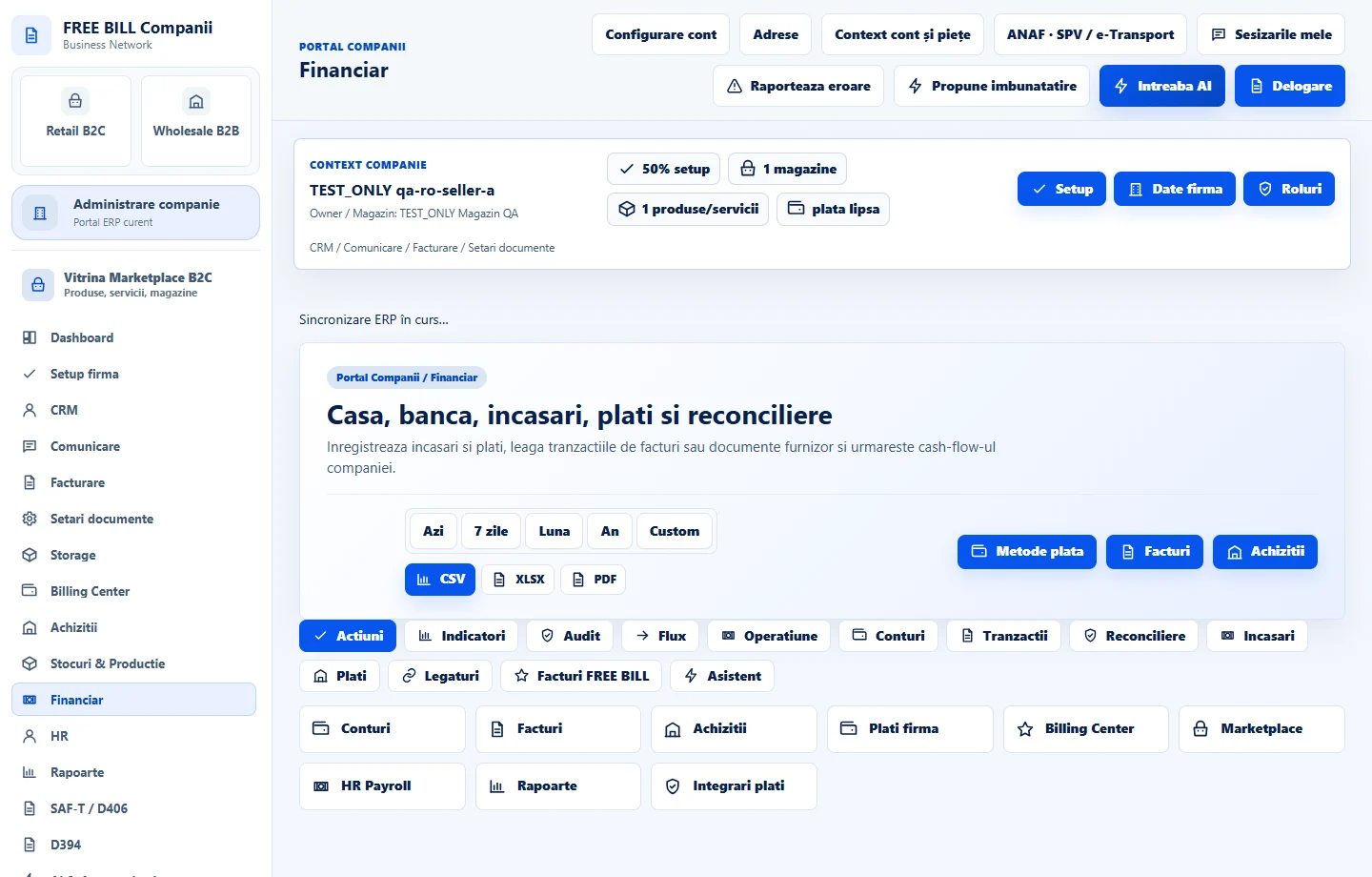
Open Financiar
Select the relevant company or account, then open «Financiar».
Choose the operation
Select transaction type, account, date and method; choose a destination account for transfers when required.
Enter the amount and link
Set amount and currency and link the relevant sales or purchase document, partner and reference.
Record reconciliation status
Use the reconciliation field to reflect the actual verification state and add a note.
Register the operation
Select «Inregistreaza operatiune» and review the account and related document balances.
Check the result
A financial operation recorded with its account and commercial references.
If something is missing
If editing is disabled, check the active company and your permission for this module. Resolve the validation message shown in the form before submitting again.
Availability depends on your role, enabled modules, country and company configuration.
Open in FreeBill Conect