Reconcile documents with cash and bank accounts
Link a receipt or payment to the correct document and check balances by currency.
Before you begin
- Cash or bank accounts set up for the active company.
- The issued or received document and confirmation of the actual receipt or payment.
- Who it is for
- Operator with finance permissions and access to the source documents.
- Where to find it
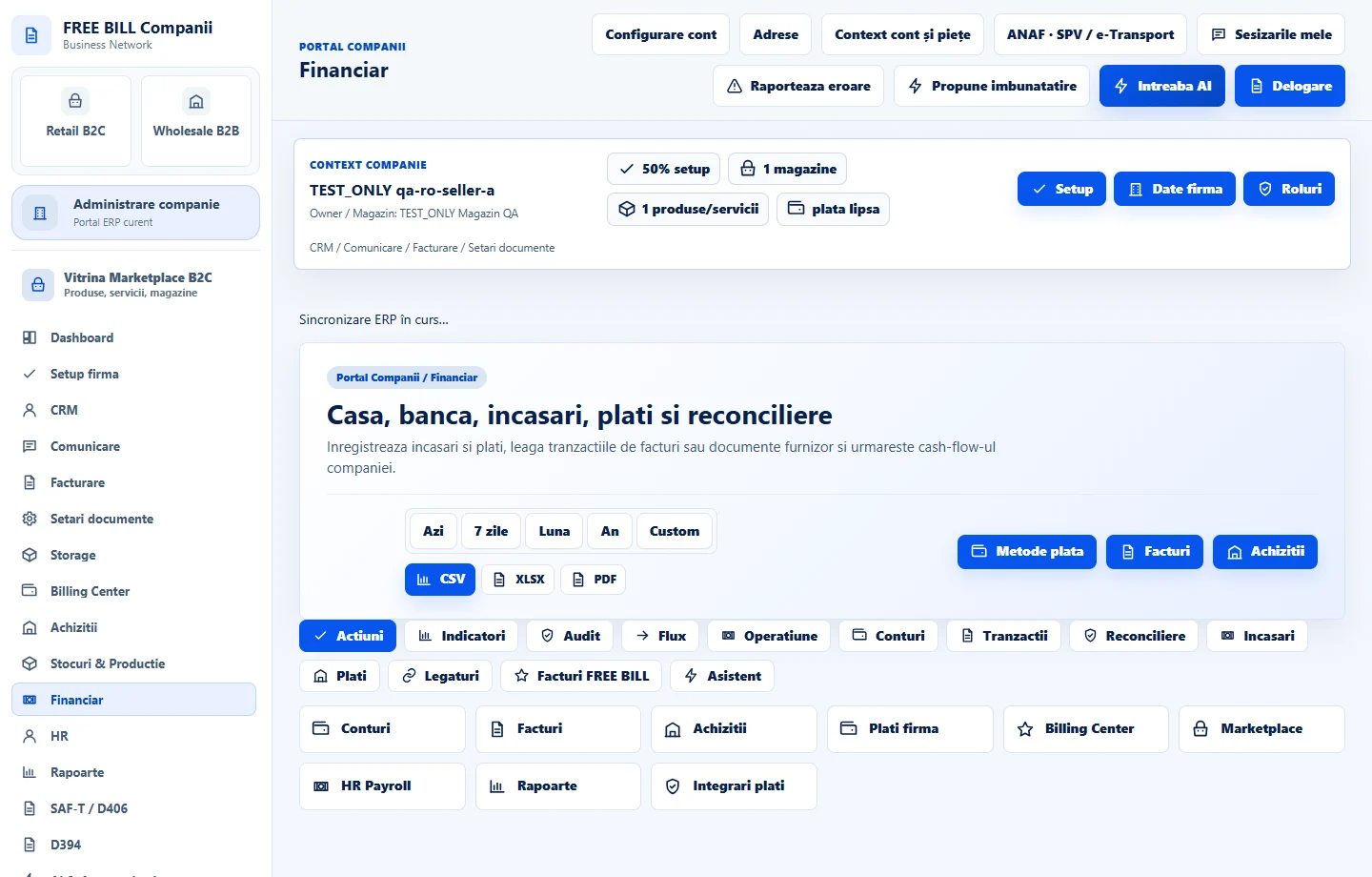
- Financiar
Step by step
Verify the document in the register
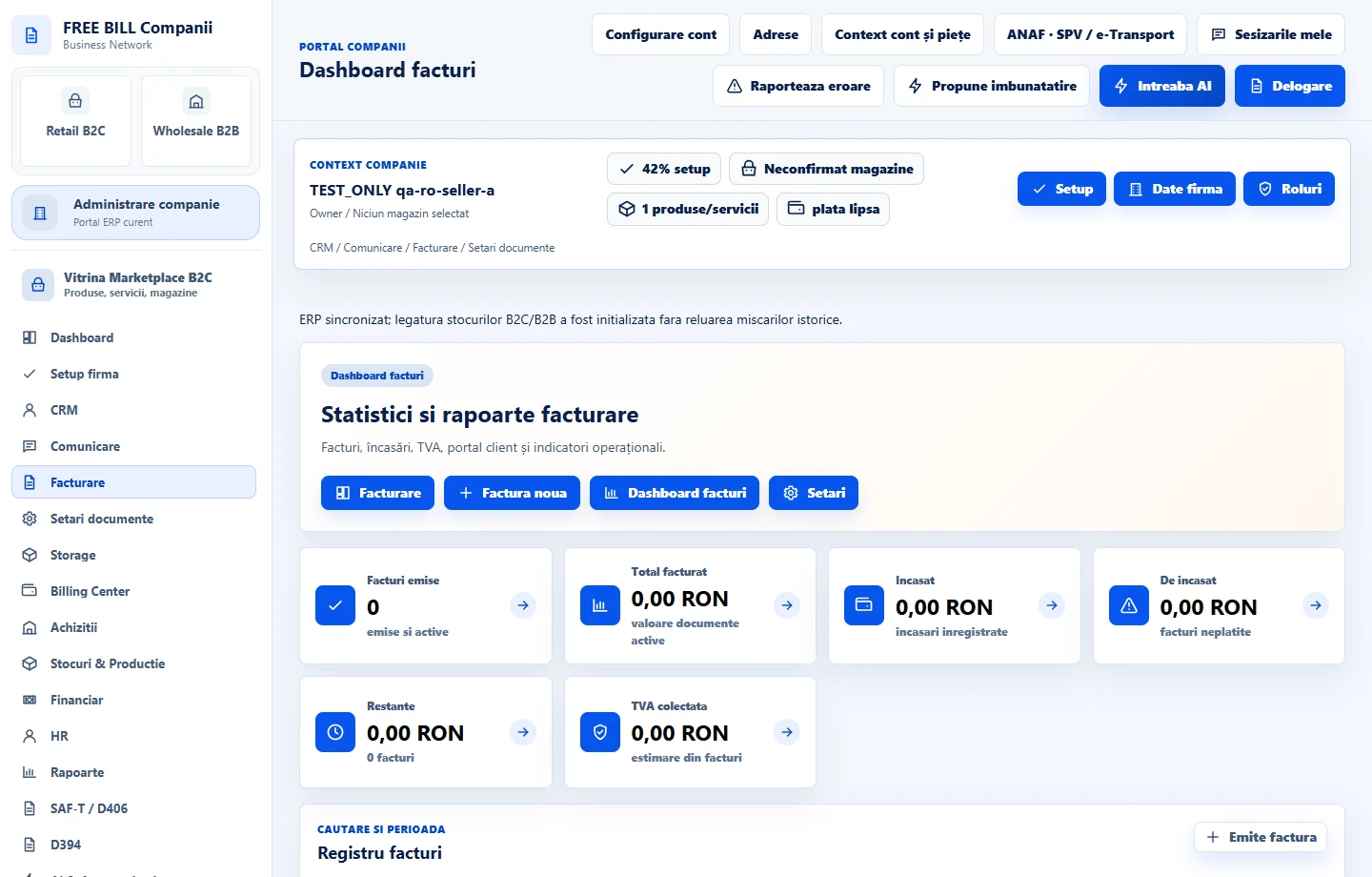
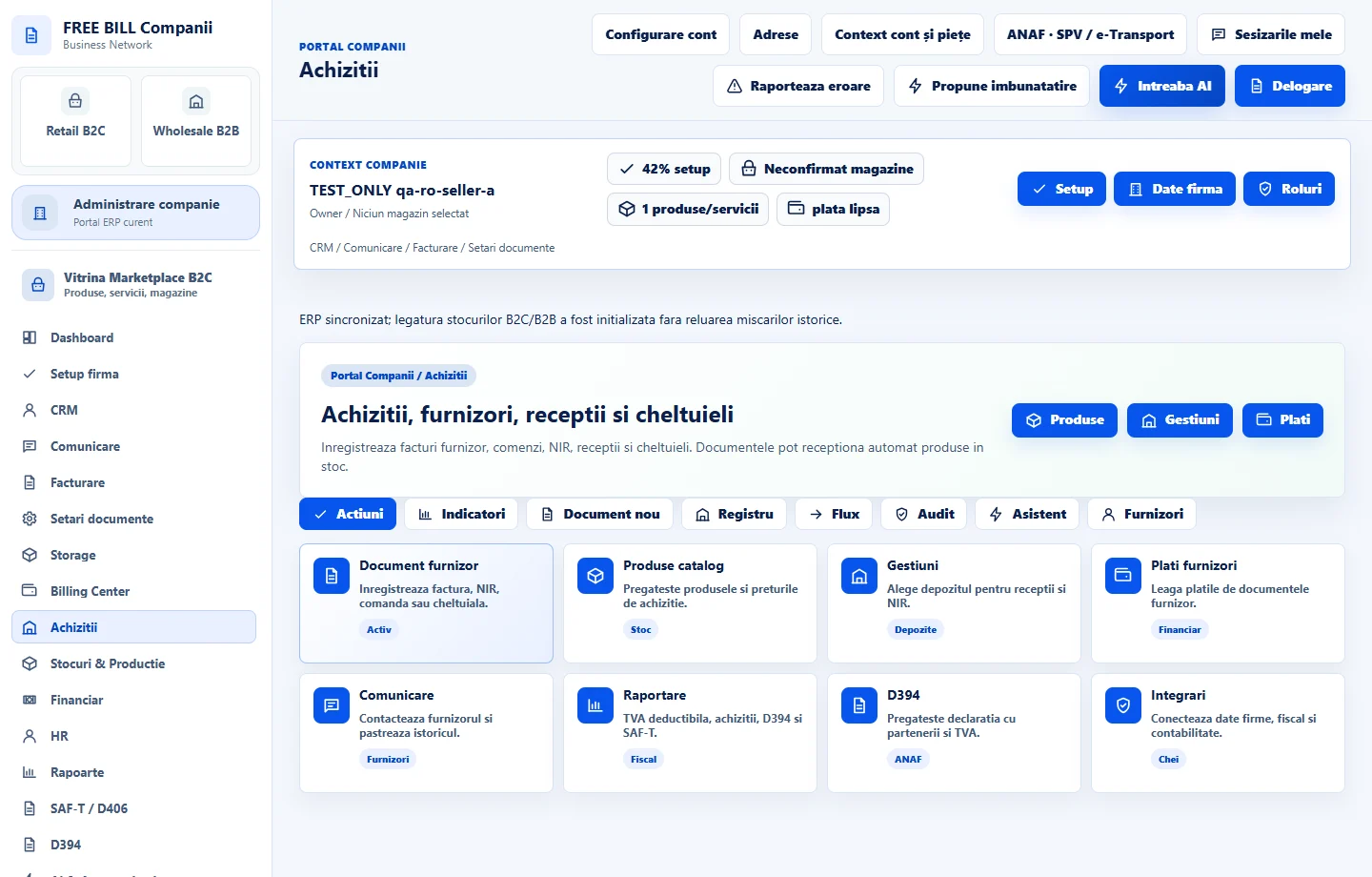
Open «Financiar» and check «Facturi de încasat» or «Documente furnizor». Compare the reference, currency and amount outstanding with the document you want to reconcile.
Complete the financial entry
In «Încasare sau plată nouă», select the direction and relevant account. Enter the date, amount and reference, then link the invoice or supplier document when the field is available.
Record the actual amount
For a partial payment, enter the amount confirmed by the receipt or statement. If the operation is already in the register or came from an associated order, check the existing entry before saving a manual one.
Check the remaining amount and account balance
Return to the linked document and compare its total, amount recorded and outstanding balance. Check the cash or bank account and change the date filter if the entry is missing.
Review the period report
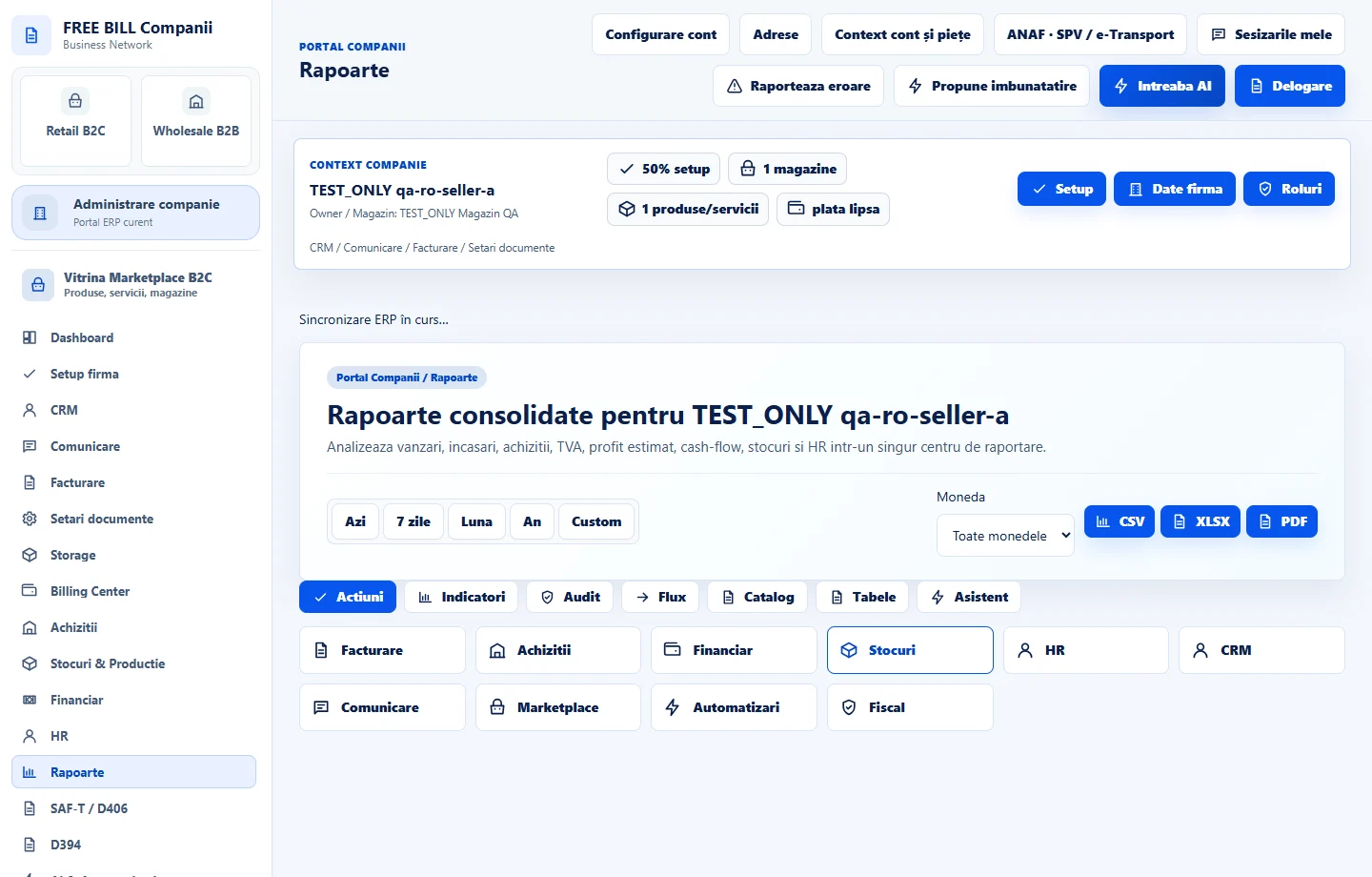
Open «Rapoarte», choose the period and currency, and review the cash flow or balance report. Compare transactions with the register and export the selection if you need a working copy.
Application interface · Romanian · 3
Check the result
The entry can be traced in the financial account, the source document and the period report.
If something is missing
If the outstanding amount remains open, check the amount, currency, linked document, date range and any cancelled entries. For a payment processed through an order, first check the confirmation status on the source order.
Availability depends on your role, enabled modules, country and company configuration.
Open in FreeBill Conect