Update a supplier and track their documents
Edit the supplier record, export a document and open the conversation linked to a purchase.
Before you begin
- An existing supplier record and access to the company that owns it.
- Who it is for
- Operator with purchasing permissions. Opening conversations also requires access to «Comunicare».
- Where to find it
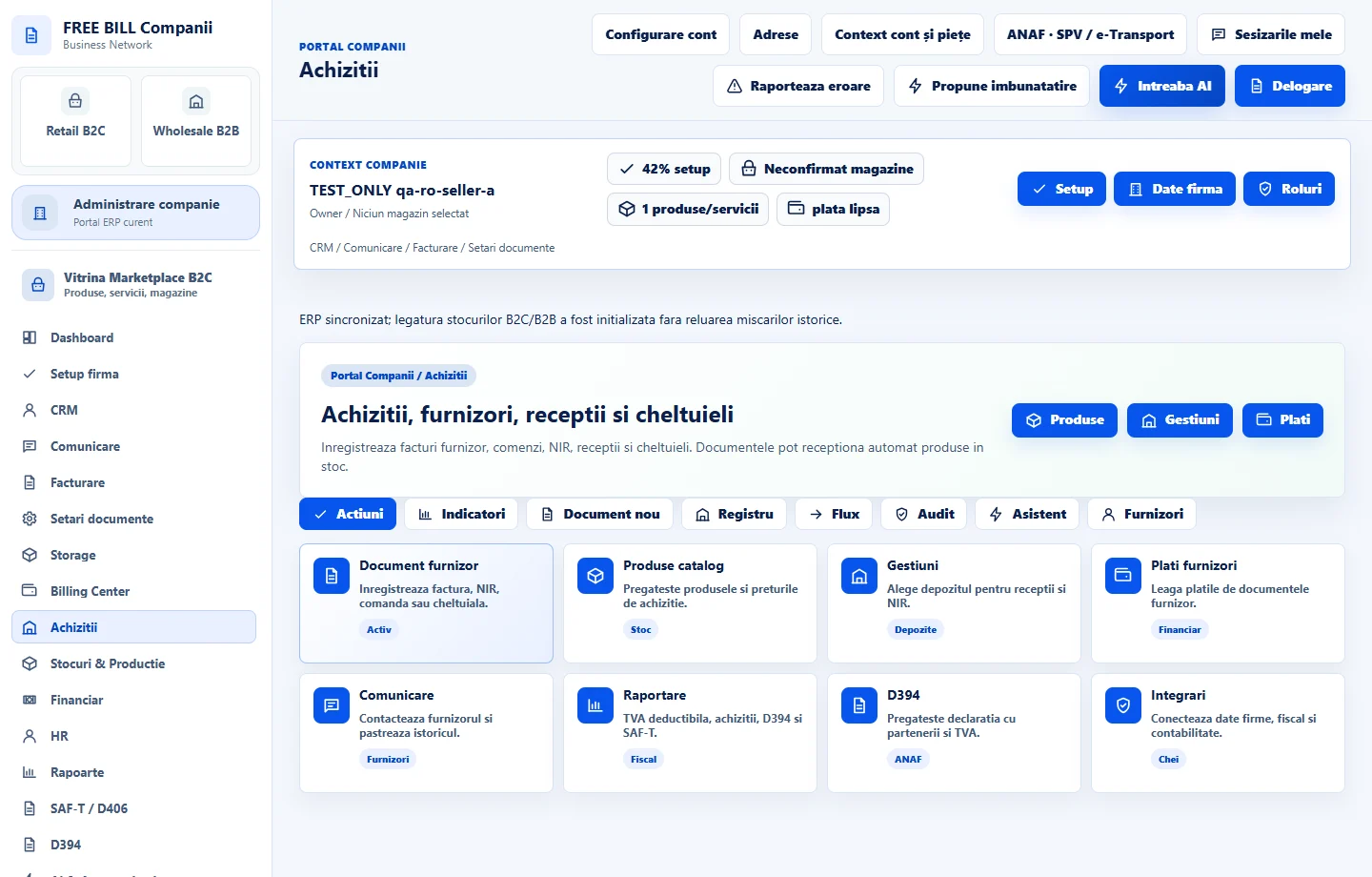
- Achizitii
Step by step
Find the purchasing partner
Open «Achiziții» → «Parteneri achiziții». Identify the supplier by company name and tax identifier or by contact details. If names are similar, check the identifier before changing anything.
Edit the supplier details
Select «Editează» on the supplier's row. The document form loads the selected supplier's details. Update the name, tax identifier, address or contact information, then use the supplier save action and check the record in the list.
Find and export a document
In «Documente furnizori», locate the row by its internal or supplier document number. Choose «PDF», «XLSX» or «CSV» and verify the number and total in the download.
Contact the supplier from the document
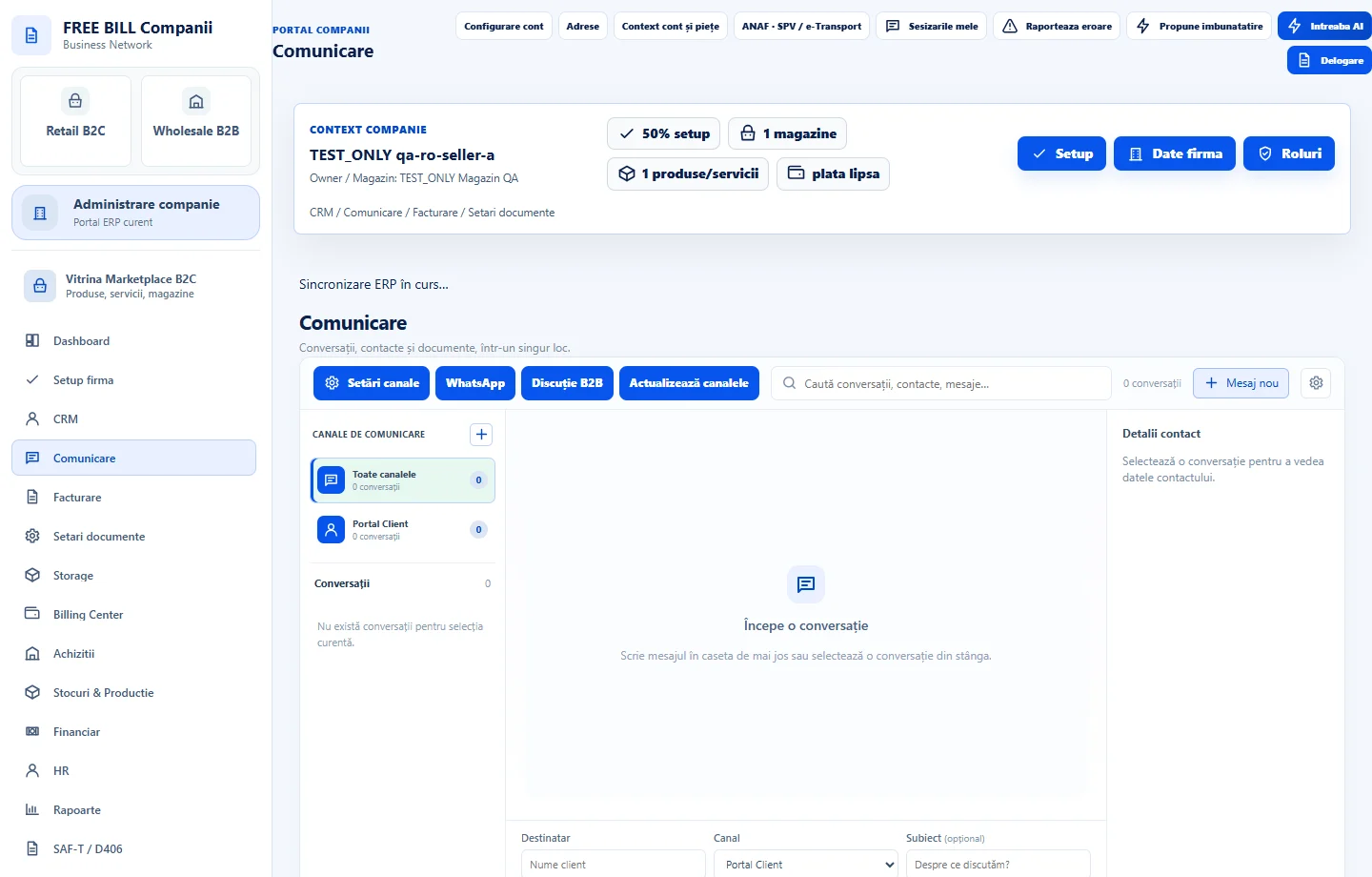
If you have access to «Comunicare», use «Contact furnizor» on the document row. Verify the recipient and reference, write the message and send it from the conversation.
Remove an unused record
If a record was created by mistake, first check the company's documents. Use «Șterge» for an unused supplier record. When linked documents exist, keep the record and make corrections with «Editează».
Application interface · Romanian · 1
Check the result
You can verify supplier details in the register and review associated documents and conversations separately.
If something is missing
If a record cannot be deleted, find the documents that reference it. If the contact action is missing, check your communications permissions and confirm that the document belongs to the active company.
Availability depends on your role, enabled modules, country and company configuration.
Open in FreeBill Conect