Check and export D406 and D394 reports for Romania
Select the period, correct source data and distinguish prevalidation, format validation and XML download.
Before you begin
- The Romanian company and reporting obligation checked for the selected period.
- Sales and purchase documents and any other source data required by the report.
- The relevant local or external validator when required by the workflow and screen.
- Who it is for
- Operator with access to the Romanian company's fiscal reporting.
- Where to find it
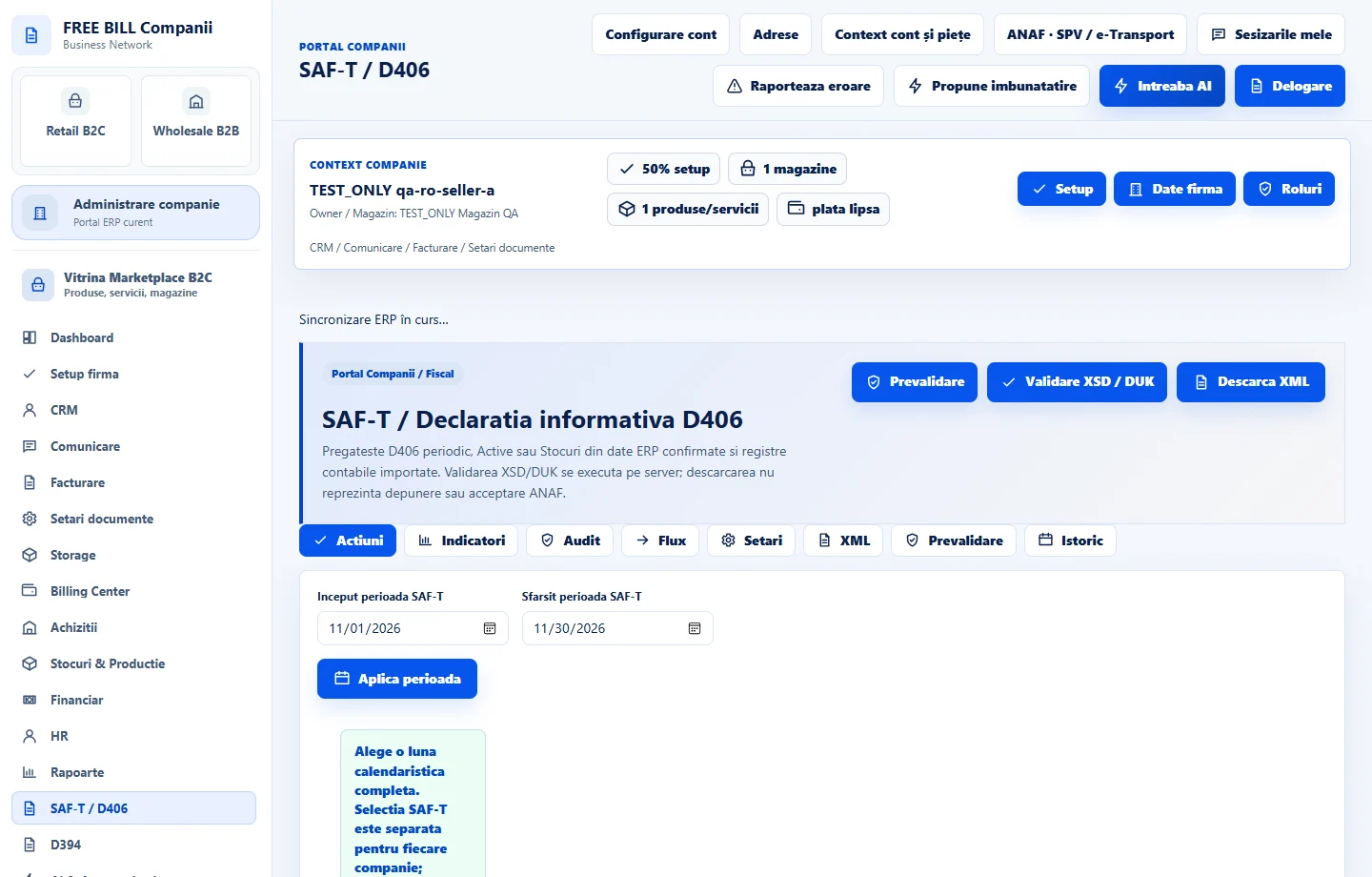
- SAF-T / D406
Step by step
Choose the report and period
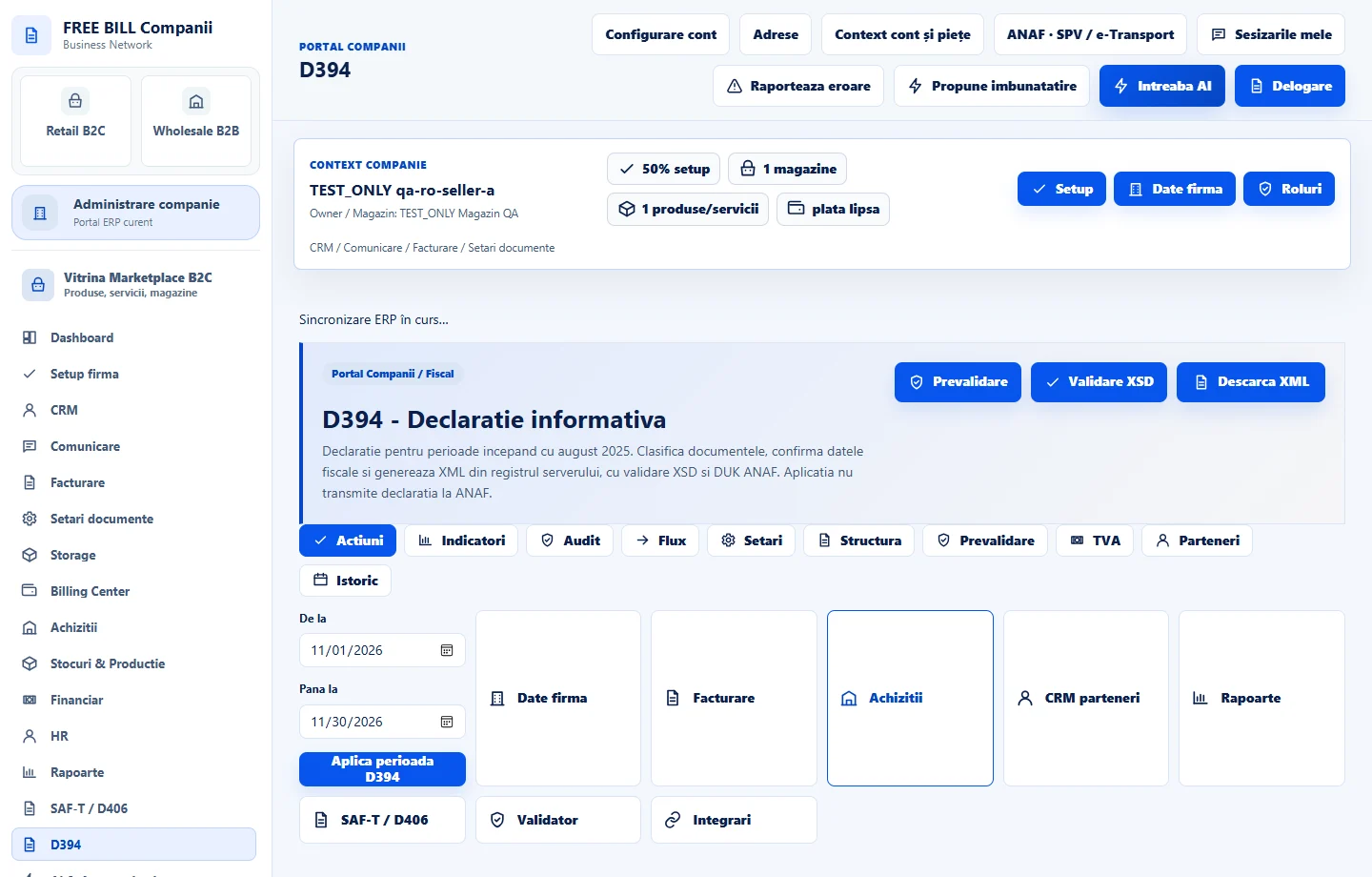
Open «SAF-T / D406» or «D394». Under «Date export D406» or «Date export D394», verify the company's identity, period and required settings.
Review the sources included
Check «Ce intră în XML» or «Ce intră în D394». Compare the contents with the documents in «Facturare» and «Achiziții» and with the reports for that period before exporting.
Run prevalidation
Select «Prevalidare», read the issues and follow links to the relevant source entries. Correct the data, then repeat prevalidation for the same period.
Validate the format before downloading
For D406, use «Validare XSD / DUK» when available. For D394, use «Validare XSD». Read the result and displayed requirements, then select «Descarcă XML» after checking.
Keep a record of the export
Compare the file name, period and contents with the current selection. Keep the validation result with the file. Check filing confirmation through the authorised channel for that report.
Application interface · Romanian · 2
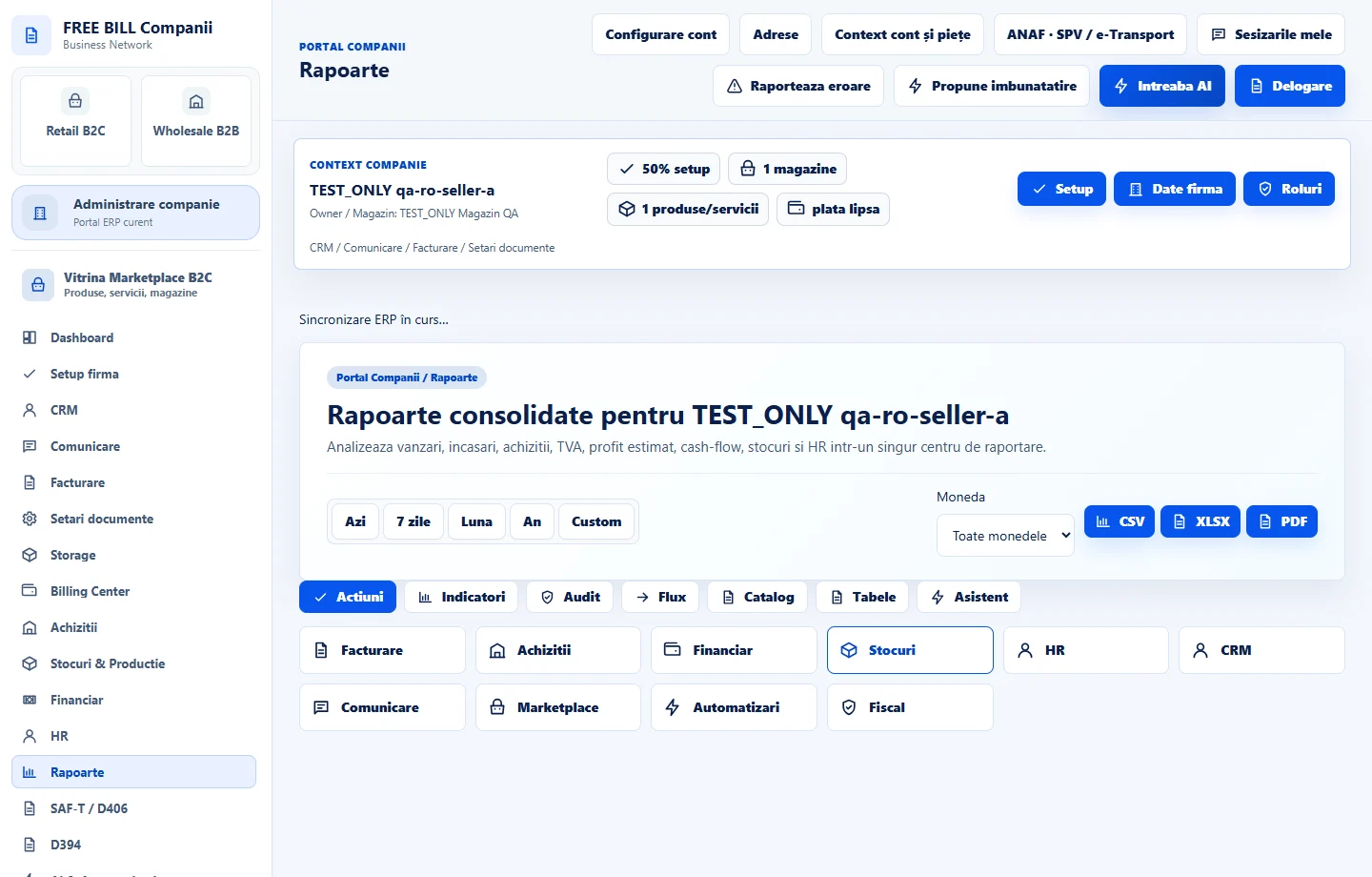
Check the result
You have the period's XML file and the available validation results for each report.
If something is missing
If validation fails, read the first relevant error, find the source document or field and correct it before regenerating. Check the report type and period before using the file.
Availability depends on your role, enabled modules, country and company configuration.
Open in FreeBill Conect