Simulate and track a batch send
Review the plan in a dry run, approve the live execution separately and check its progress and results.
Before you begin
- A validated campaign ready for execution.
- A configured channel and recipients eligible for the selected purpose.
- Who it is for
- Communications operator with execution or confirmation rights for the campaign.
- Where to find it
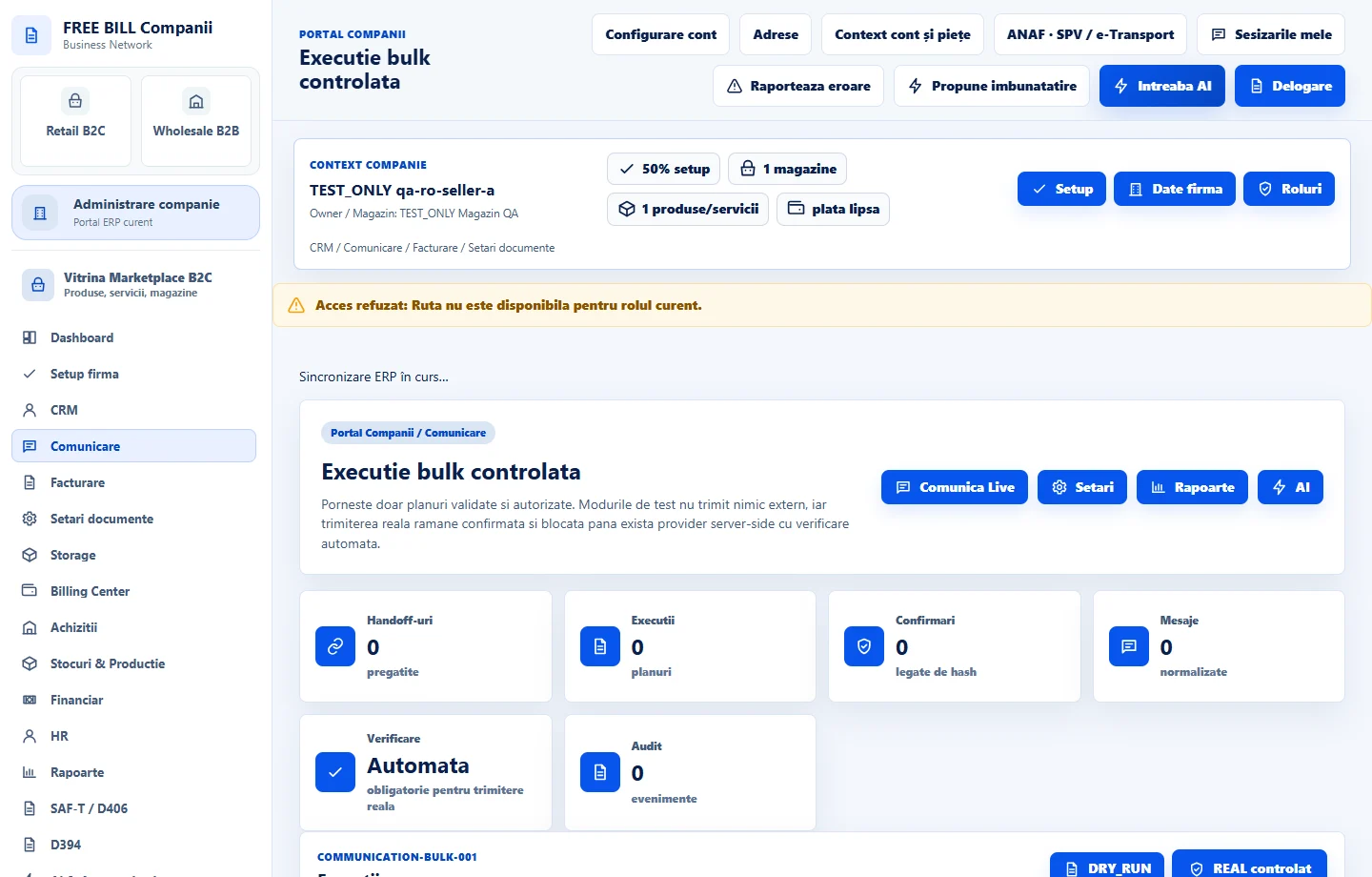
- Executie bulk controlata
Step by step
Prepare a simulation
Open «Execuție bulk controlată» and select «DRY_RUN». Review the campaign identifier, channel, recipient count and messages in the plan.
Resolve blocked messages
Open the execution details and read why any recipients or messages were excluded. Return to the campaign or channel settings to correct the source data.
Prepare the live execution
After reviewing the simulation, use «REAL controlat» for the campaign you intend to send. Recheck the selection, then use «Confirmă» and «Start» with the required permissions.
Control the execution
Monitor the status and number of messages in the plan. Use «Pauză», «Reia» or «Anulează» as the current status allows. Review «Audit bulk» before starting an additional execution.
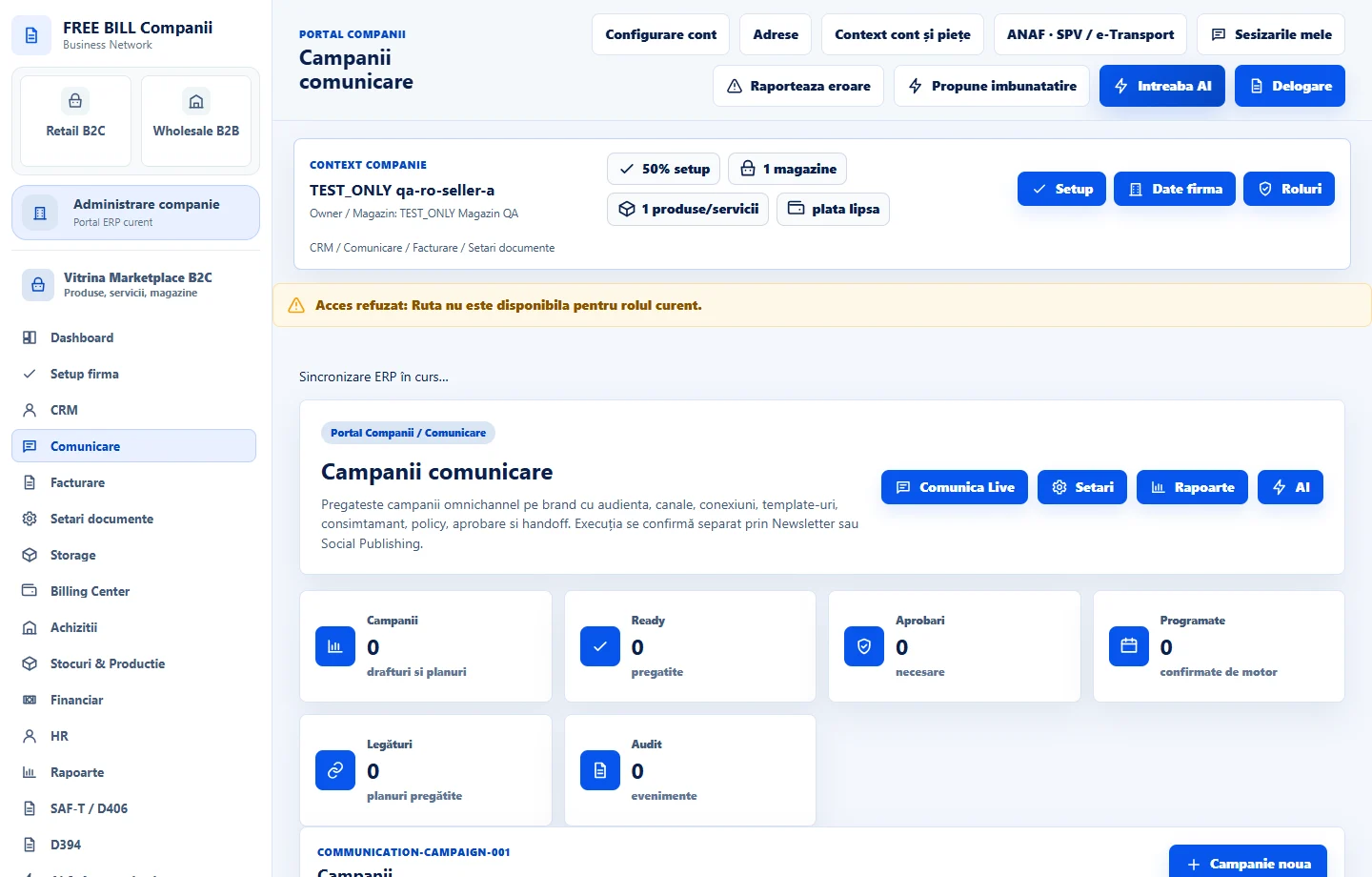
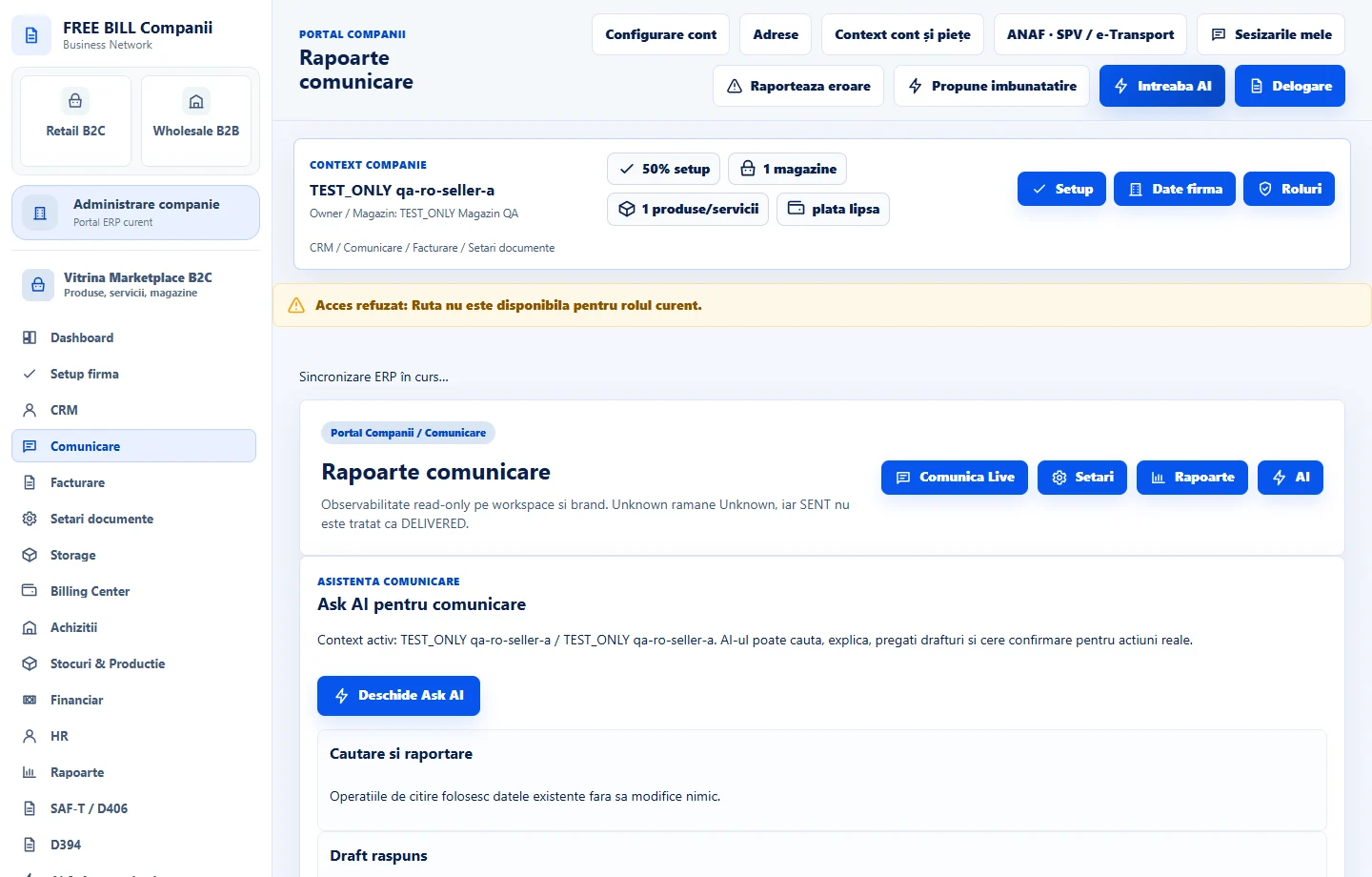
Review «Rapoarte comunicare»
Choose the relevant filters and review delivery results and errors. For a working copy of the selection, use the «CSV» or «JSON» export.
Application interface · Romanian · 2
Check the result
The communications registers show the execution, plan, confirmation and available results.
If something is missing
If «Start» is disabled, check campaign validation, connection and confirmation. If an execution is pending, check its status and log first.
Availability depends on your role, enabled modules, country and company configuration.
Open in FreeBill Conect