Use AI assistance in communications and review a reply
Open conversation suggestions, choose the context and manually review a response before sending it.
Before you begin
- The company and conversation selected, with access confirmed.
- A company AI key for requests using an external provider.
- Who it is for
- Operator with access to the company's conversation and AI features.
- Where to find it
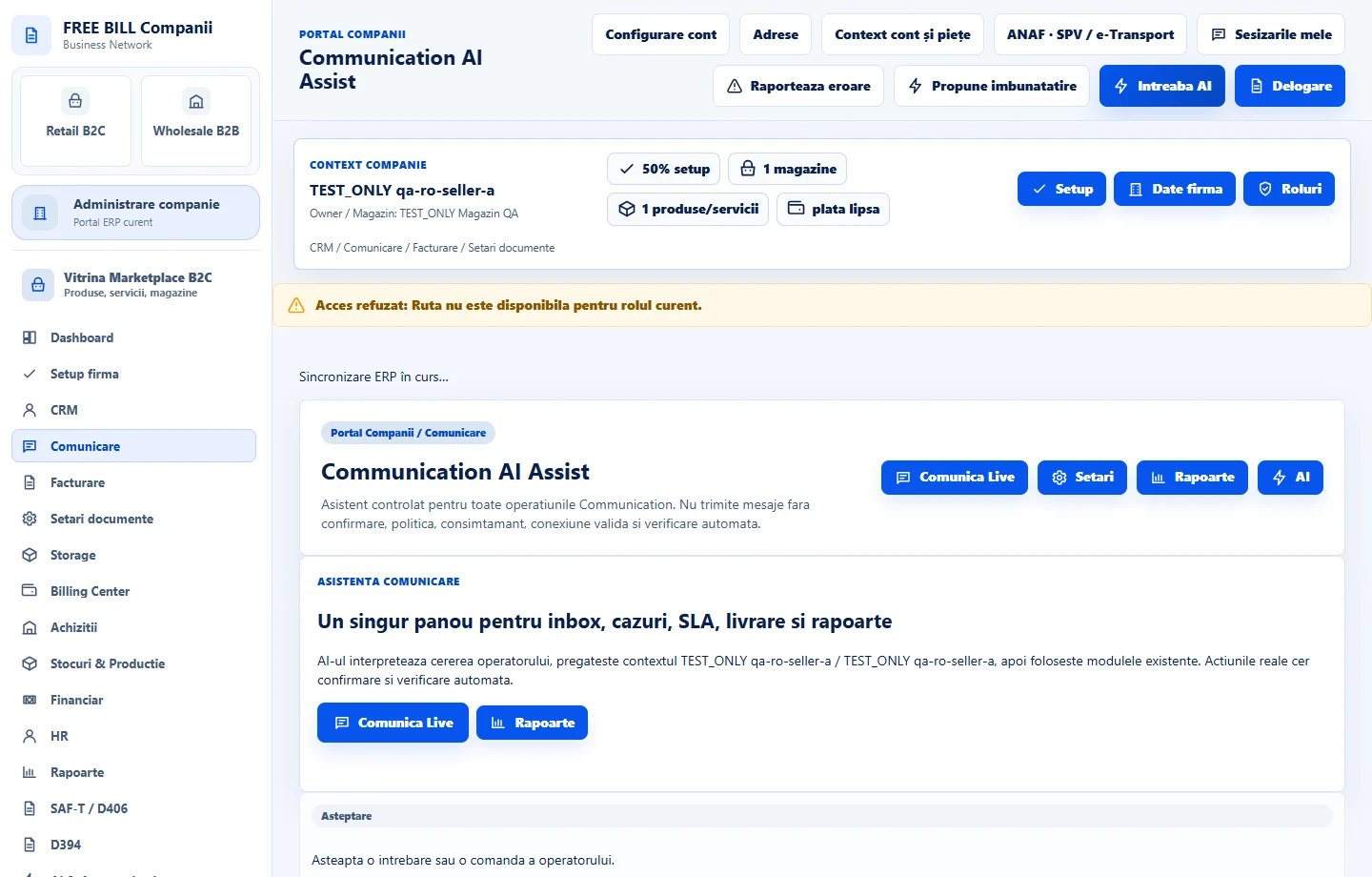
- Communication AI Assist
Step by step
Open the communications assistant
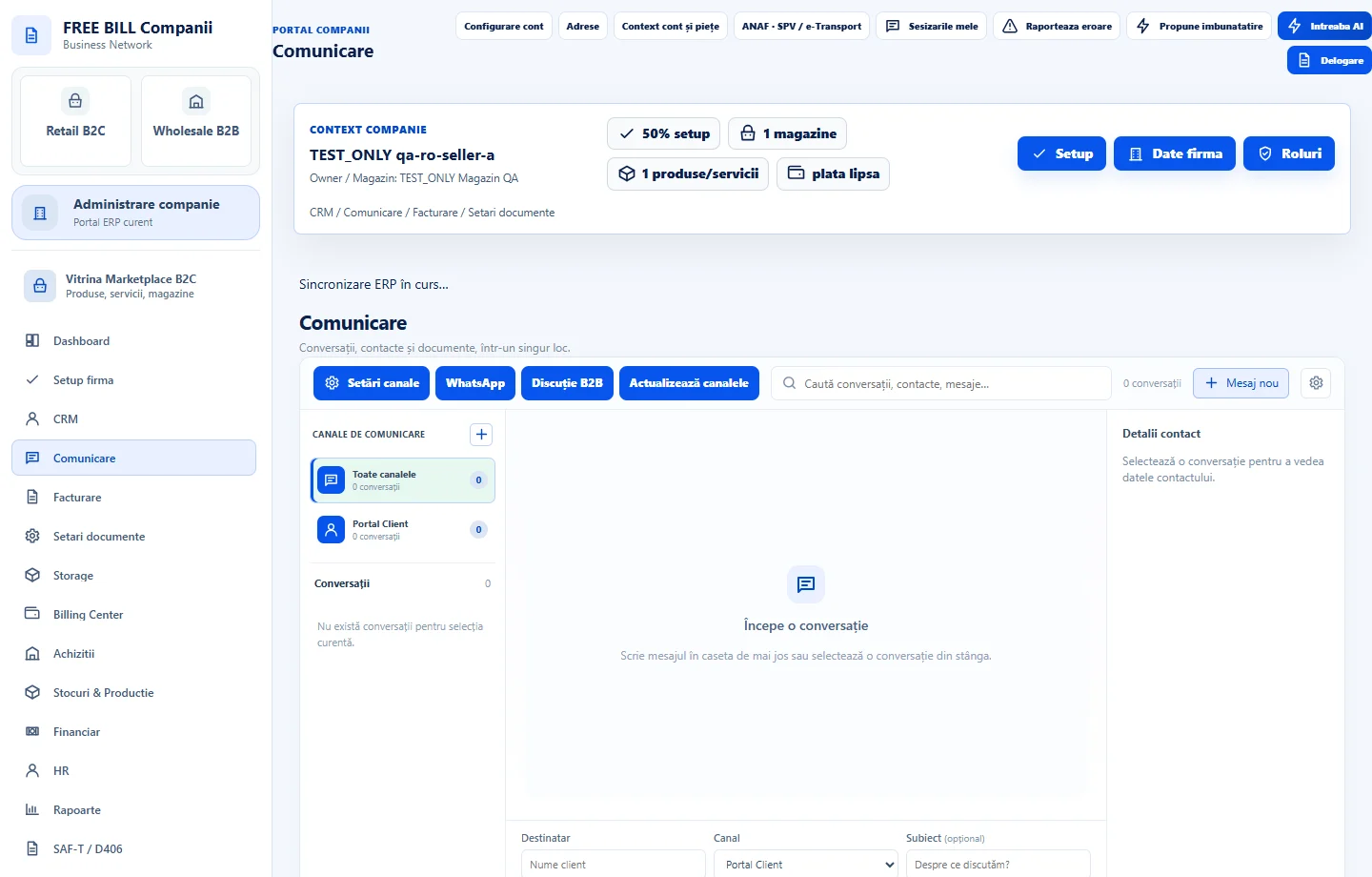
Under «Comunicare», open «Communication AI Assist» or select «Deschide Ask AI» from the suggestions panel. Check the current company and channel.
Choose what to prepare
Select a suggestion or enter your own request. If you include additional information, check access to the conversation and review what has been selected as context.
Review the request before confirming
If you use a provider key, check the model and context preview. Confirm the external request after reading the displayed text and context.
Review and send from the conversation
Check the proposed reply, correct details and verify the recipient. Return to the conversation, choose what text to use and send it through the appropriate channel.
Application interface · Romanian · 3
Check the result
You have a proposed response to review and use in the appropriate conversation.
If something is missing
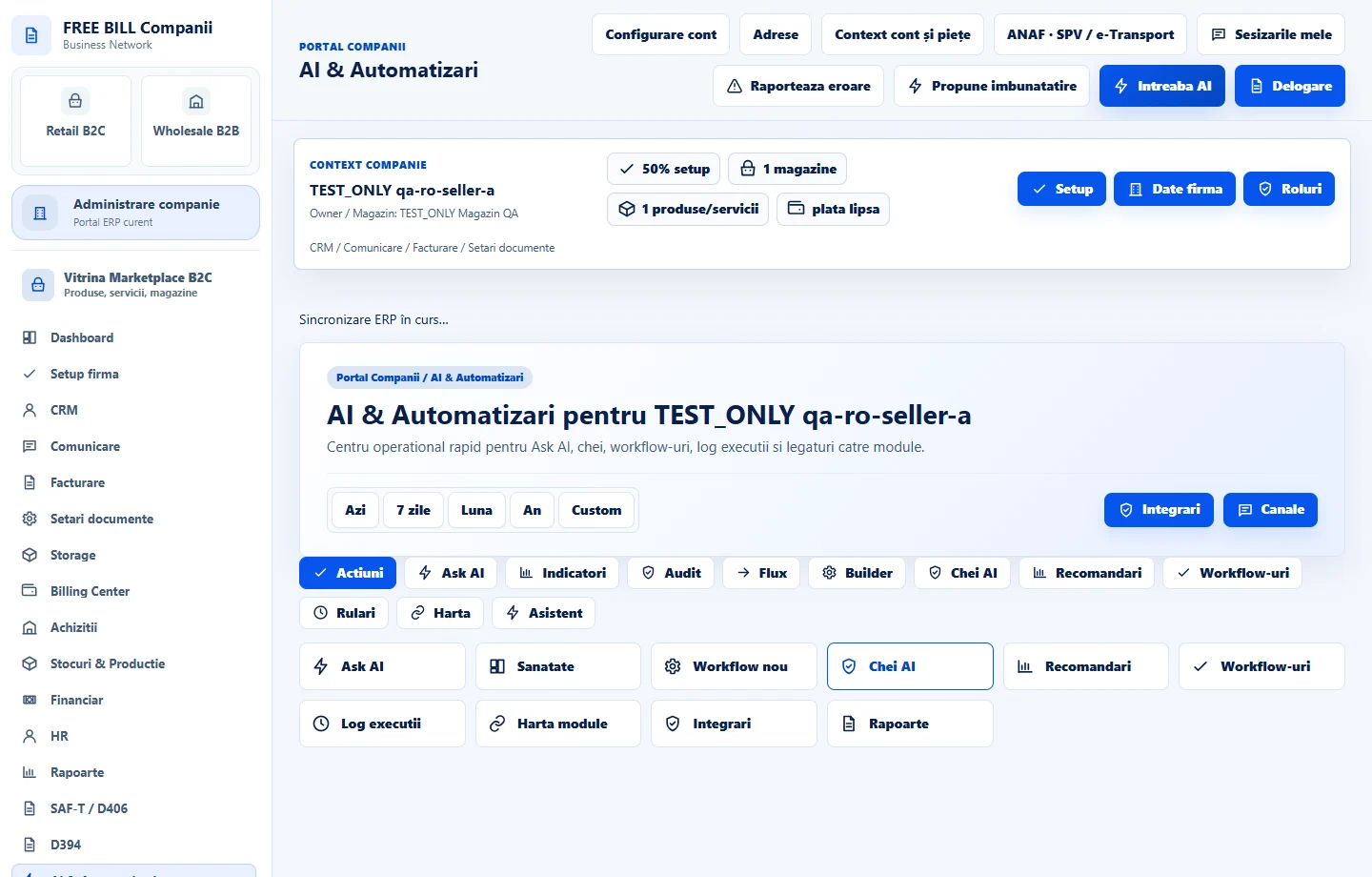
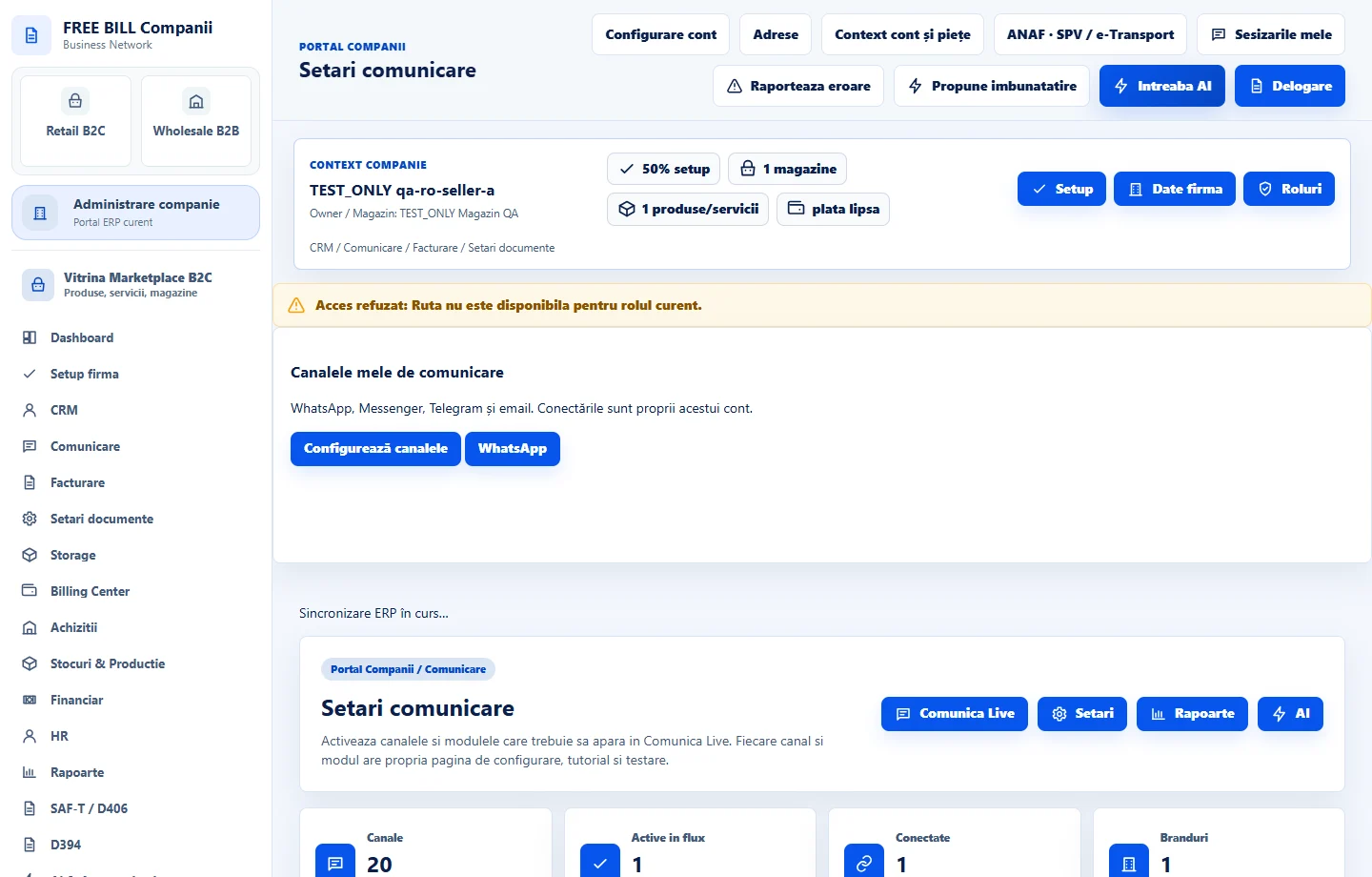
If the key or model is missing, check «AI & Automatizări» → «Chei AI». If the message cannot be sent, check the connection status and sending permissions for the channel.
Availability depends on your role, enabled modules, country and company configuration.
Open in FreeBill Conect