Track returns, refunds and reviews
Start from the correct order and track return status and payment separately.
Before you begin
- You need an order in your account that is eligible for the action.
- Who it is for
- Customer
- Where to find it
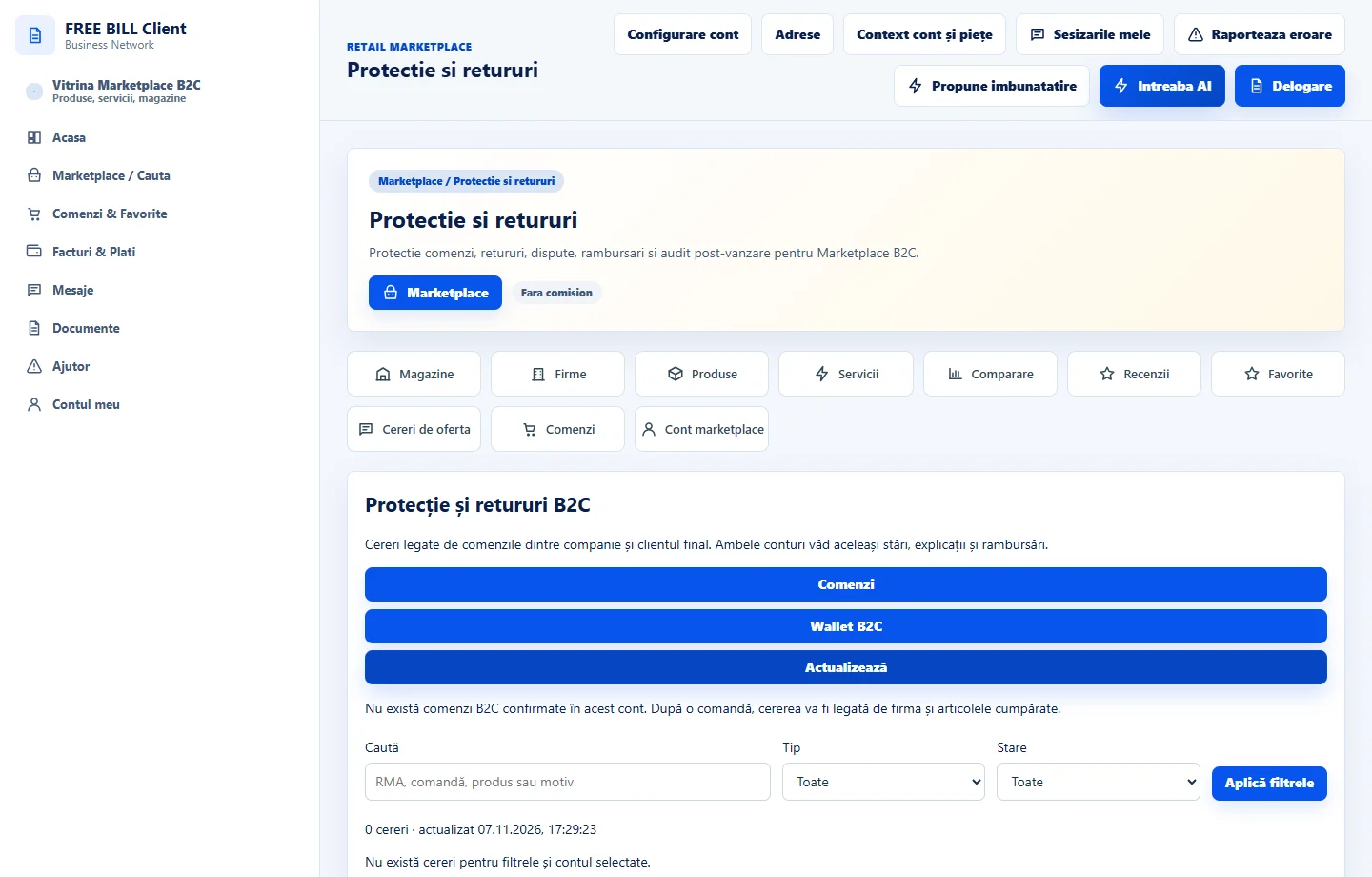
- Protectie si retururi
Step by step
Choose the order and issue
Open the order and check the products, quantity and terms. In «Protecție și retururi B2C», choose the action available for your situation.
Send the required details
Enter the reason and required evidence. Keep the request reference and check the reply before shipping a return.
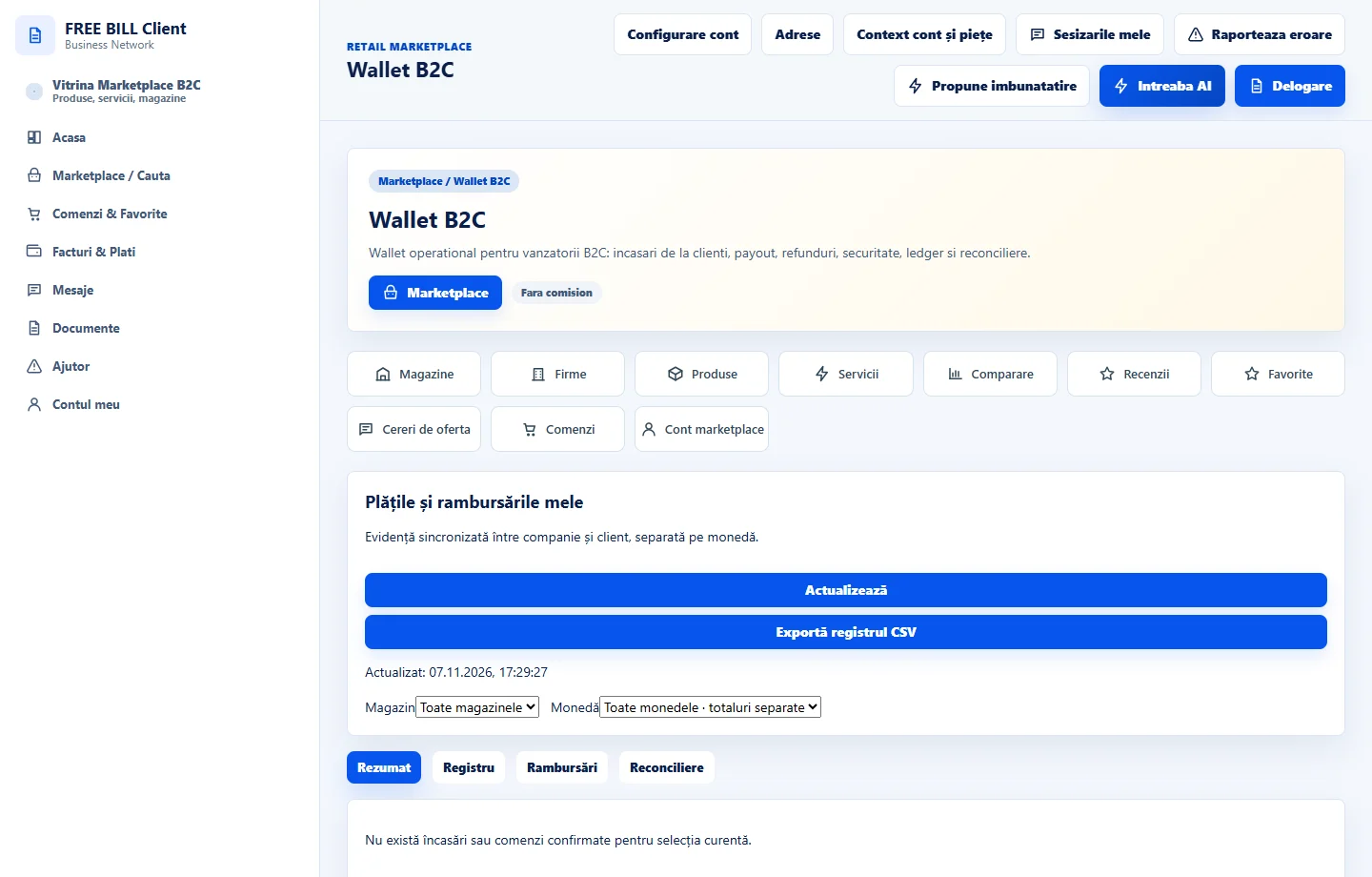
Check the refund
In «Plățile și rambursările mele», compare the amount, currency and reference. Use «Solicită rambursare» when offered and track confirmation.
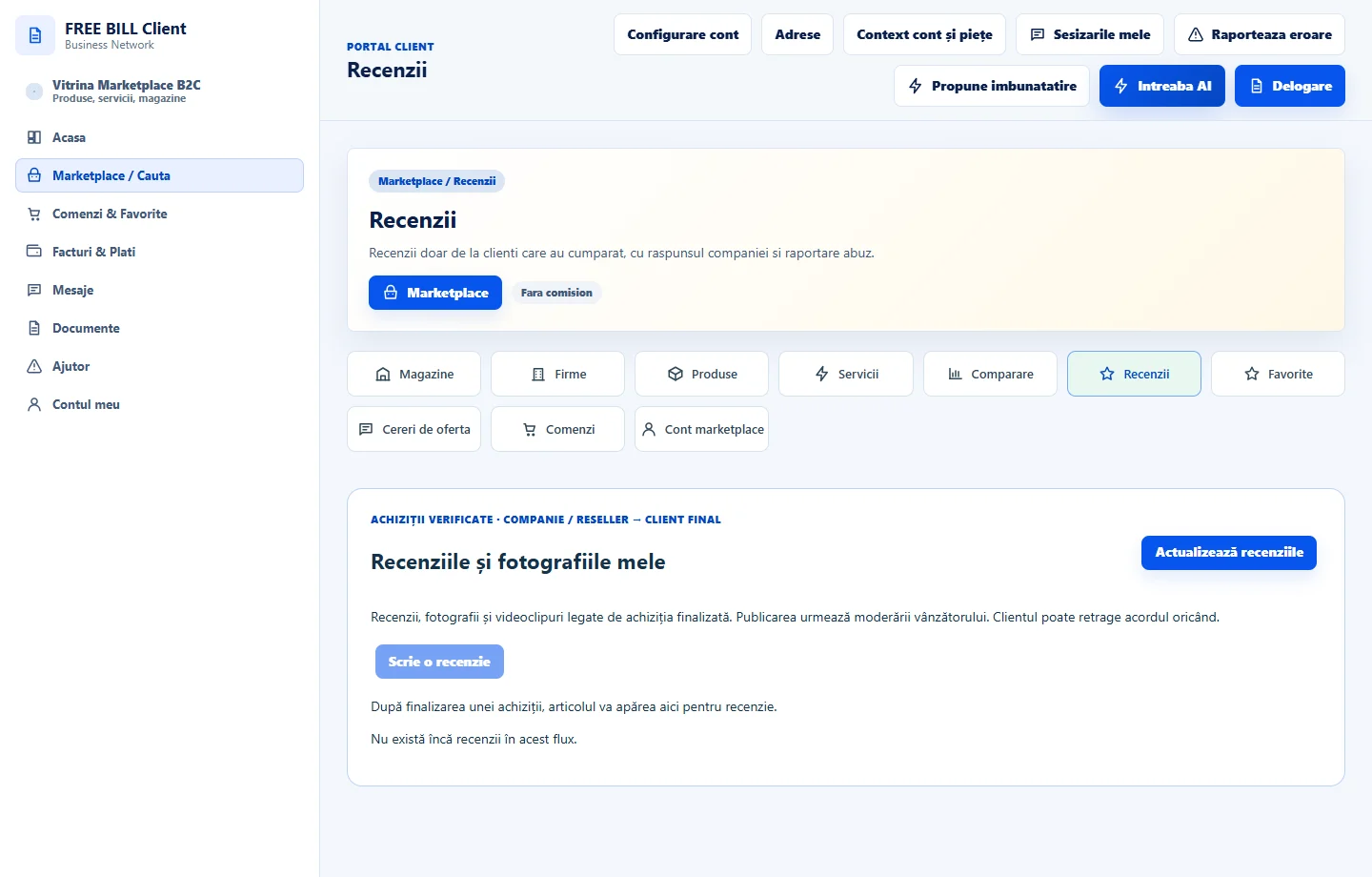
Leave a review when available
In «Recenziile mele», choose the eligible order or offer. Describe your experience without personal details and check the status after submitting.
Application interface · Romanian · 2
Check the result
You can track the request, refund and review separately.
If something is missing
If an action is unavailable, check the order status, deadline and eligibility.
Availability depends on your role, enabled modules, country and company configuration.
Open in FreeBill Conect