Find stores, products and services
Use search and filters to compare published offers.
Before you begin
- You need access to the Marketplace storefront. Check the delivery market for the offer.
- Who it is for
- Customer
- Where to find it
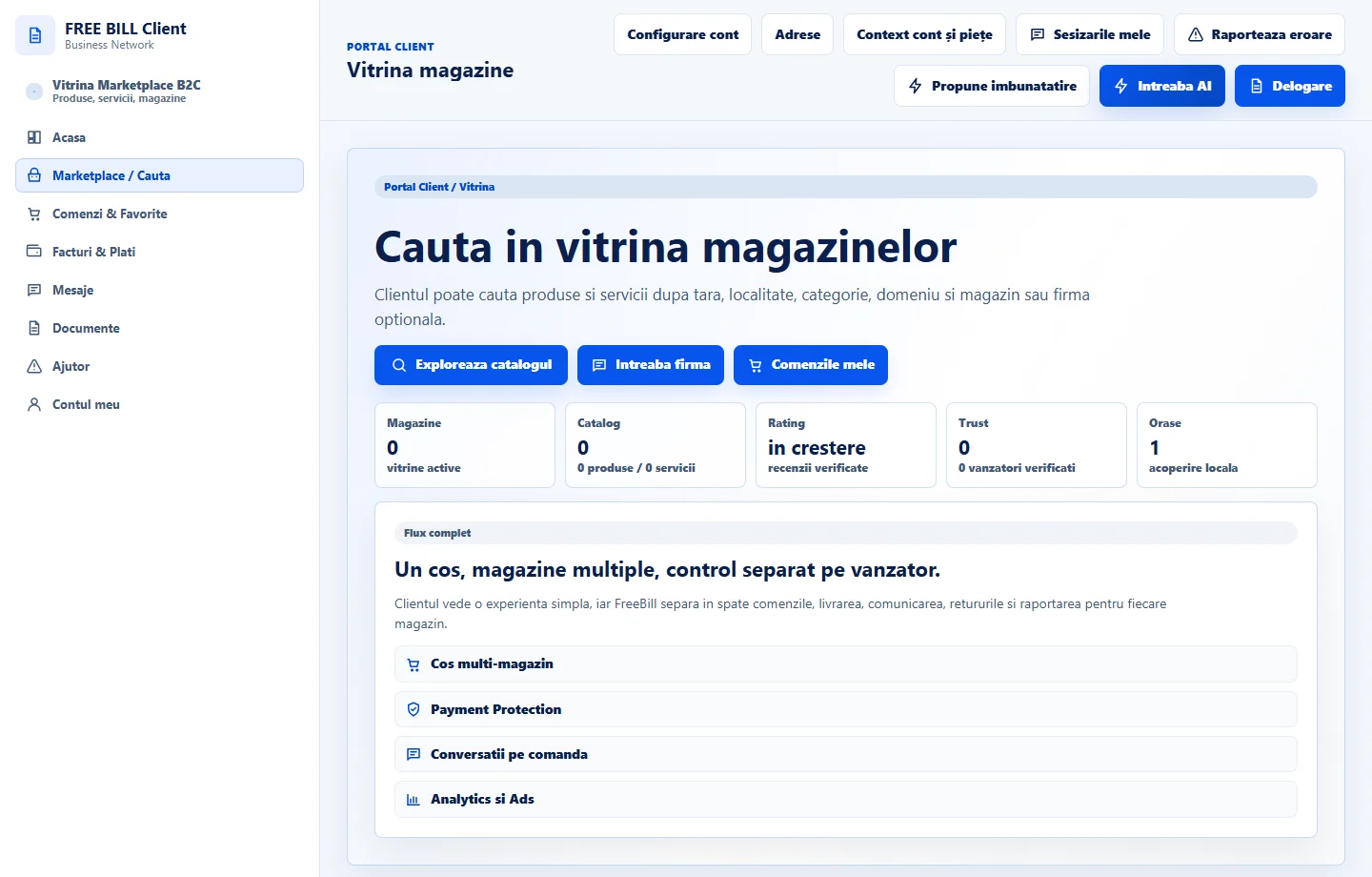
- Vitrina magazine
Step by step
Open the storefront
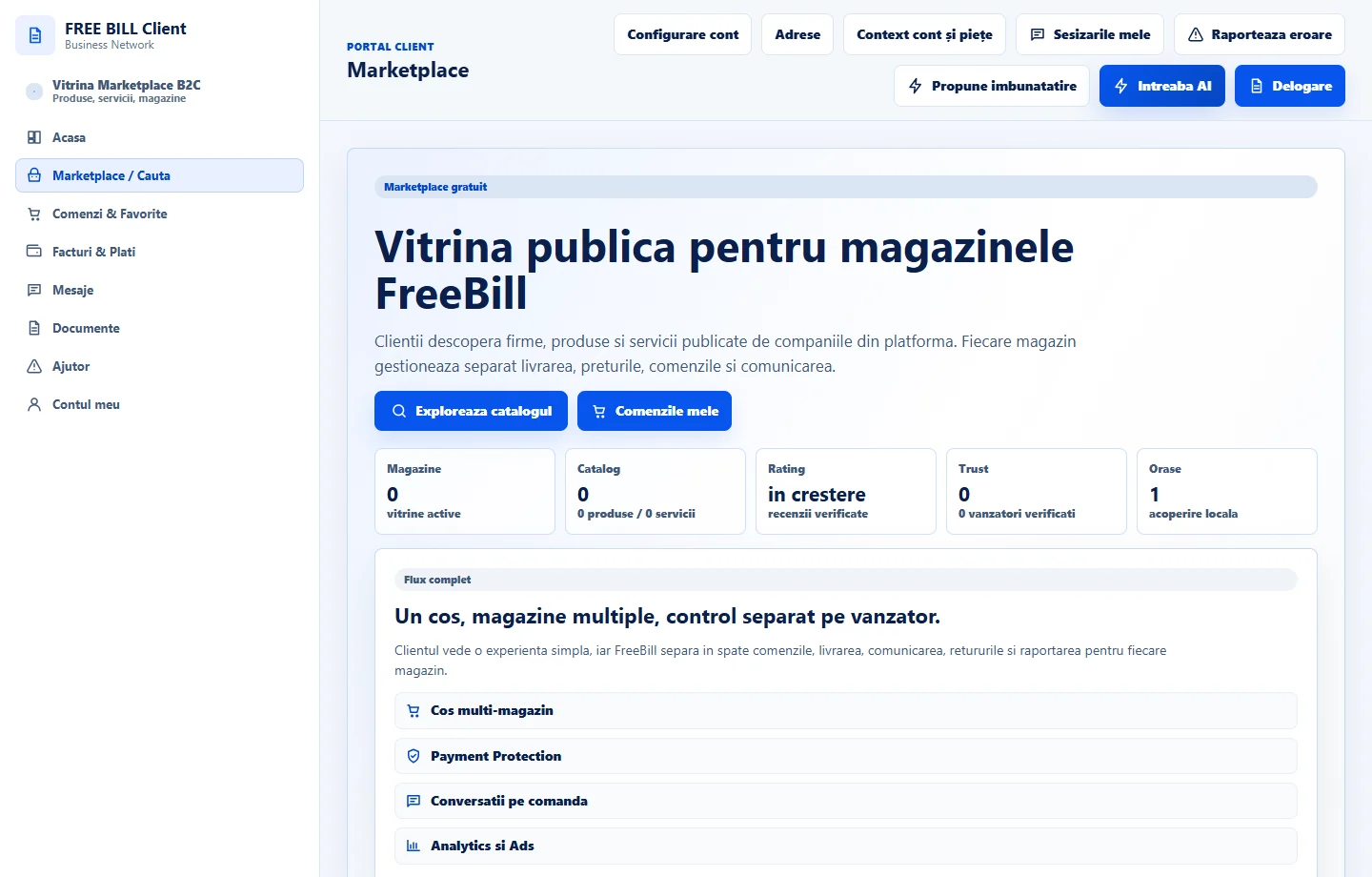
In your customer account, open «Vitrina magazine» or go to «Marketplace». Check the market and language shown.
Narrow the results
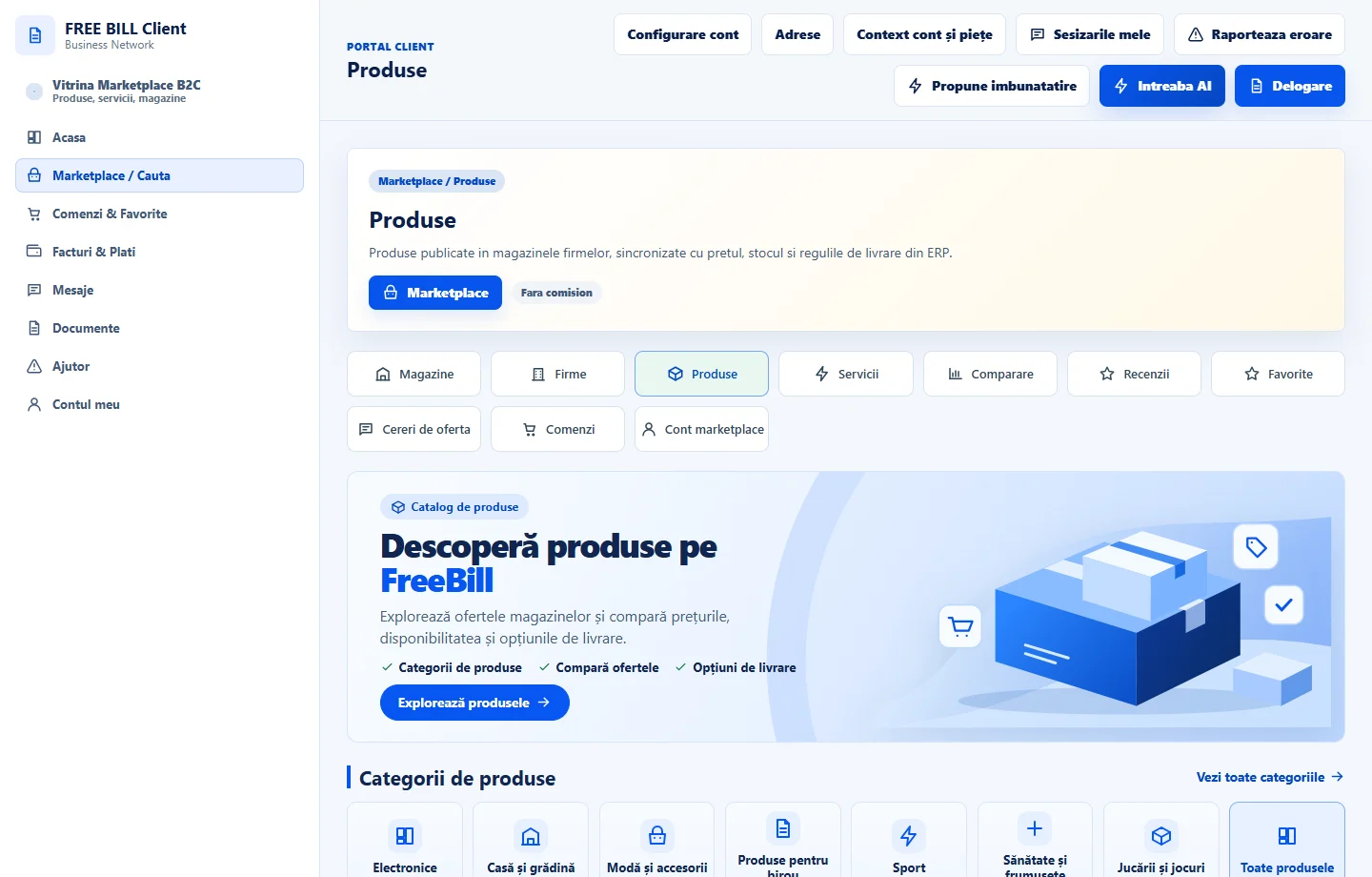
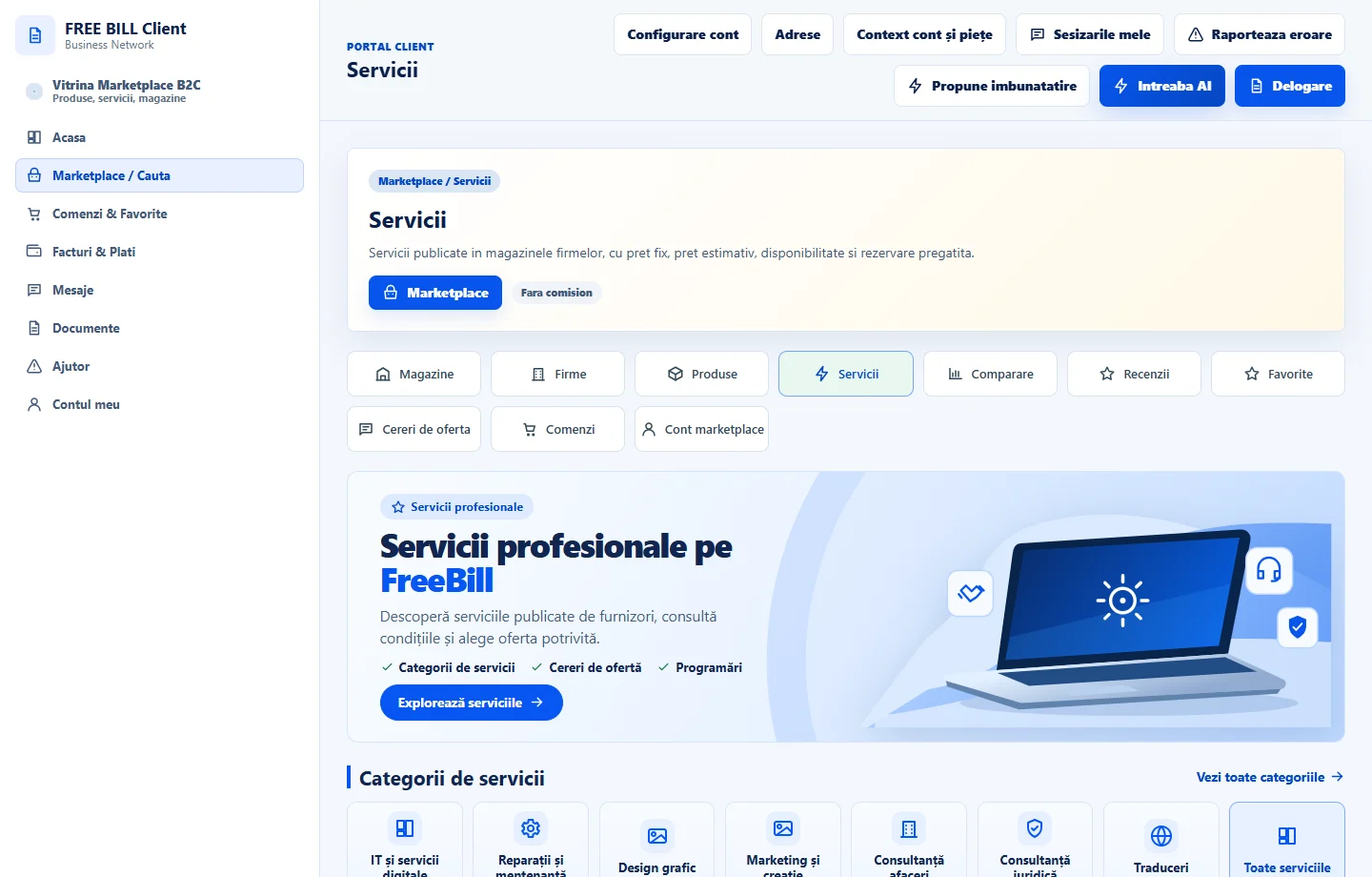
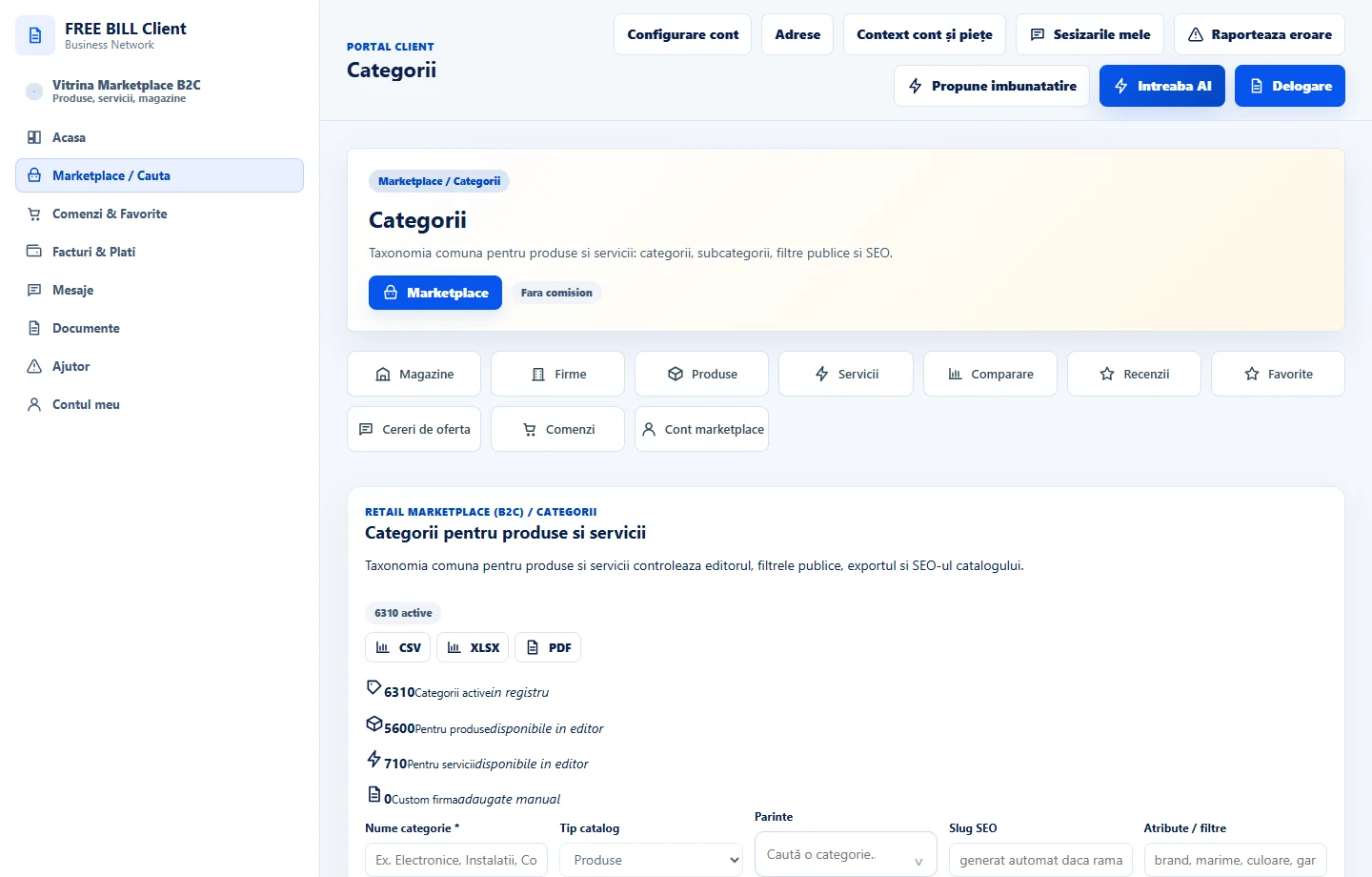
Search by name or category. Choose «Produse» or «Servicii» and use available filters to narrow the list.
Check the store and company
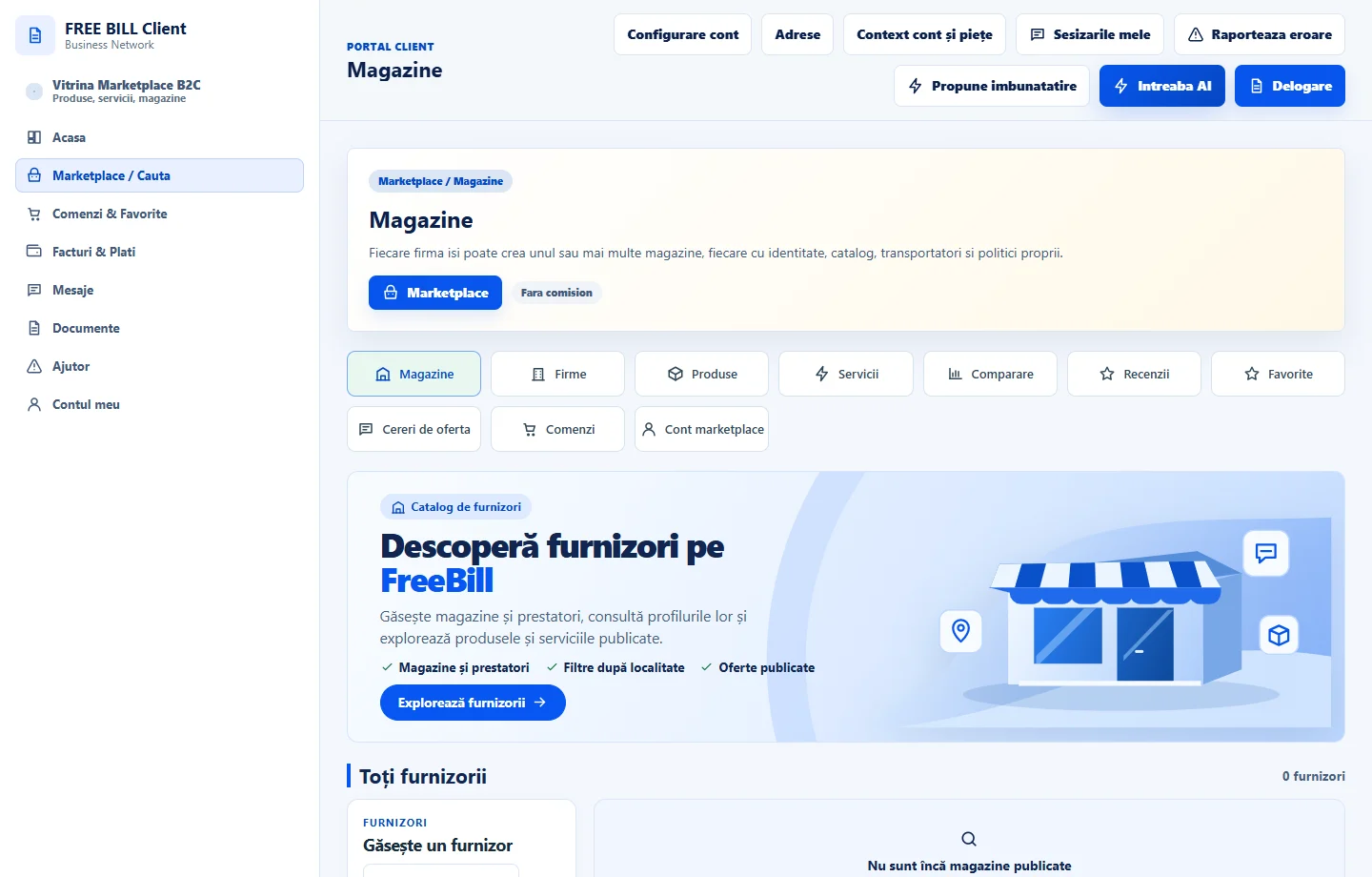
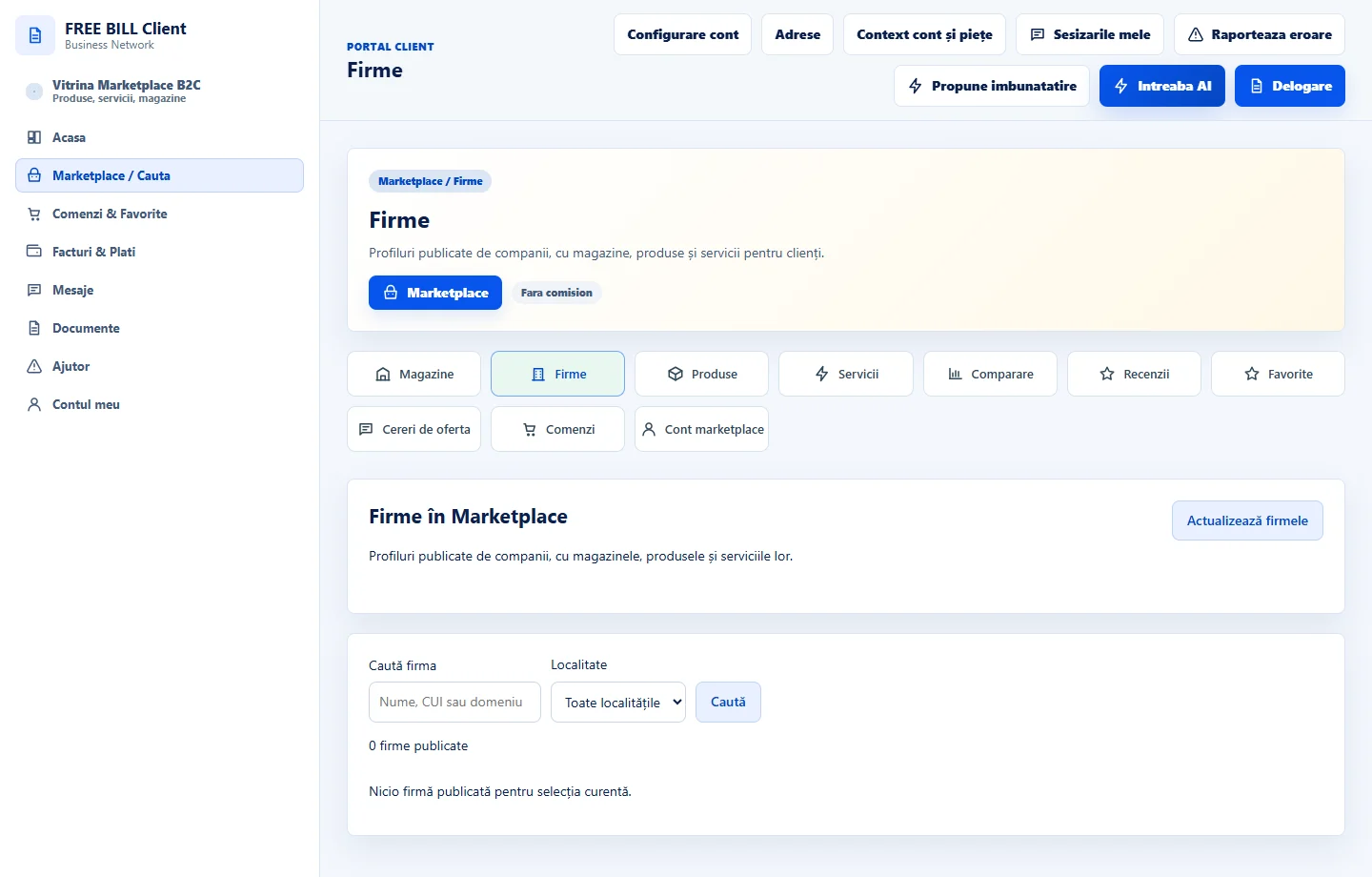
In «Magazine» or «Firme», open the seller profile and check the market, public details and published offers.
Read the offer details
Compare the price, unit, availability and terms. For products, check delivery and returns. For services, check what is included and the lead time.
Application interface · Romanian · 6
Check the result
You have identified an offer and can verify its seller and terms.
If something is missing
If you cannot find the offer, check the market, category and active filters.
Availability depends on your role, enabled modules, country and company configuration.
Open in FreeBill Conect