Buy from Marketplace and track your order
Review the offer and total before placing an order, then track confirmation and delivery.
Before you begin
- You need an account, an available offer and delivery or billing details when required.
- Who it is for
- Customer
- Where to find it
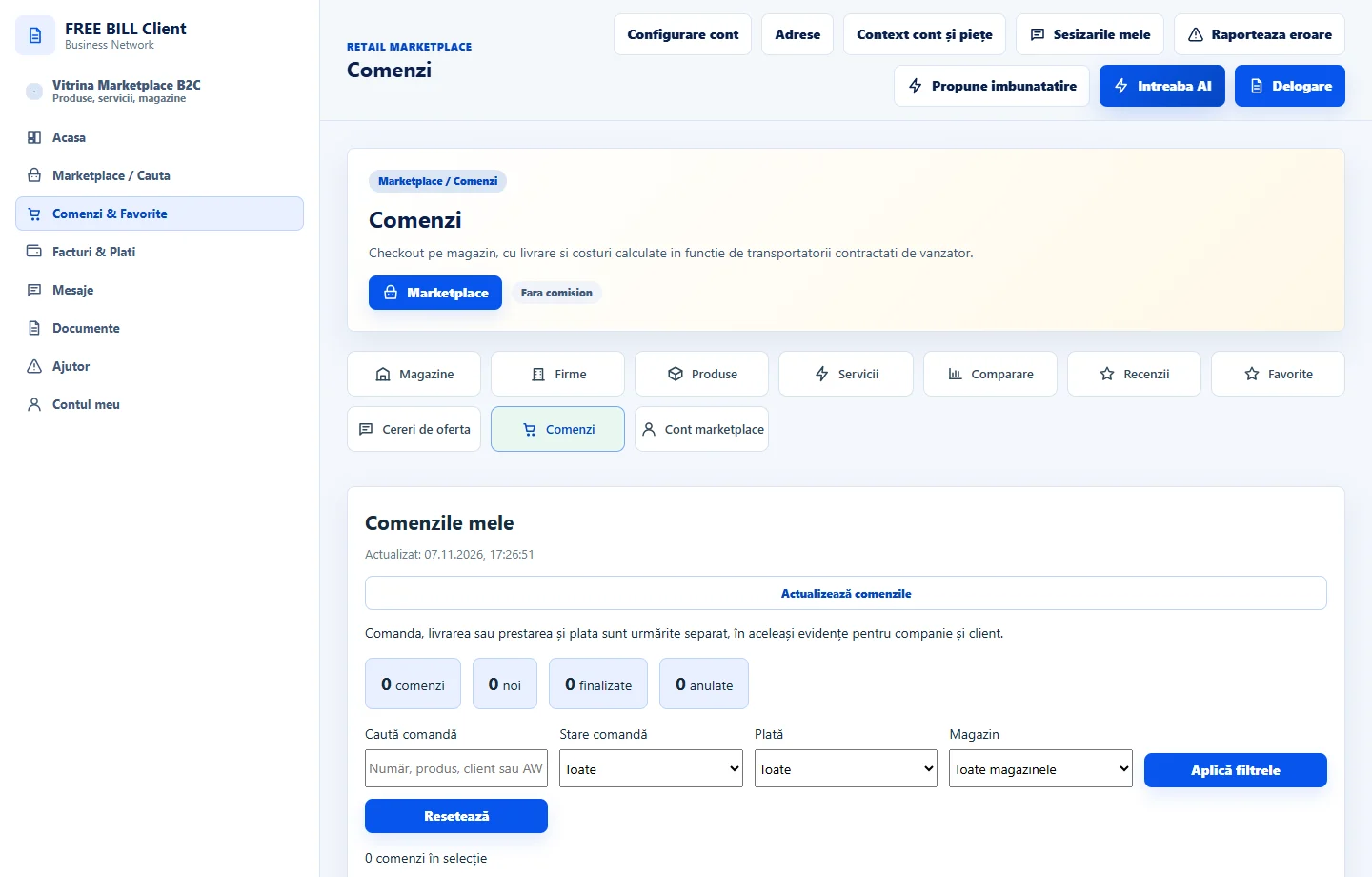
- Comenzi
Step by step
Check the product or service
Open the offer. Check the store, variant, quantity and displayed terms, then use «Adauga in cos» if the action is available.
Review the cart
Check each product or service and the total. Confirm the requested addresses, delivery options and available payment method.
Confirm and keep the reference
Use «Finalizeaza comanda» when the details are correct. Keep the reference and check the response before placing the order again.
Track the order
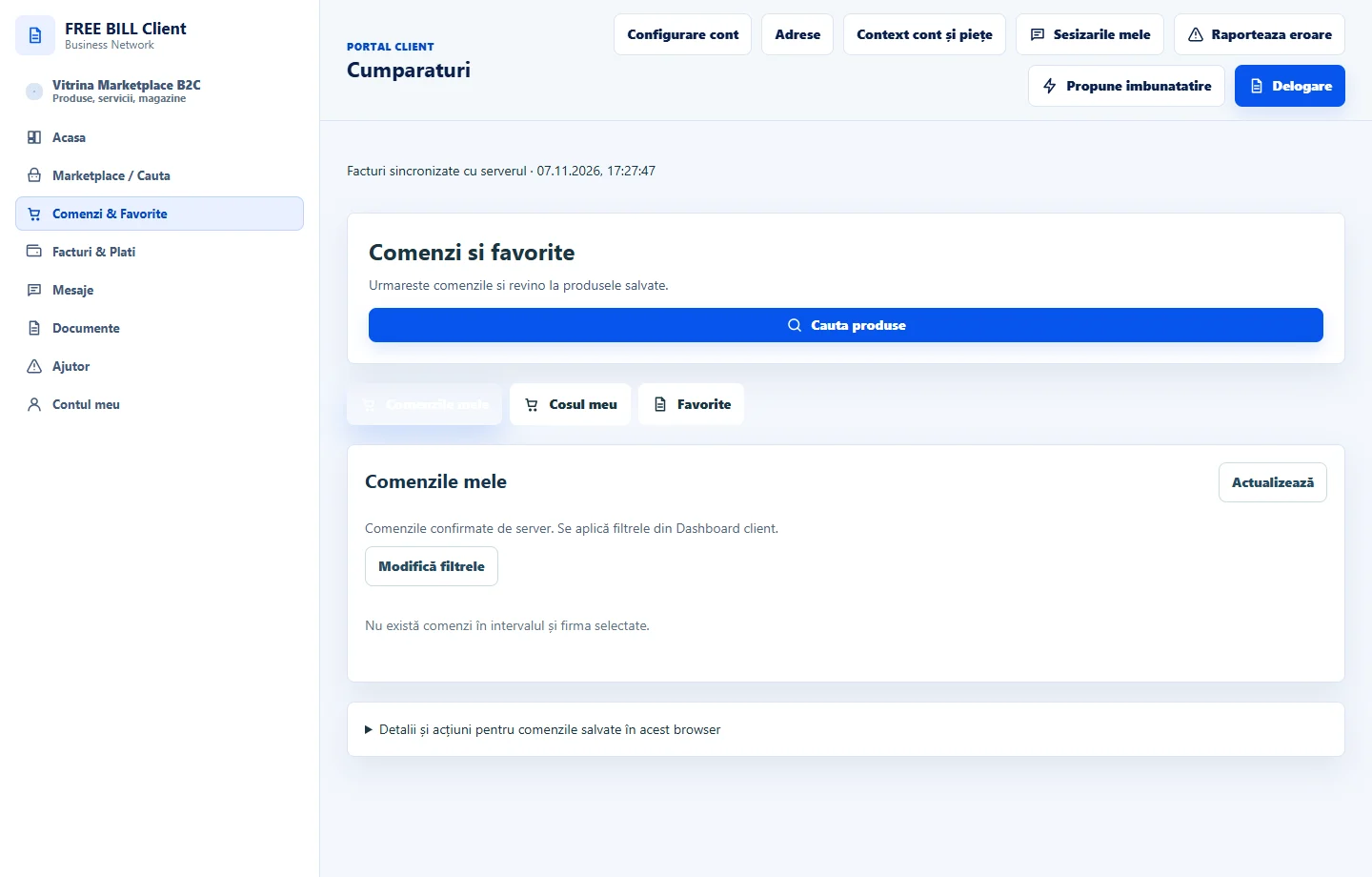
In «Comenzi» or «Cumparaturi», open the order by reference. Check payment and delivery status or the service fulfilment details.
Application interface · Romanian · 1
Check the result
You can track the order by reference and check its latest available status.
If something is missing
If you receive no confirmation, check your order register before trying again.
Availability depends on your role, enabled modules, country and company configuration.
Open in FreeBill Conect