Create a controlled automation workflow
Define the trigger, action and safeguards of an operational workflow.
Before you begin
- Automation edit permission and any required channel/provider configuration.
- Who it is for
- company user with module permission
- Where to find it
- AI & Automatizari
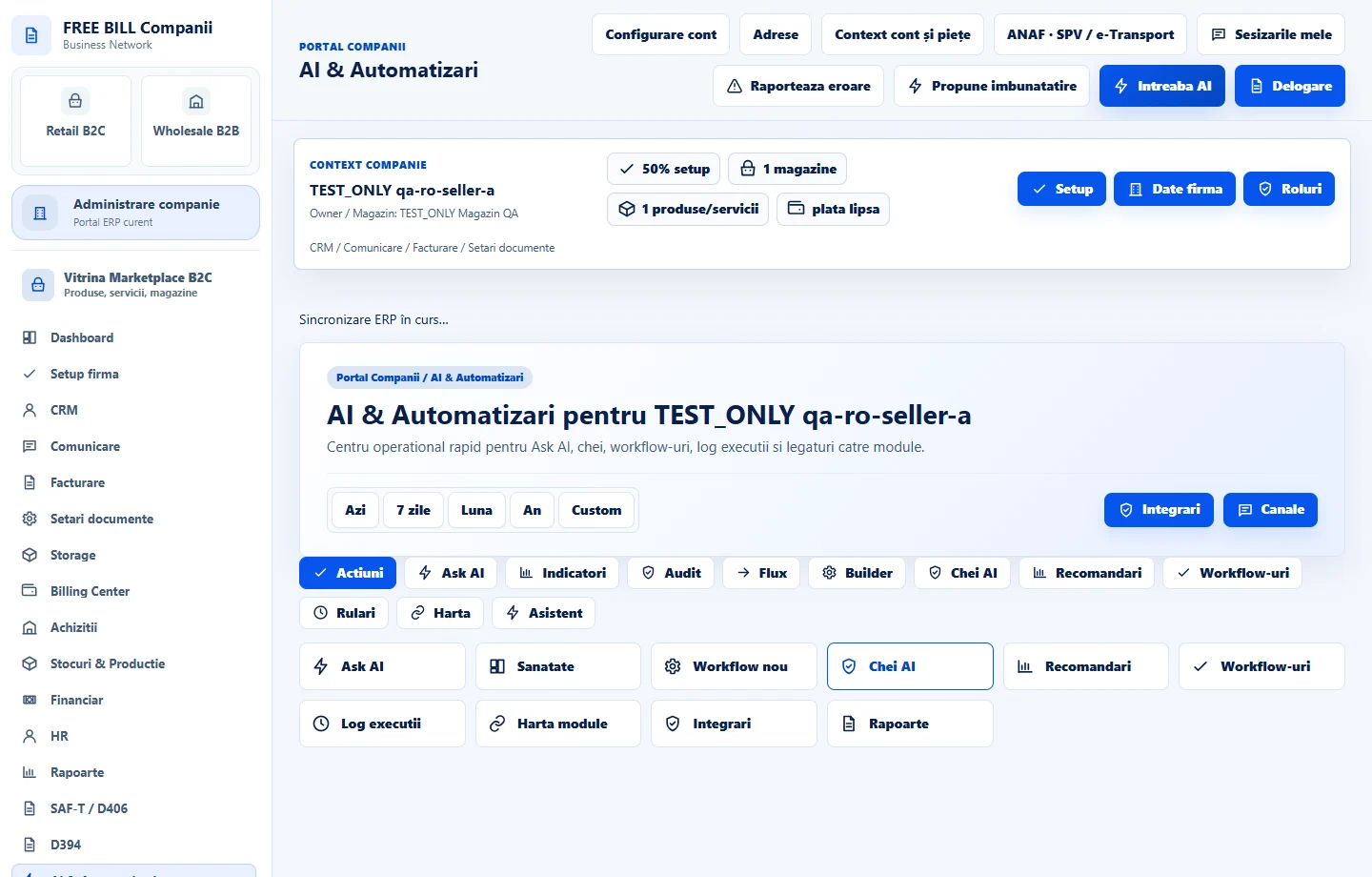
Step by step
Open AI & Automatizari
Select the relevant company or account, then open «AI & Automatizari».
Describe the workflow
Enter its name and select trigger, action, channel and schedule.
Set control and limits
Review workflow type, approval mode, retry limit, conditions, rollback policy and run limit.
Choose the initial status
Set the workflow status to match the intended readiness and review the module health/guard messages.
Create and inspect
Select «Creeaza workflow» and review the workflow register and run history. Do not assume a configured rule has already executed.
Check the result
A workflow definition with its approval, retry and execution limits recorded.
If something is missing
If editing is disabled, check the active company and your permission for this module. Resolve the validation message shown in the form before submitting again.
Availability depends on your role, enabled modules, country and company configuration.
Open in FreeBill Conect