Create a company operator with module permissions
Give a company user the required operational access.
Before you begin
- Company administration permission and authorization to create the operator account.
- Who it is for
- company user with module permission
- Where to find it
- Administrare
Step by step
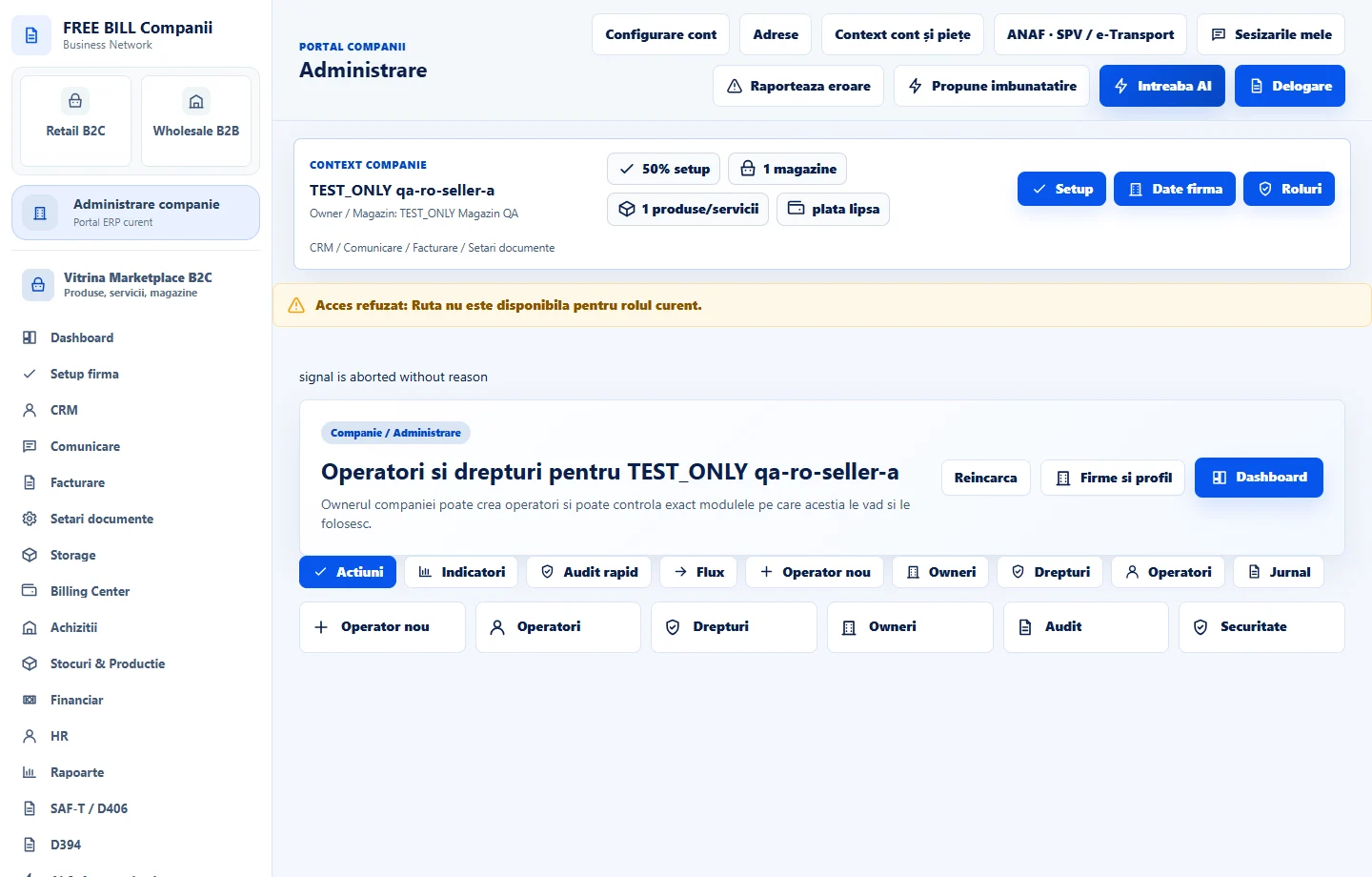
Open Administrare
Select the relevant company or account, then open «Administrare».
Enter operator identity
Fill display name, email, phone and username in the operator creation panel.
Set account access
Set the required password and select only the module permissions needed by this operator.
Create the operator
Select «Creeaza operator».
Verify the assigned access
Use «Reincarca» when needed and inspect the operator list and permission information.
Check the result
A company operator created with the selected module permissions.
If something is missing
If editing is disabled, check the active company and your permission for this module. Resolve the validation message shown in the form before submitting again.
Availability depends on your role, enabled modules, country and company configuration.
Open in FreeBill Conect