Check storage usage and choose a package
Review file storage consumption and the available upgrade packages.
Before you begin
- An account with access to Storage and billing.
- Who it is for
- company user with module permission
- Where to find it
- Storage
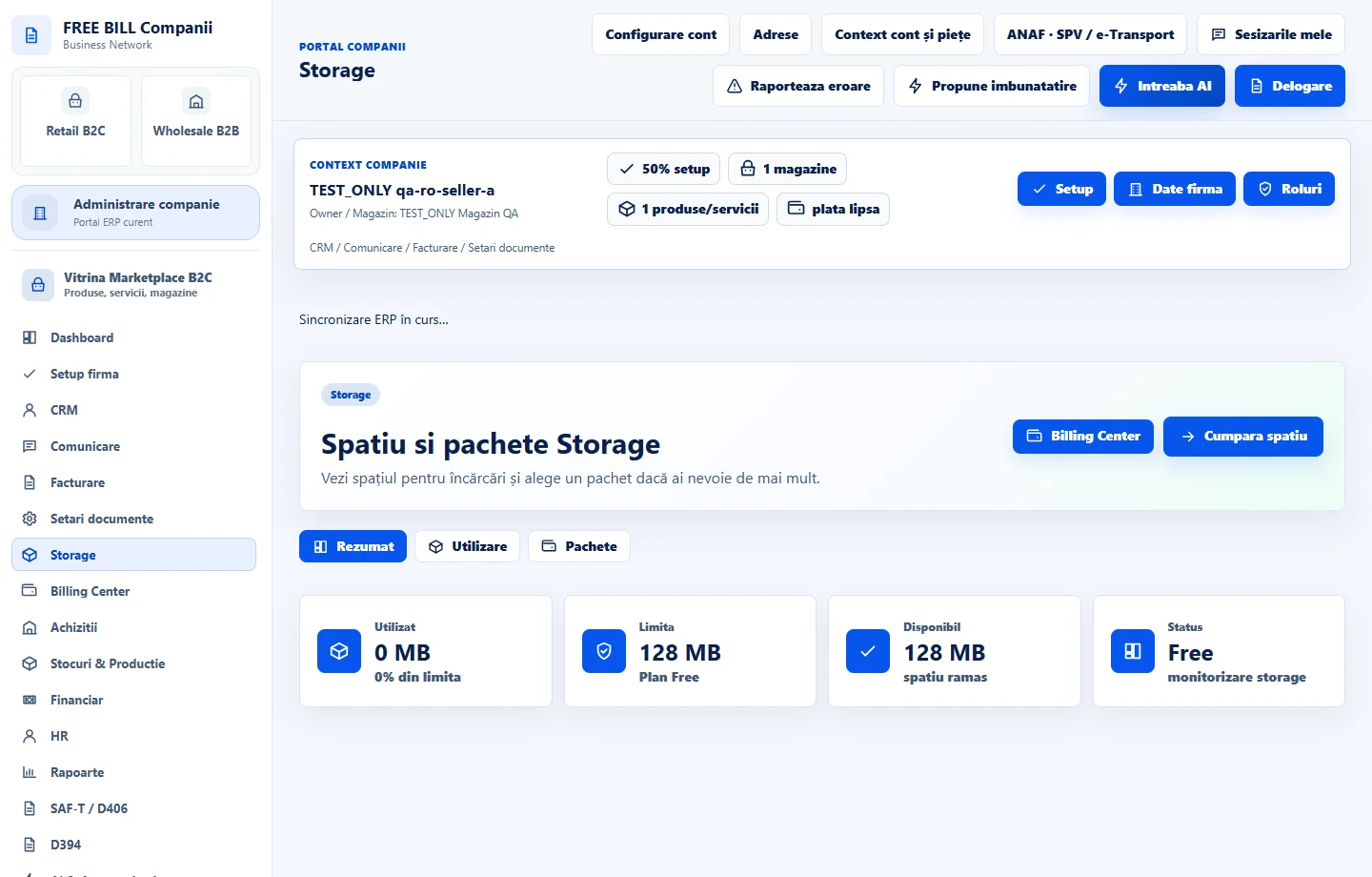
Step by step
Open Storage
Select the relevant company or account, then open «Storage».
Review storage use
Inspect used space, the account limit and file categories before choosing additional capacity.
Compare the packages
Read the package capacity and displayed purchase terms in the current account.
Continue to checkout
Select «Alege pachet» for the desired package and review checkout details.
Track billing
Use «Billing Center» to inspect the related billing record and payment status. Capacity depends on the completed purchase status.
Check the result
A reviewed storage package and its checkout/billing status.
If something is missing
If editing is disabled, check the active company and your permission for this module. Resolve the validation message shown in the form before submitting again.
Availability depends on your role, enabled modules, country and company configuration.
Open in FreeBill Conect