Upload, archive and delete company files
See what counts towards the quota, download files and reclaim space by deleting eligible files.
Before you begin
- The active company and access to «Storage».
- A file in an accepted format and size if you are uploading.
- Who it is for
- Operator with access to company storage and write permissions to upload, archive or delete.
- Where to find it
- Storage
Step by step
Check available storage
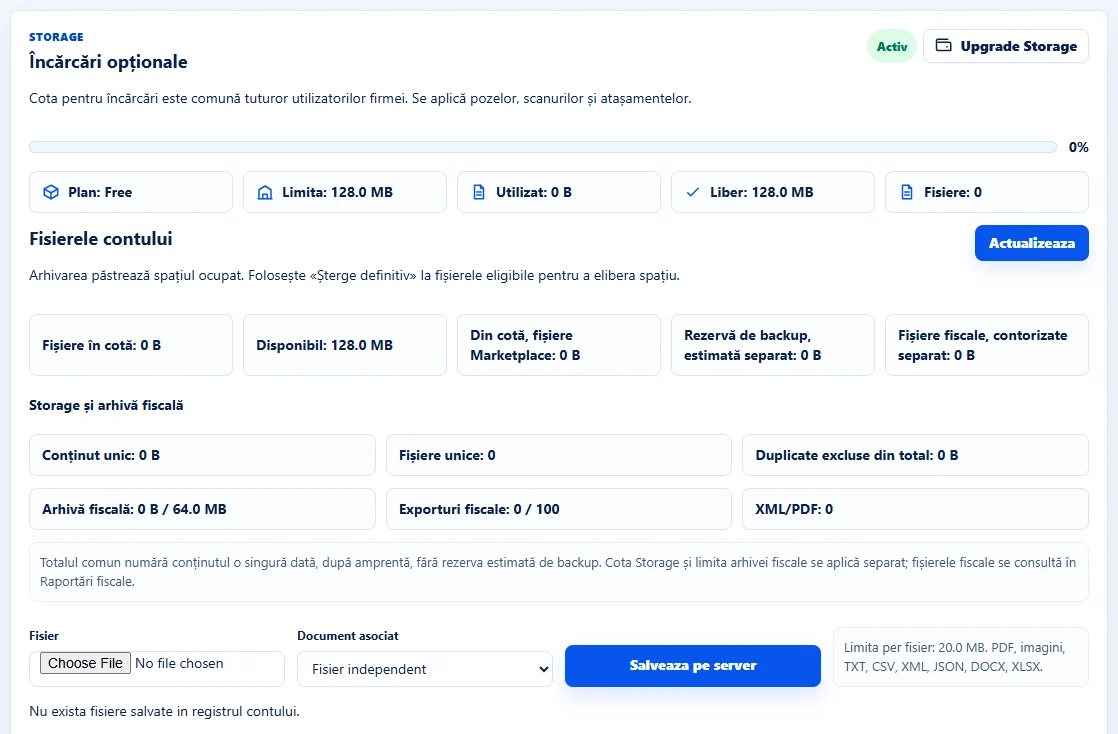
Open «Storage» → «Fișierele contului» and select «Actualizează» if the list is not shown yet. Compare «Fișiere în cotă», «Disponibil» and the marketplace file details. The free plan starts at 128 MB per company, as reflected in the account quota.
Choose a file and its association
Under «Fișier», select the file from your device. Under «Document asociat», choose the relevant ERP entry or «Fișier independent», then select «Salvează pe server». Check the list and the stored file size.
Download or archive a file
Use the actions on the file row. Archiving marks the file «Arhivat» and keeps it counted towards storage. To reclaim space, check whether it can be permanently deleted.
Permanently delete an eligible file
Choose an independent file you no longer need, check its name and size, select «Șterge definitiv» and confirm in the dialog. For files linked to a document, review the link and manage the document in the source module.
Confirm the recovered space
Reload the list and check that the file is gone and the available quota has changed. For marketplace images and fiscal files, check the summary and the source module.
Application interface · Romanian · 1
Check the result
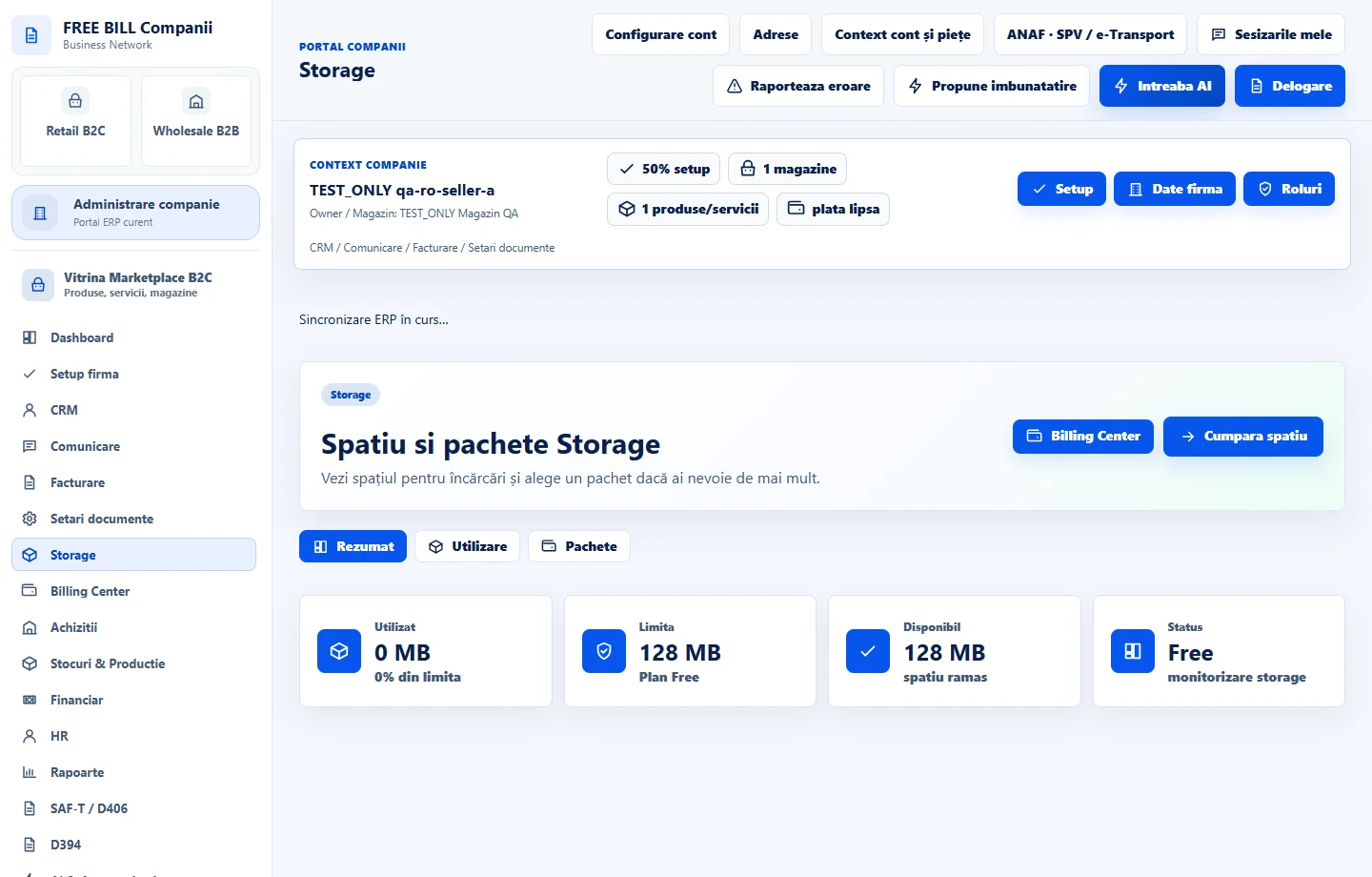
You can manage company files in «Storage». A confirmed eligible deletion releases the corresponding quota.
If something is missing
If deletion is unavailable, check write permissions and document links. If an upload fails, check its format, per-file limit and available space.
Availability depends on your role, enabled modules, country and company configuration.
Open in FreeBill Conect