Review balances, withdrawals and profitability
Review the ledger by currency and confirm the amount eligible for a withdrawal request.
Before you begin
- You need access to your stores and confirmed information about balances and the beneficiary.
- Who it is for
- Wholesale partner
- Where to find it
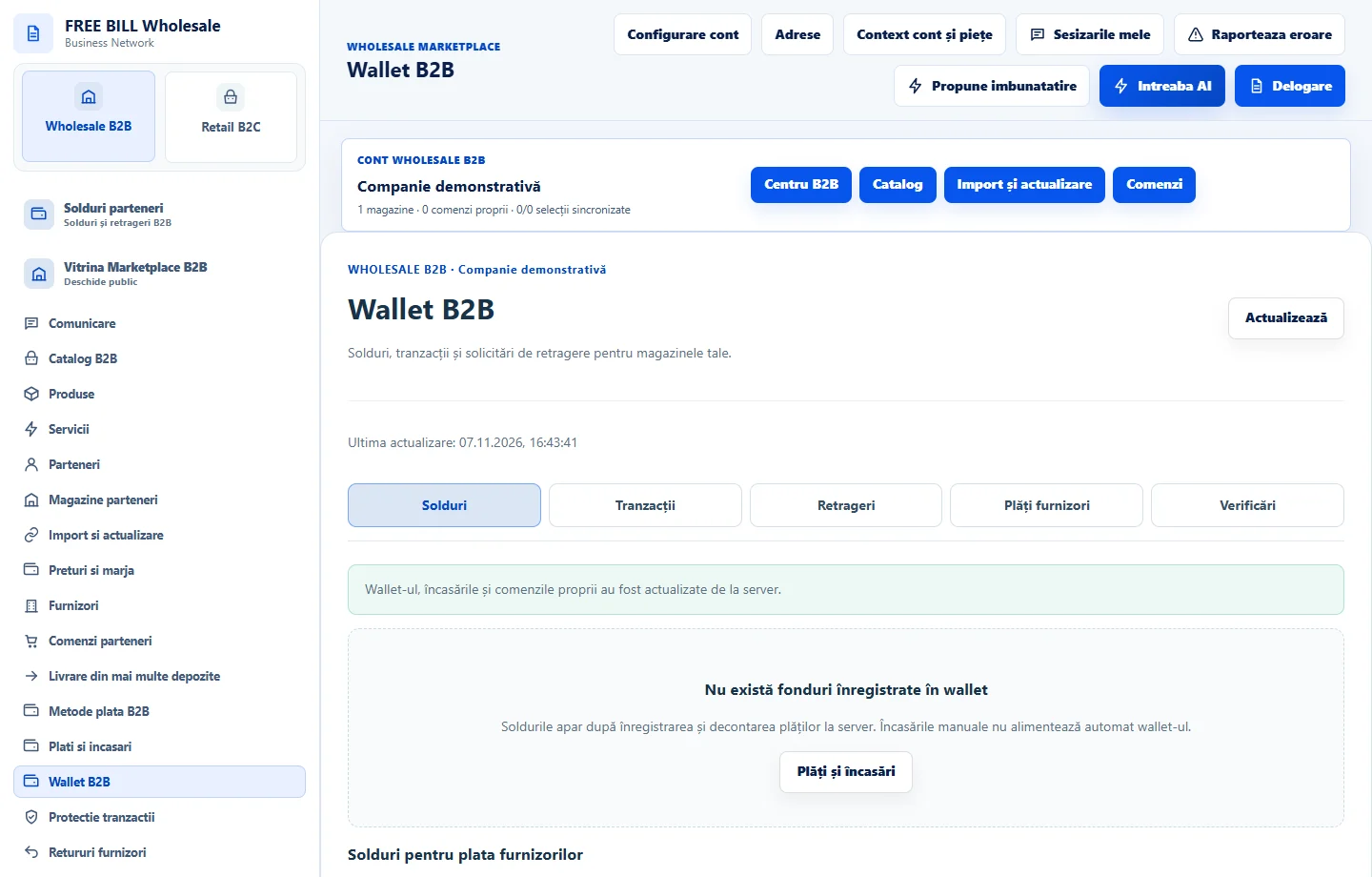
- Wallet B2B
Step by step
Choose the currency and store
In «Wallet B2B», review «Solduri» and «Tranzacții». Separate available funds from held or pending amounts and amounts owed to suppliers.
Check a withdrawal request
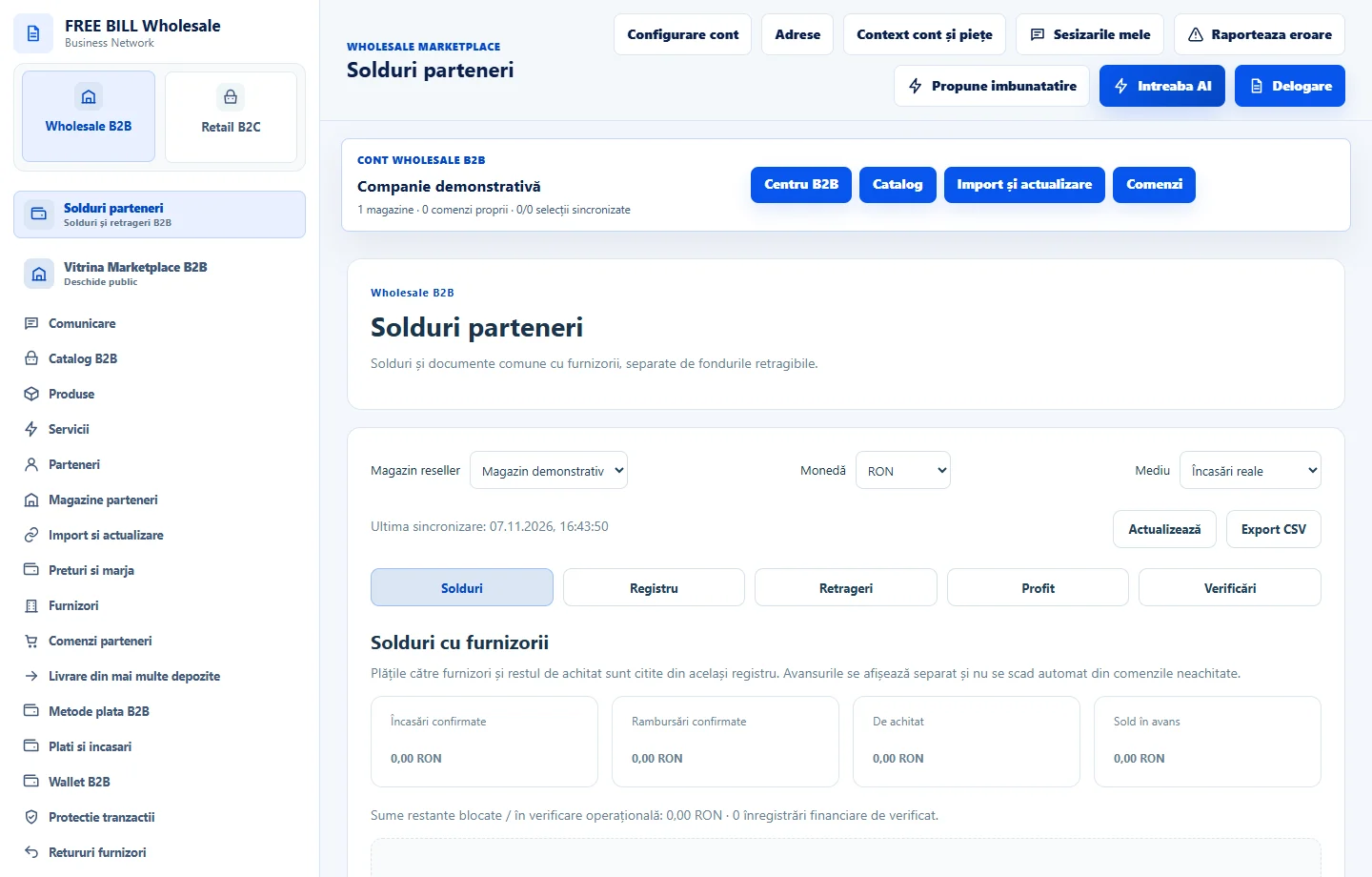
In «Retrageri», choose «Solicită o retragere» only when the amount is eligible. Confirm the beneficiary and IBAN before «Înregistrează solicitarea».
Track confirmation
Check the status in «Solduri parteneri» and withdrawal history. The request reserves funds for review. Treat the transfer as complete once payment is evidenced.
Compare the commercial result
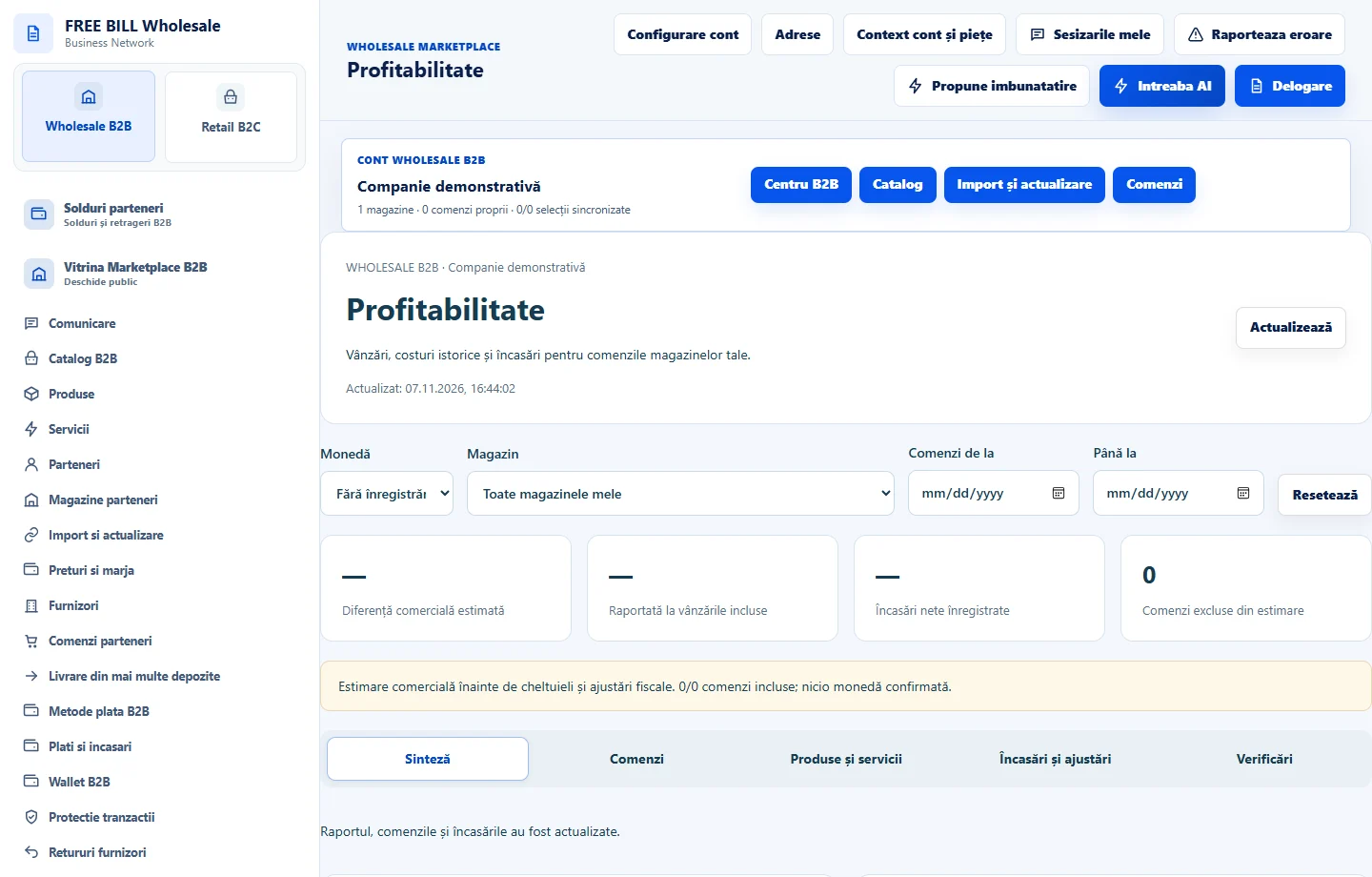
In «Profitabilitate», select the period and currency. Compare orders, costs, receipts, returns and adjustments before interpreting the estimate.
Application interface · Romanian · 2
Check the result
You can explain the balance and withdrawal status using confirmed records.
If something is missing
If the balance differs from expectations, check the currency, order status and transactions under review.
Availability depends on your role, enabled modules, country and company configuration.
Open in FreeBill Conect