Set up payment methods and reconcile receipts
Check checkout availability and the status of funds received as separate steps.
Before you begin
- You need your own store and, for a payment processor, the provider account and authorization.
- Who it is for
- Wholesale partner
- Where to find it
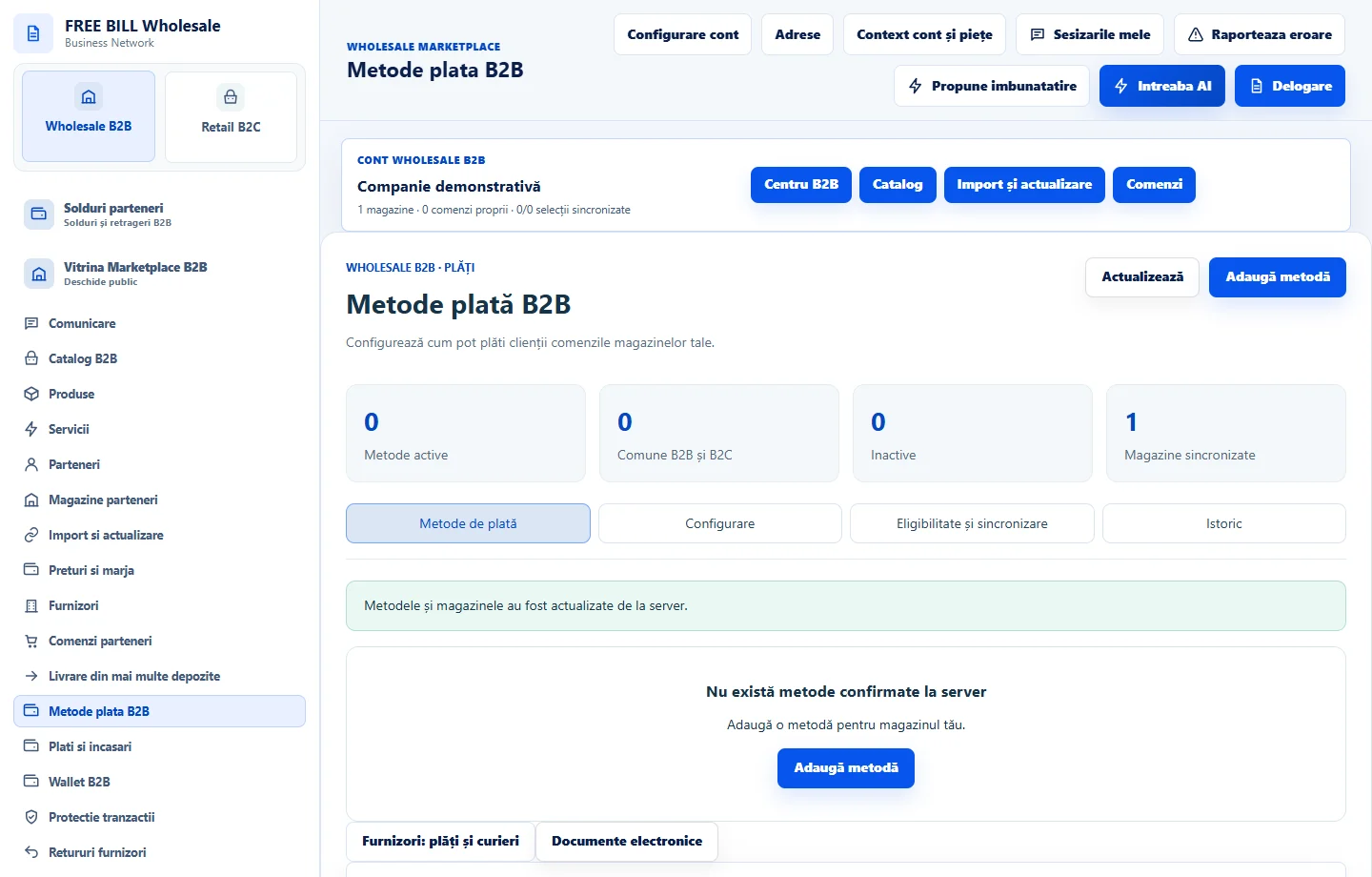
- Metode plata B2B
Step by step
Add the relevant payment method
Open «Metode de plată», choose the store and use «Adaugă metodă». Check the usage, currency and countries before saving.
Confirm checkout eligibility
In «Eligibilitate și sincronizare», check whether the method is confirmed for the desired store, market and flow. Complete any checks required by the provider.
Match the payment to the order
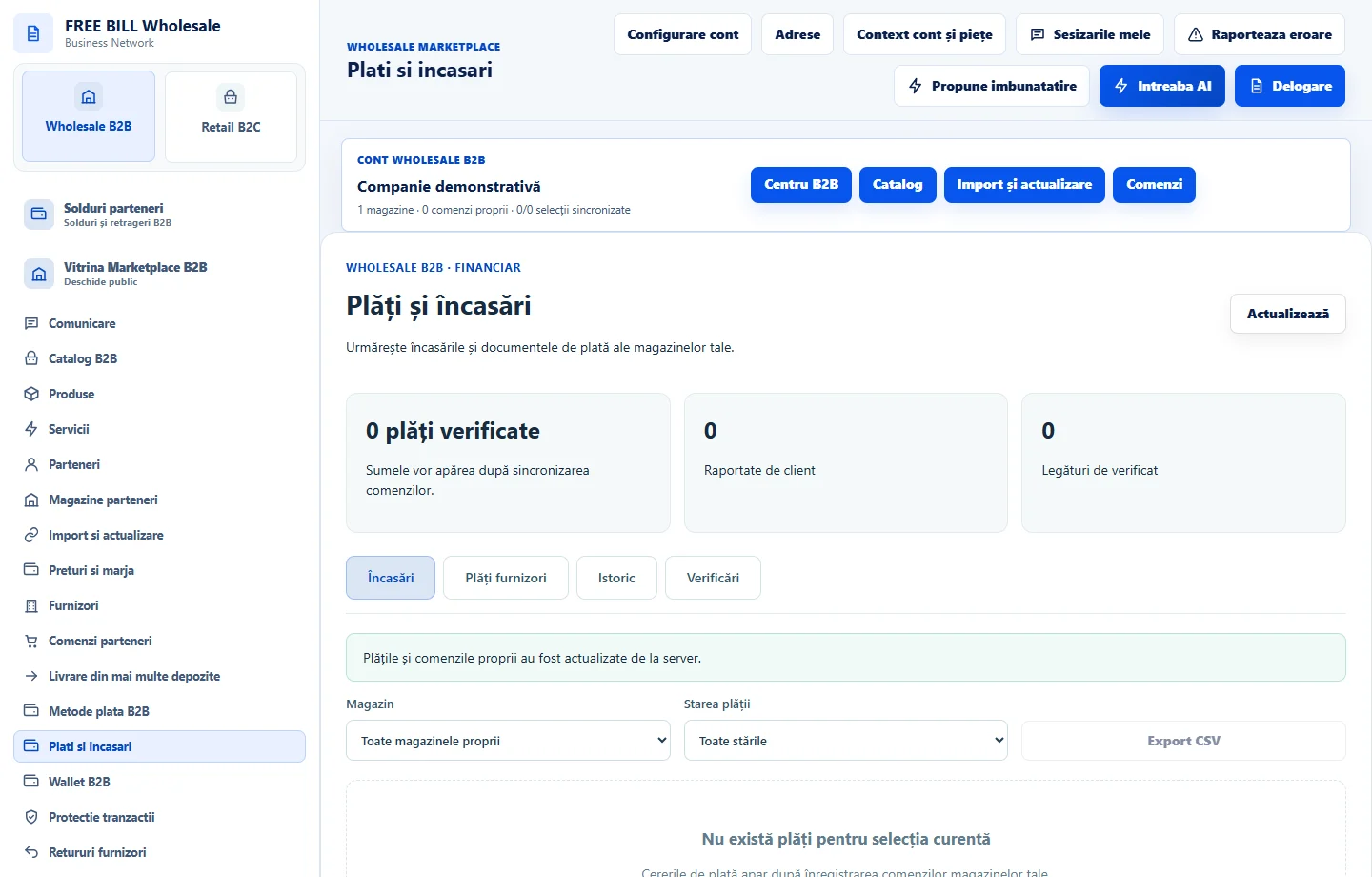
In «Încasări», choose the store and payment status. Match the amount, currency and reference with the order and payment-system evidence.
Record and reconcile
Use «Înregistrează încasare» only for confirmed funds and «Reconciliază» once you have checked the reference. Review «Plăți furnizori» separately.
Application interface · Romanian · 1
Check the result
The payment method is verified for checkout and the receipt is tied to the correct order.
If something is missing
If a payment is pending, check the processor’s evidence before recording another receipt.
Availability depends on your role, enabled modules, country and company configuration.
Open in FreeBill Conect