Find businesses, compare offers and track requests for quotes
Check Marketplace information before starting or responding to a request for a quote.
Before you begin
- You need Marketplace access and information about the product or service you are researching.
- Who it is for
- Wholesale partner
- Where to find it
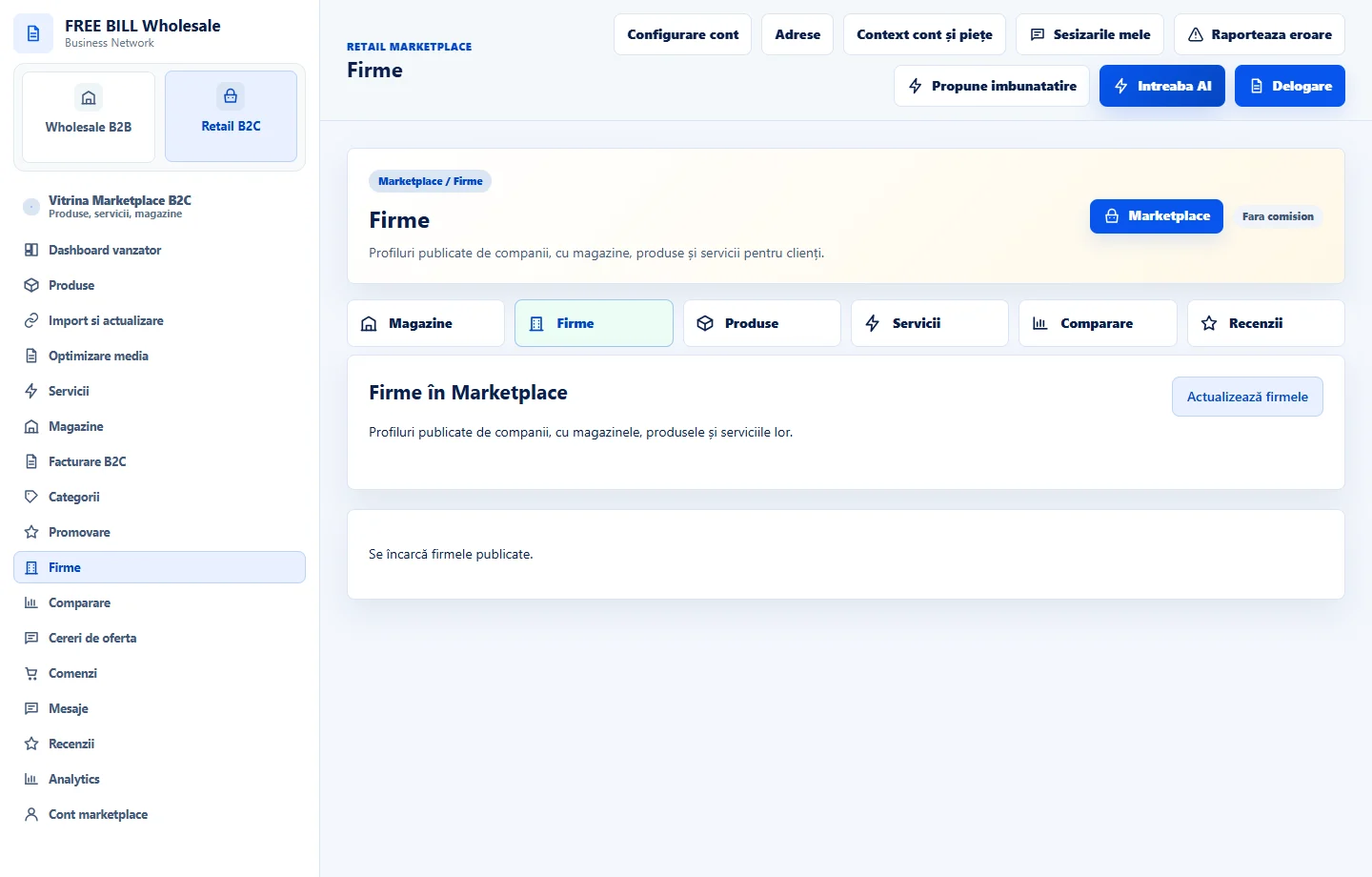
- Firme
Step by step
Identify the business and offer
In the Marketplace business area, check the supplier name, store, market and public details. Open the offer you are interested in.
Compare equivalent terms
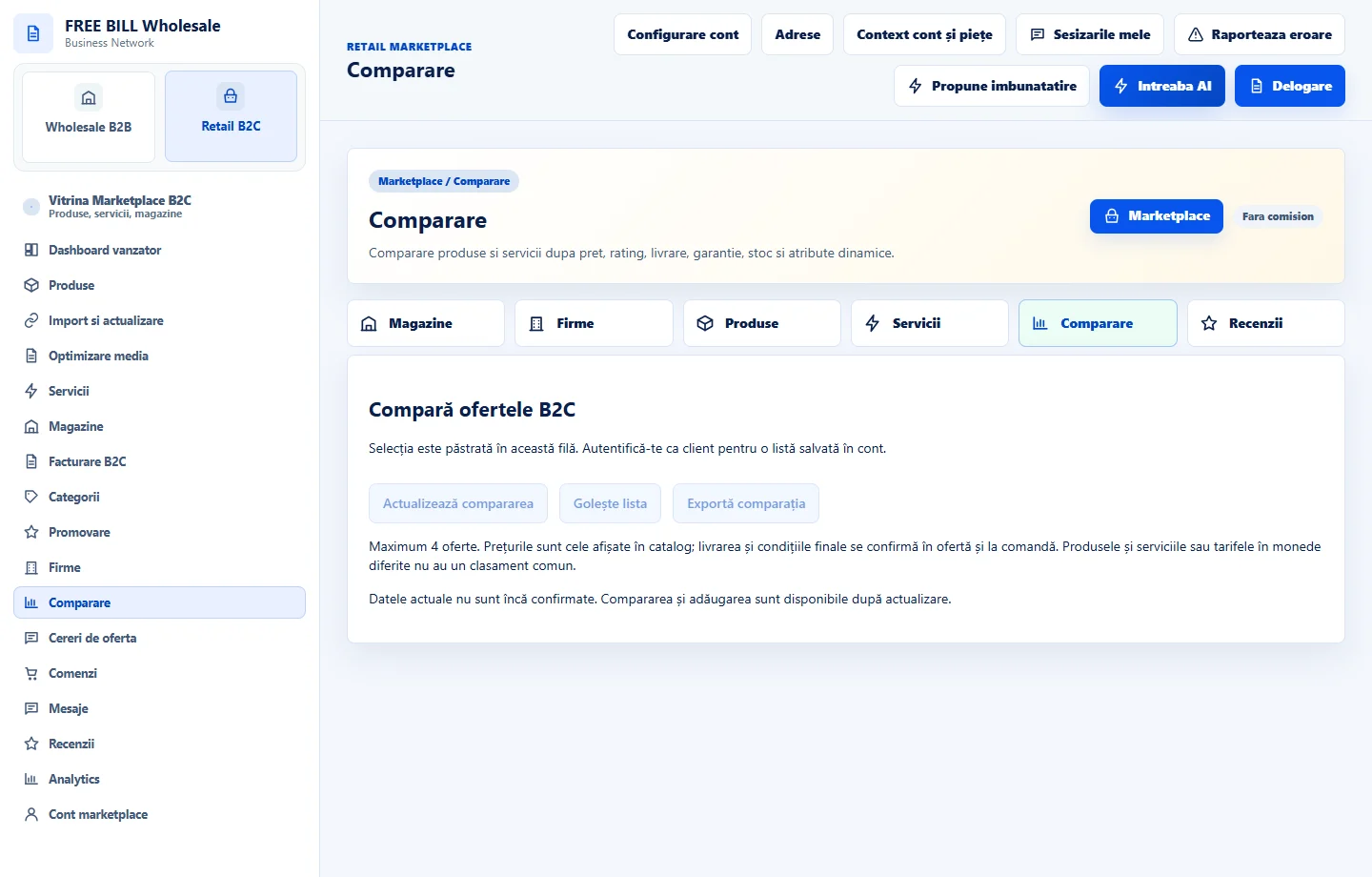
In comparison, check the unit, quantity, lead time and what the price includes. Use the same currency and conditions when comparing offers.
Complete the request
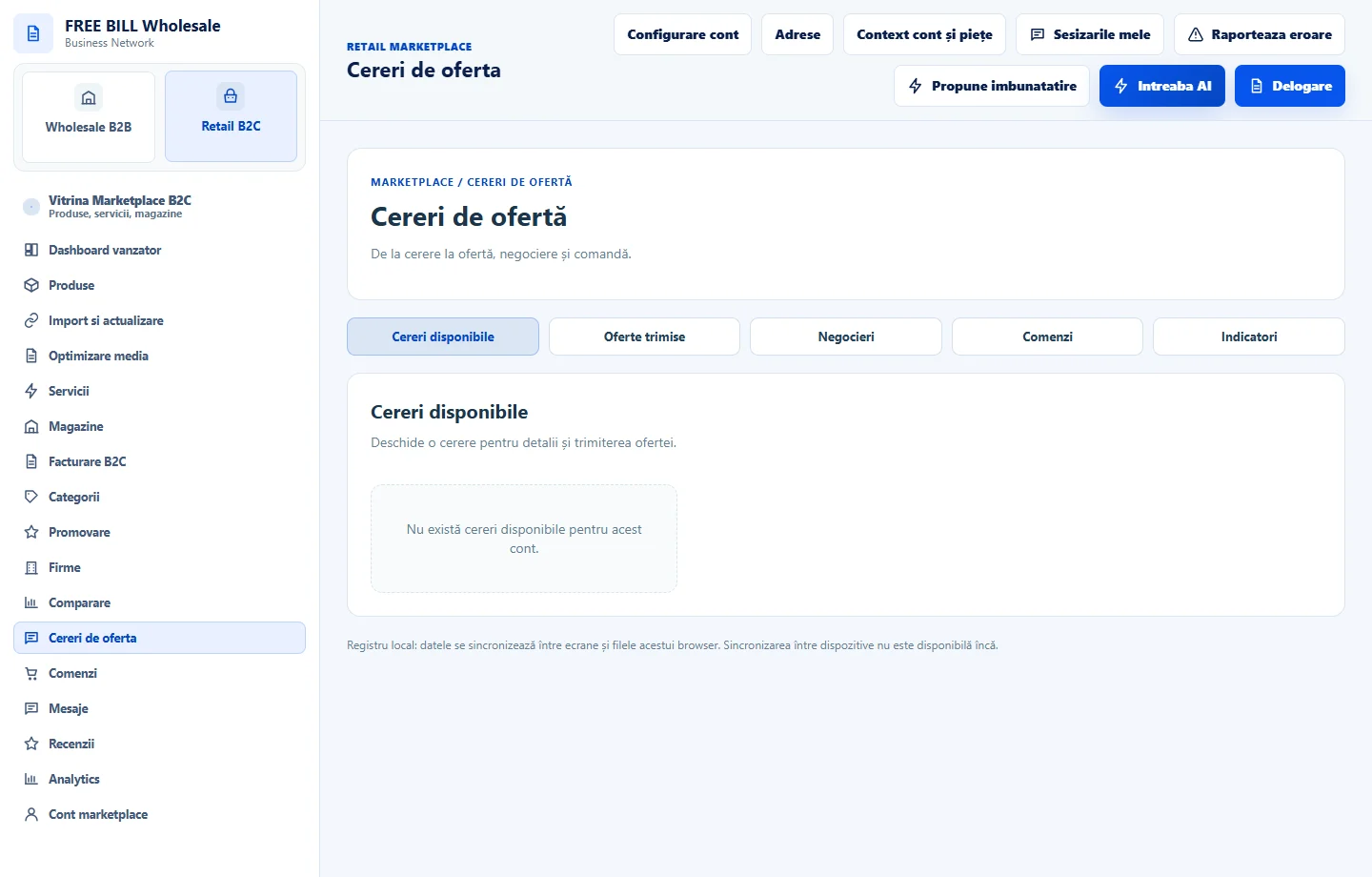
In the quote request area, enter the quantity, requirements and deadline if the action is available. Check the destination before sending.
Track the response
Open the relevant request and check its status, responses and terms. Compare the quote with the original request before making a decision.
Application interface · Romanian · 2
Check the result
You have a comparison you can verify and can track the request history.
If something is missing
If an offer or action is missing, check the current role, market and offer eligibility.
Availability depends on your role, enabled modules, country and company configuration.
Open in FreeBill Conect