Review products, services and media in the retail storefront
Match the public offer with its wholesale source, category and approved media.
Before you begin
- You need your own store and products or services you have permission to publish.
- Who it is for
- Wholesale partner
- Where to find it
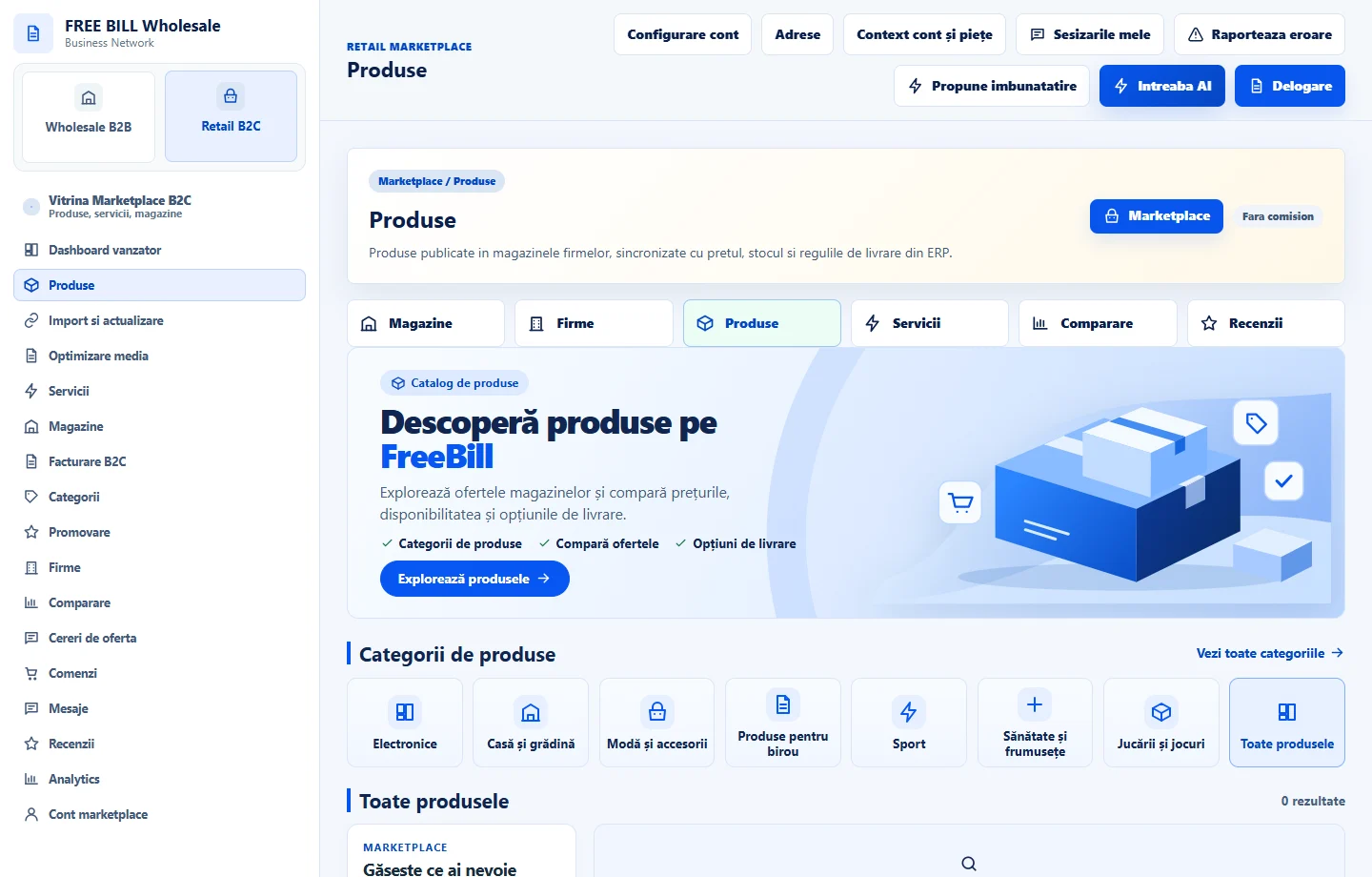
- Produse
Step by step
Find the correct offer
In the product or service list, filter by store and check the title, price and listing status.
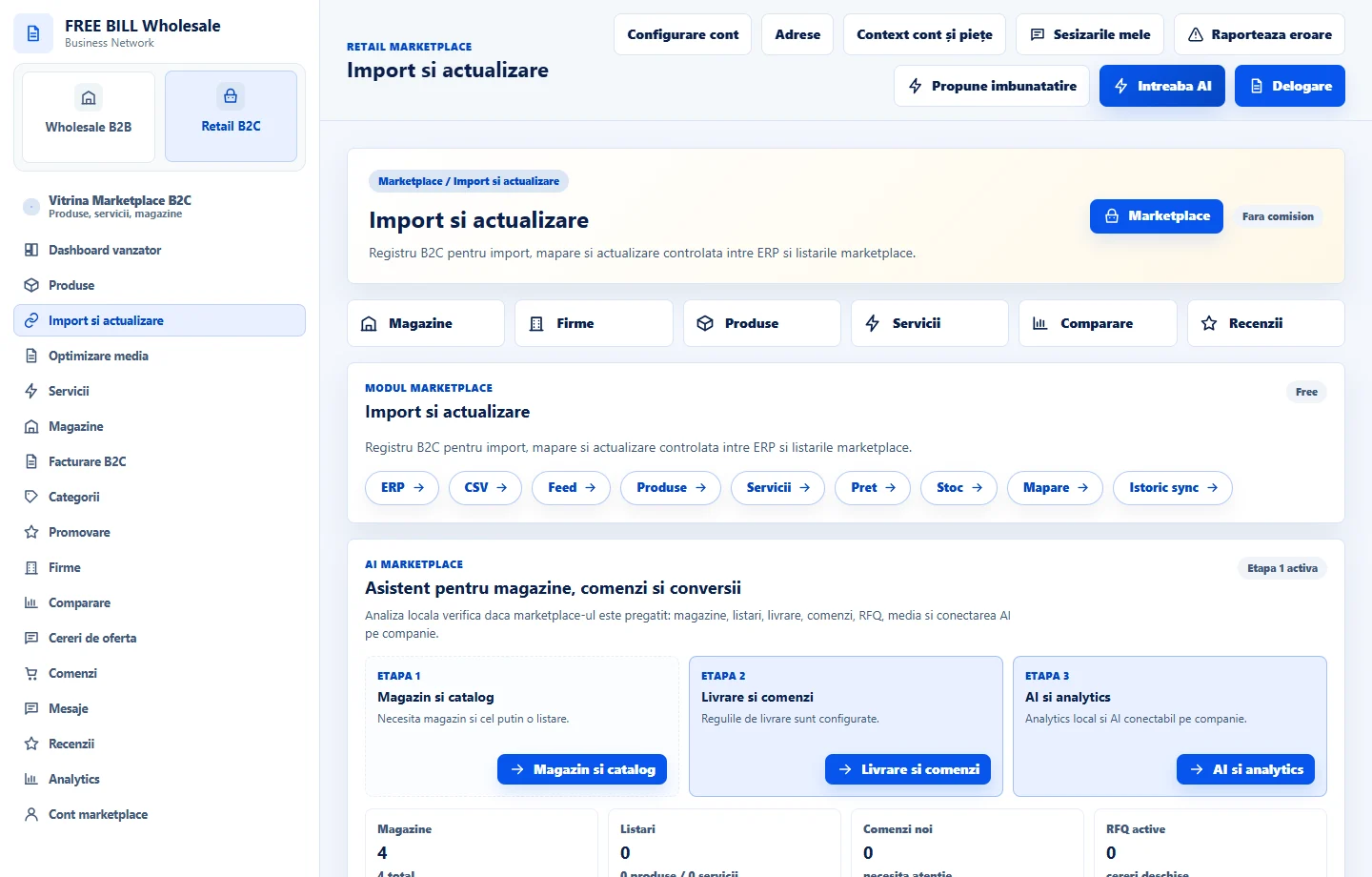
Check the wholesale source
In the retail import and update page, check the link, price and source stock. Open the Wholesale module if the selection or publication needs a correction.
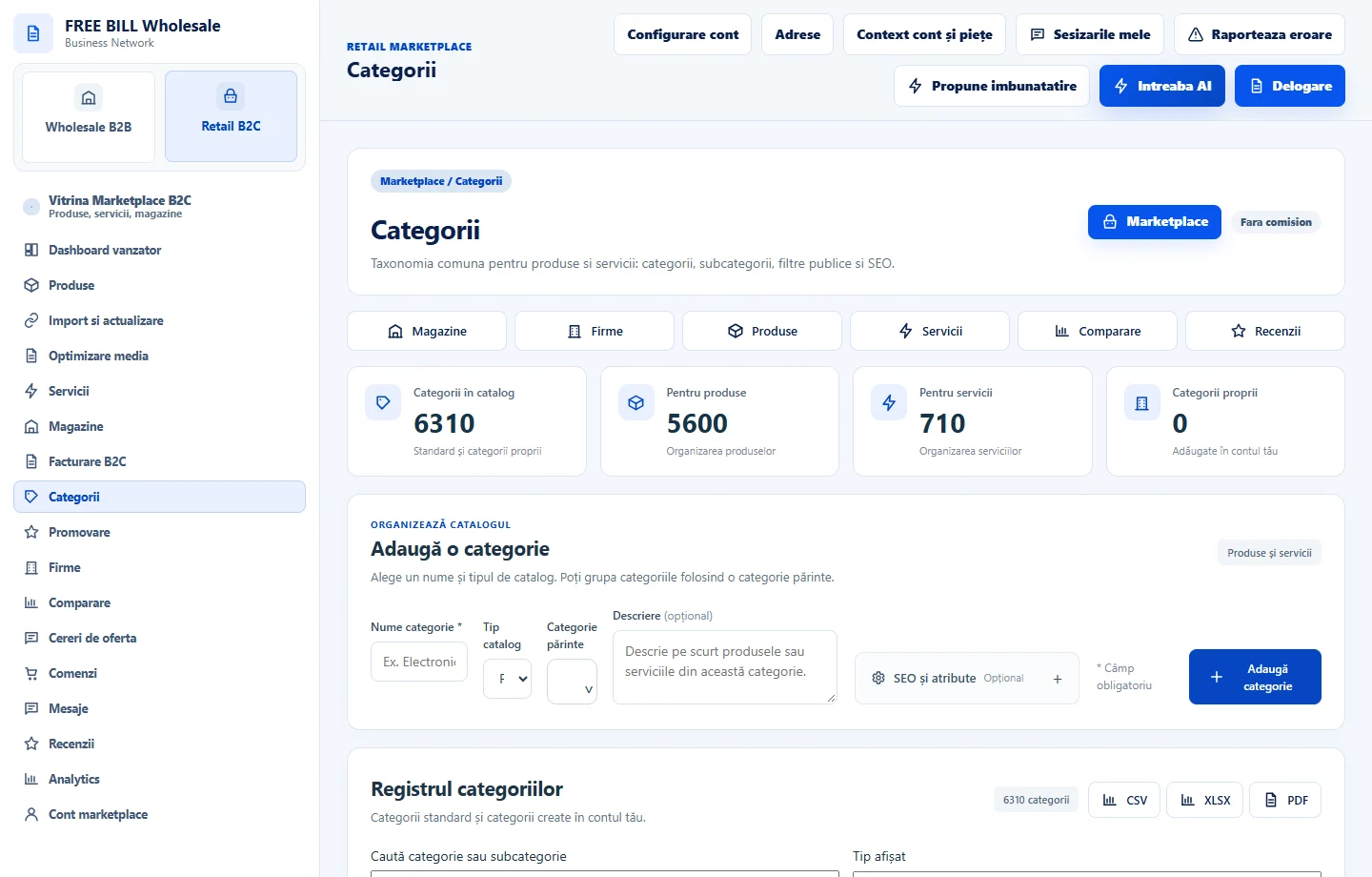
Choose the correct category
Check the offer type and Marketplace category. Use the categories available to your account, then check the filter in the customer storefront.
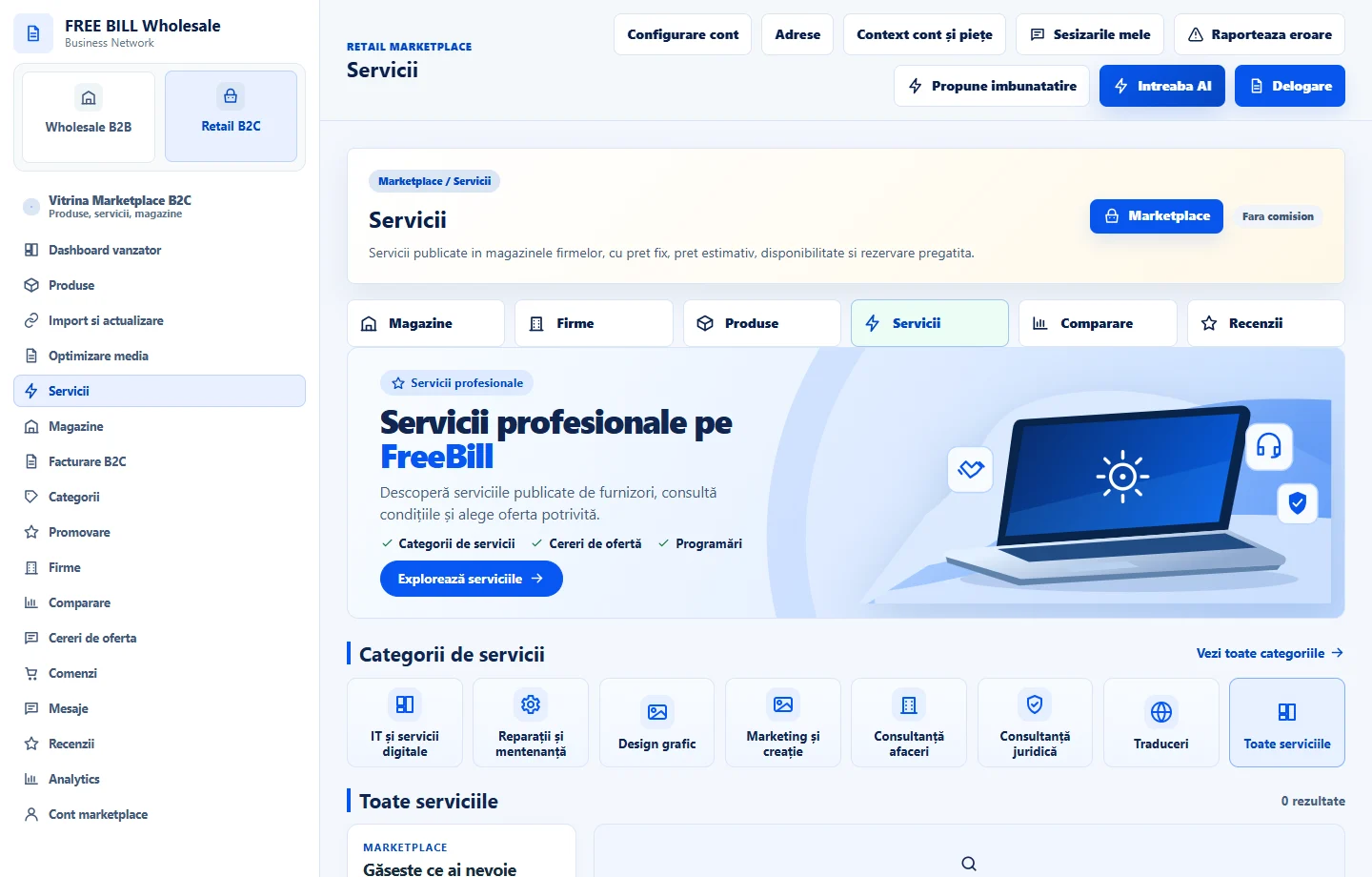
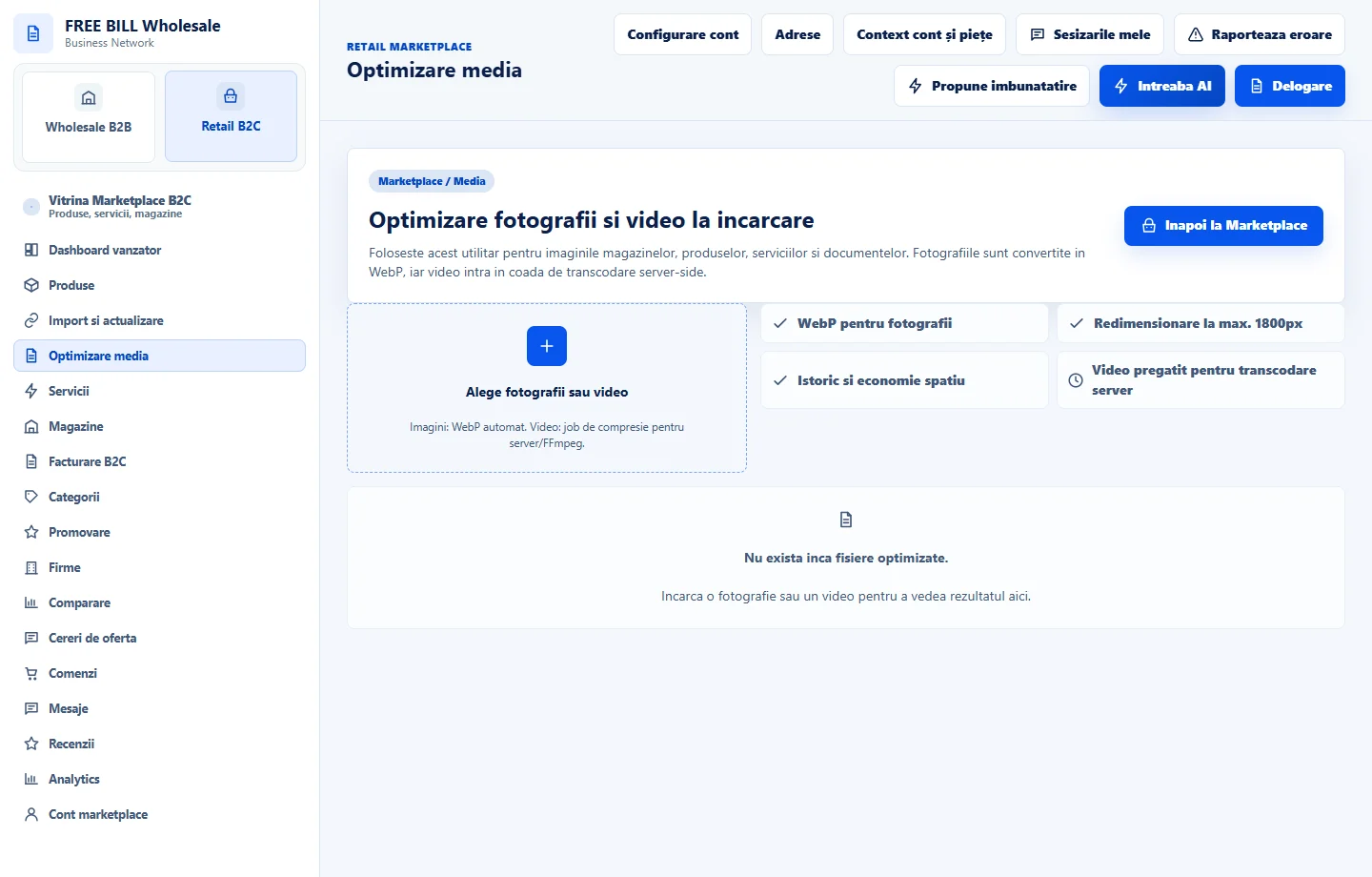
Check media and the storefront
In the media module, check the material, rights and preview. Open the public offer to confirm its image, description and availability.
Application interface · Romanian · 4
Check the result
The public offer can be traced to the correct source and is visible in the expected category.
If something is missing
If the offer is missing, check that the update was confirmed and that the storefront uses the same market.
Availability depends on your role, enabled modules, country and company configuration.
Open in FreeBill Conect