Prepare a promotion for your offer or store
Create a draft, verify its target and track review and display.
Before you begin
- You need a store and an eligible target for the selected promotion.
- Who it is for
- Wholesale partner
- Where to find it
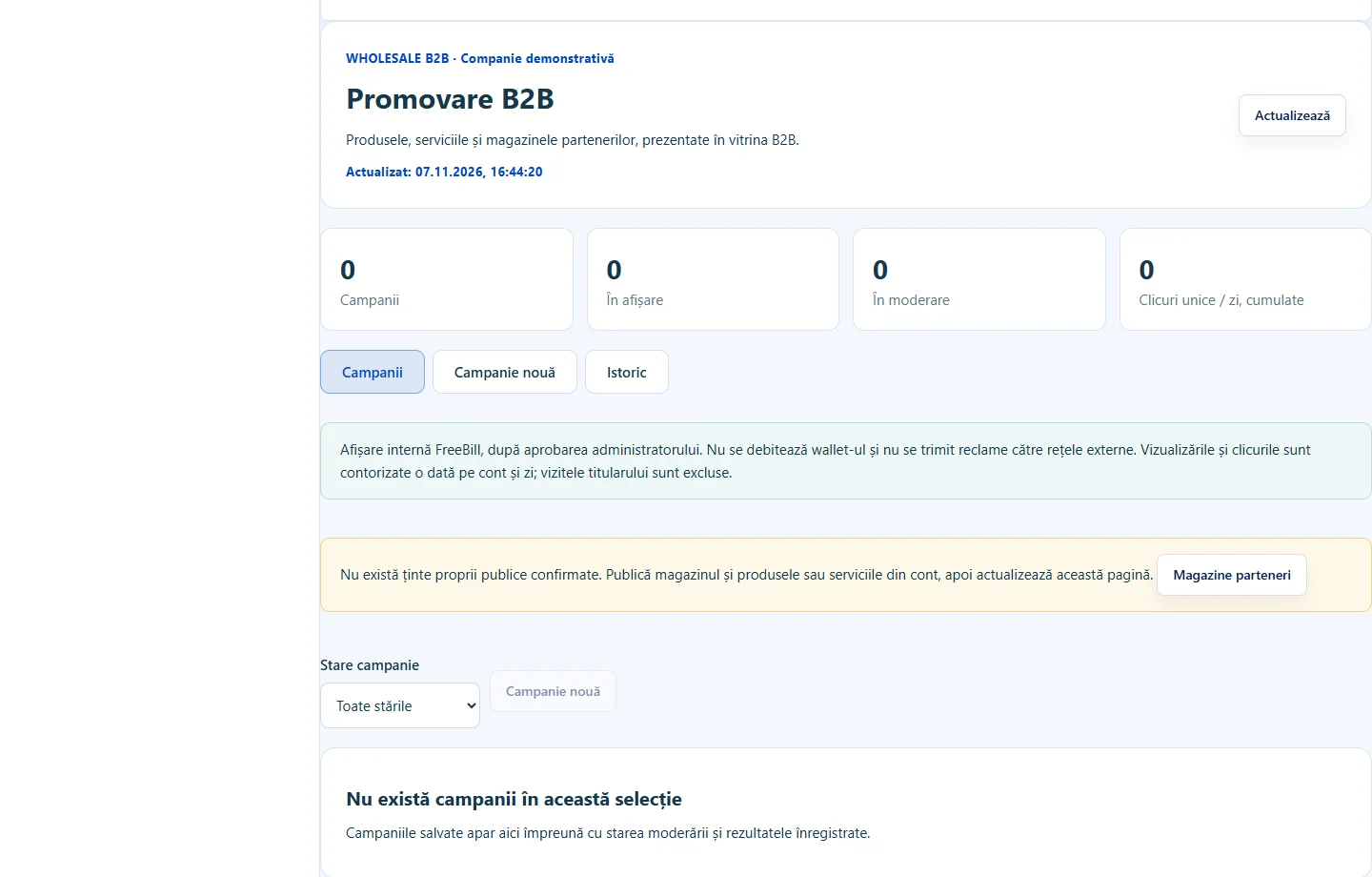
- Promovare B2B
Step by step
Choose where to promote
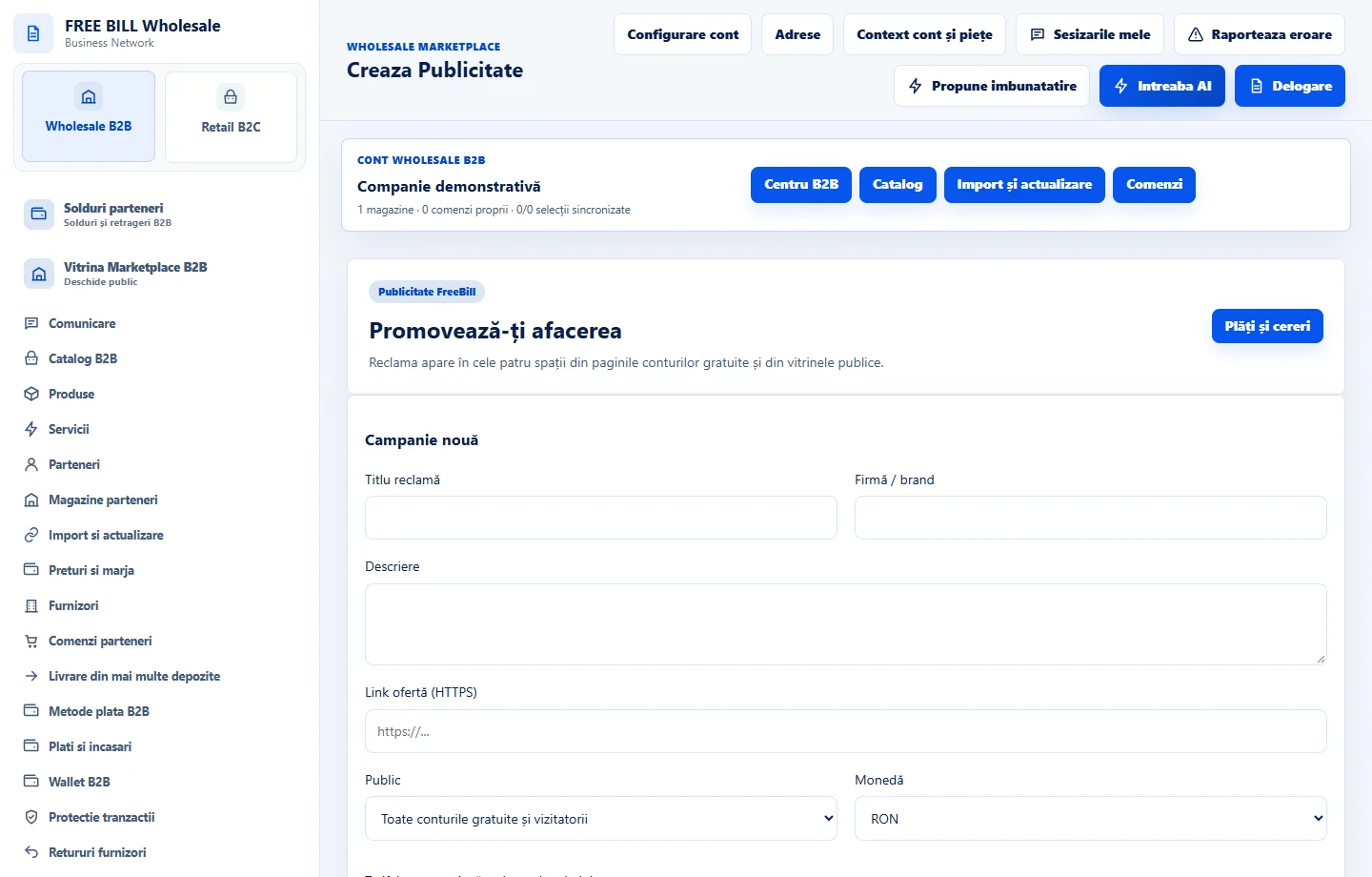
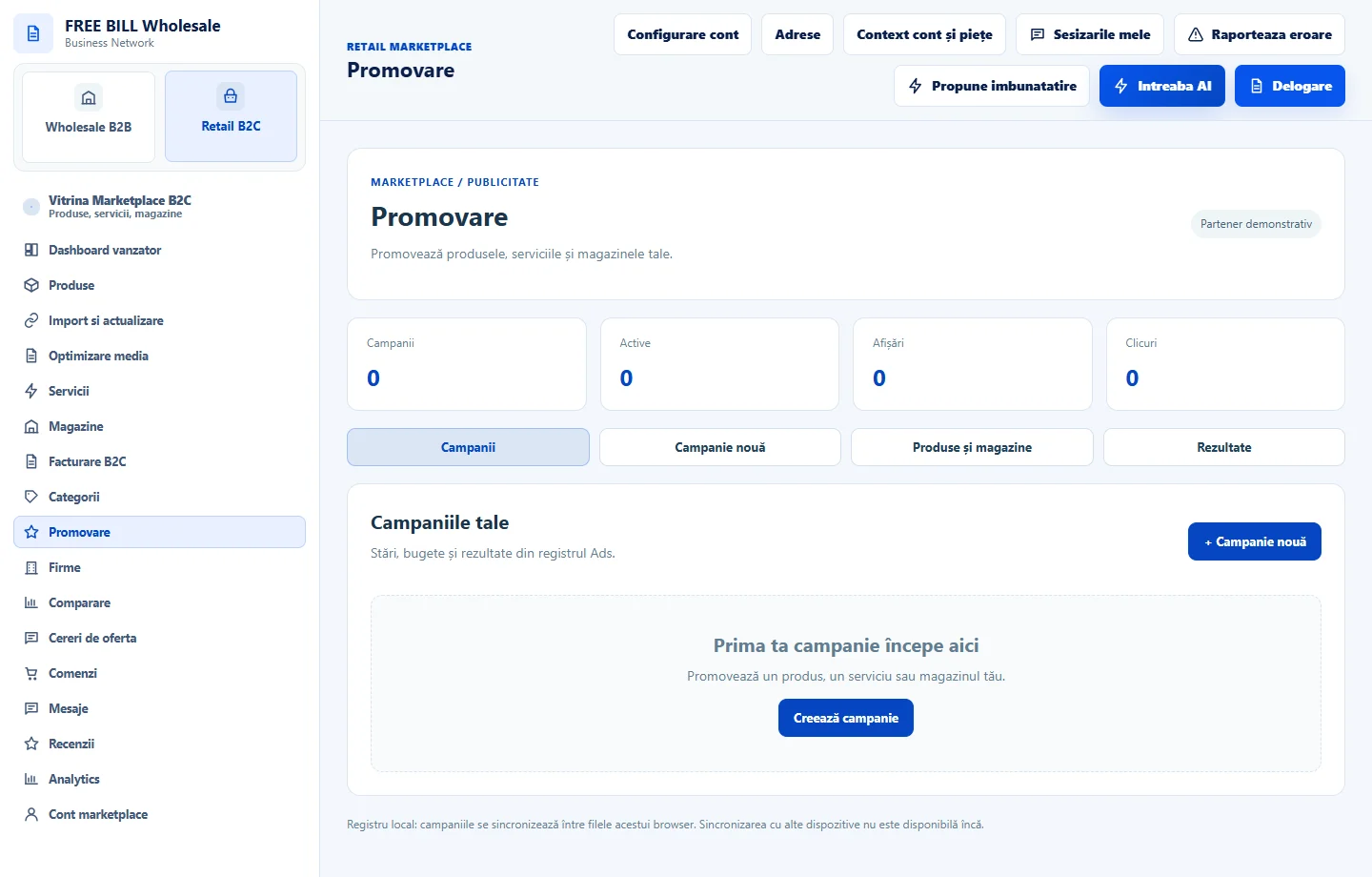
Open «Promovare B2B» for wholesale offers. For the retail storefront, open your own store’s promotion module. Check where the campaign will appear.
Configure the draft
In «Campanie nouă», verify the store, product or service, dates and displayed budget. Save the draft after checking the destination.
Submit and track status
Submit the campaign for moderation when the information is correct. Check its server status and history before treating the promotion as displayed.
Control campaign delivery
If the module offers «Pauză» or «Reluare», check the remaining budget and dates before acting. For account advertising, review the destination and cost before continuing to the order.
Application interface · Romanian · 2
Check the result
The campaign has a verified target, known status and accessible history.
If something is missing
If the target offer changed, update the draft and review the campaign again.
Availability depends on your role, enabled modules, country and company configuration.
Open in FreeBill Conect