Prepare social campaigns and customer emails
Review the content package, publication connection and recipients before sending.
Before you begin
- You need your own sources, authorized materials and an approved connection for the selected channel.
- Who it is for
- Wholesale partner
- Where to find it
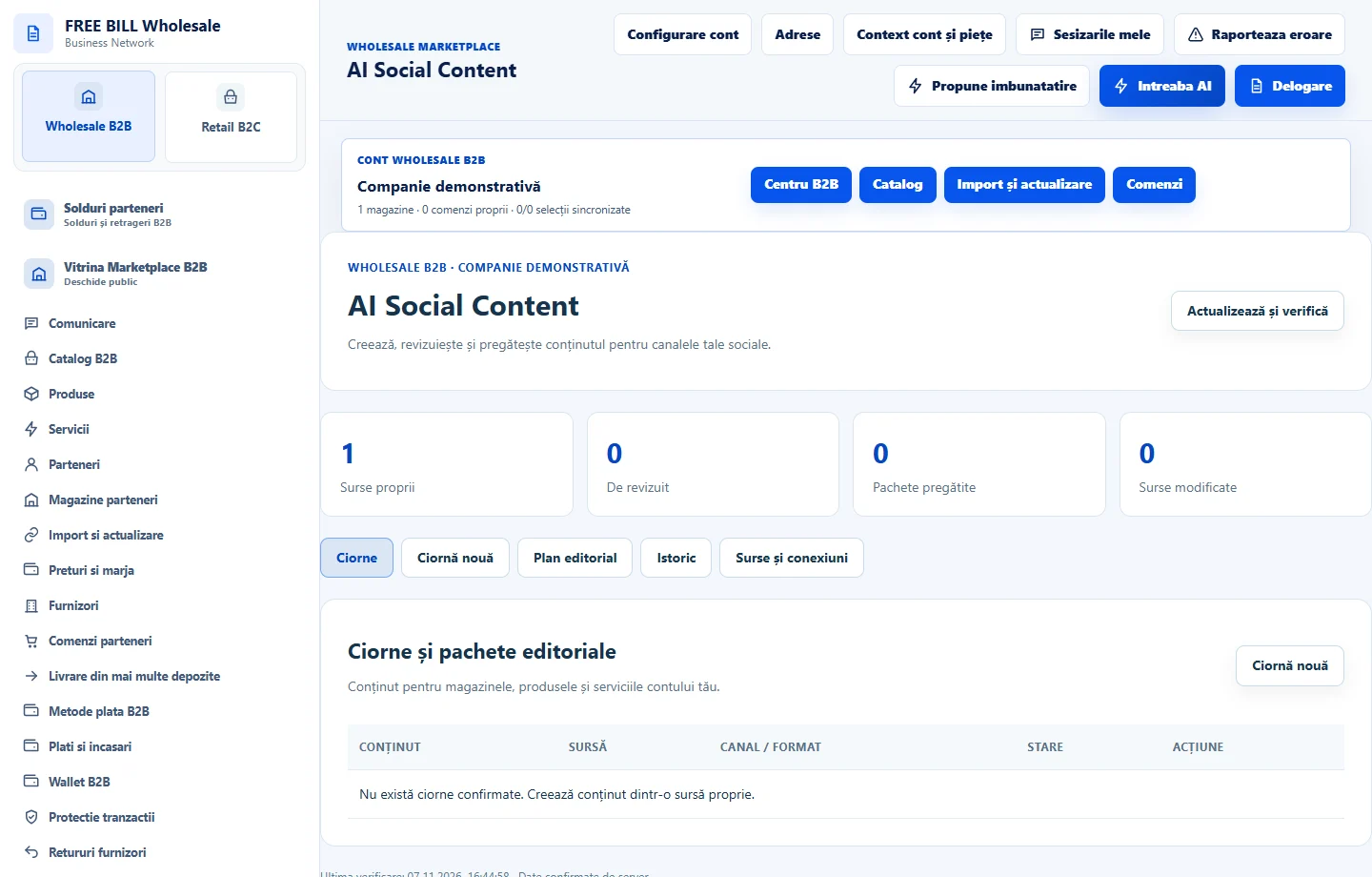
- AI Social Content
Step by step
Review social content
In «AI Social Content», choose a store source, prepare the draft and check rights, claims, channel and format before preparing the package.
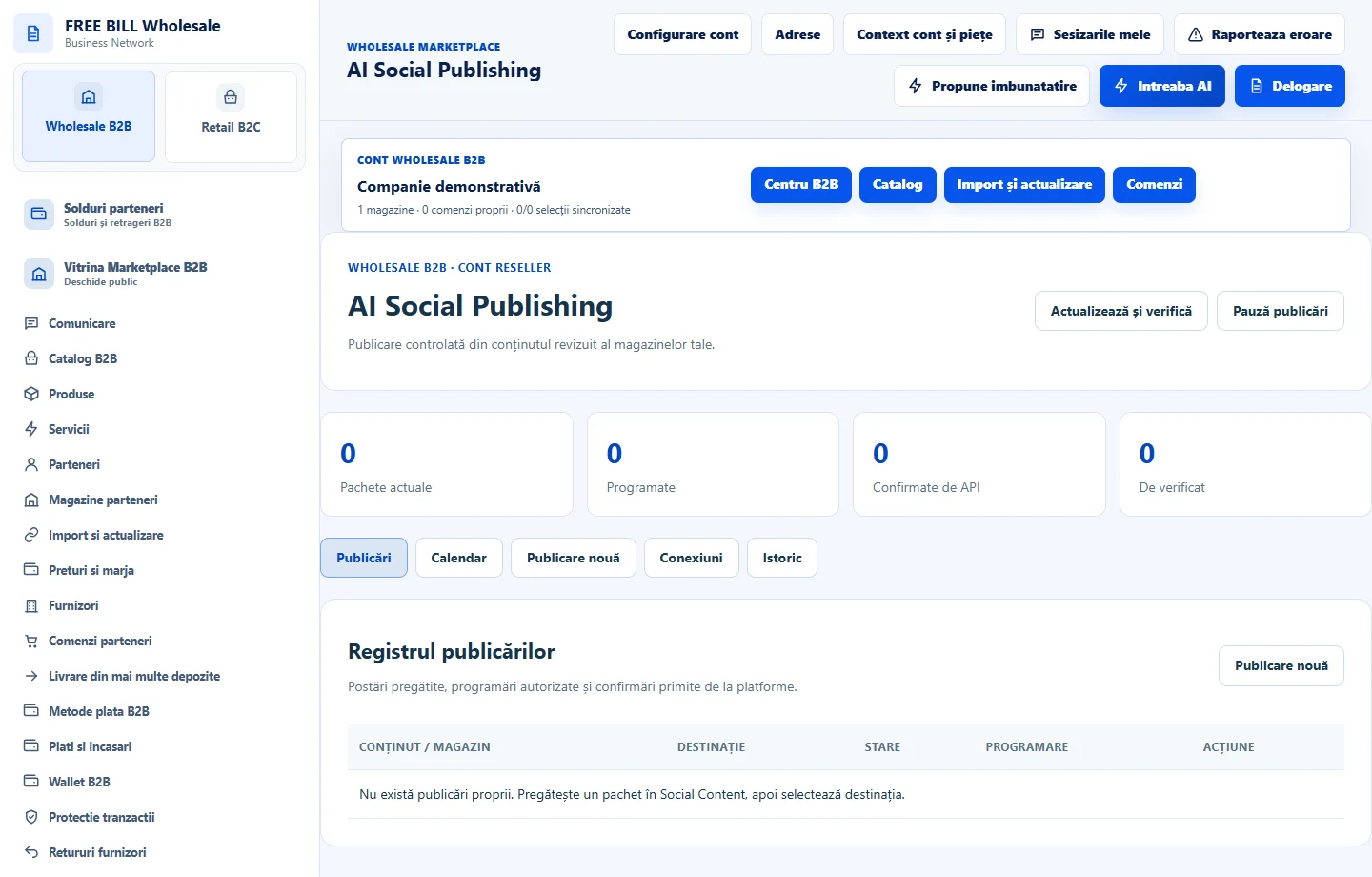
Choose the exact destination
In «AI Social Publishing», select the reviewed package and connection for the same store. «Adaugă în registru» prepares the record. Check the preview and time before sending.
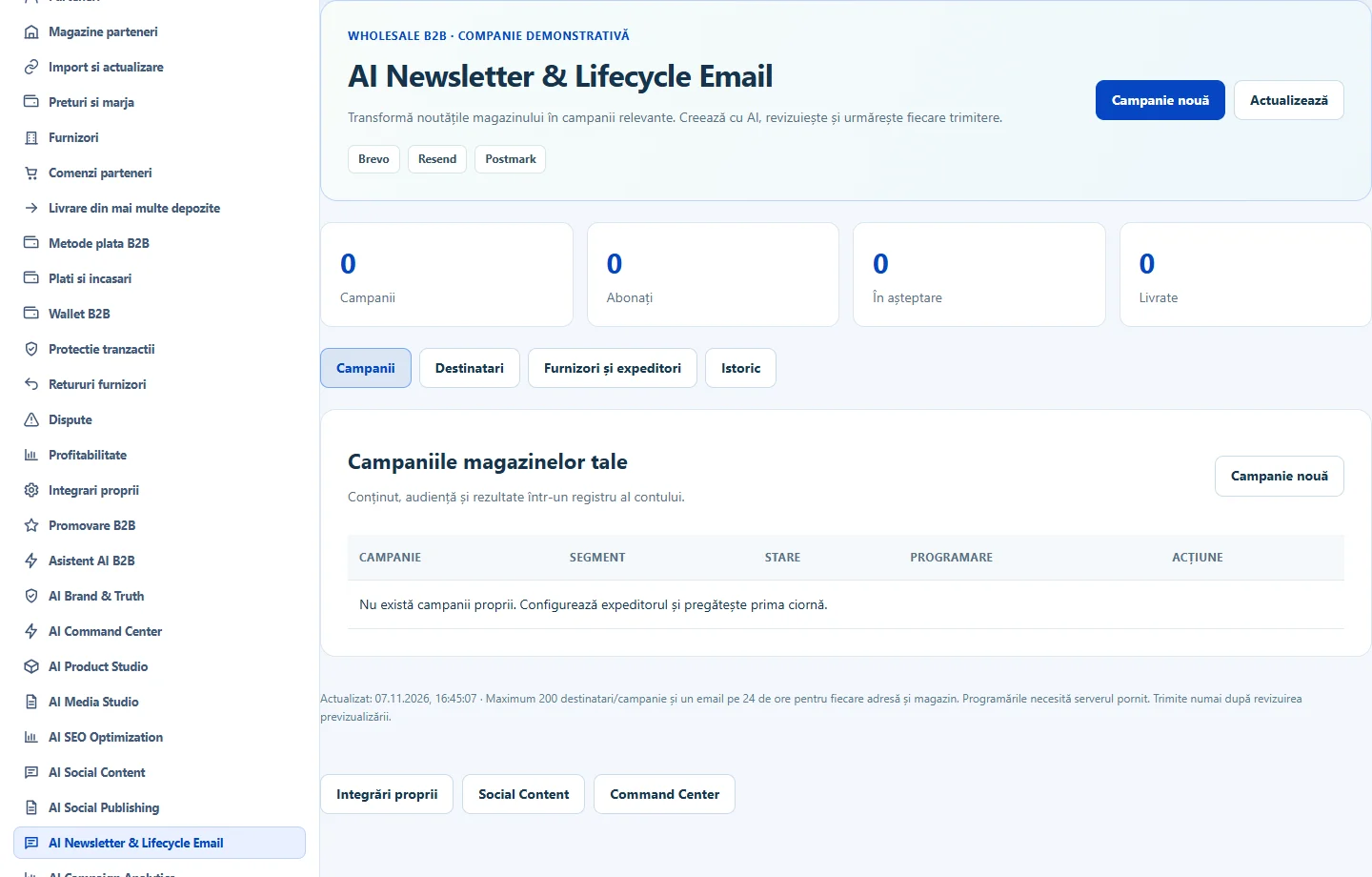
Prepare the email
In «AI Newsletter & Lifecycle Email», use «Campanie nouă» and choose the source, sender and segment. Check consent and exclusions in «Destinatarii magazinelor tale».
Track delivery
In «Istoric și rezultate», read the reported status. For a post, check its external identifier or link. If an operation is in progress, check its status before repeating it.
Application interface · Romanian · 2
Check the result
The package, channel and segment are verifiable, and the delivery status can be tracked.
If something is missing
If you cannot publish, check that the source is current, the connection is active and rights are confirmed.
Availability depends on your role, enabled modules, country and company configuration.
Open in FreeBill Conect