Analyse activity and review rules and risks
Compare confirmed values and simulate rules before using the results.
Before you begin
- You need access to the store being analysed and its order and offer registers.
- Who it is for
- Wholesale partner
- Where to find it
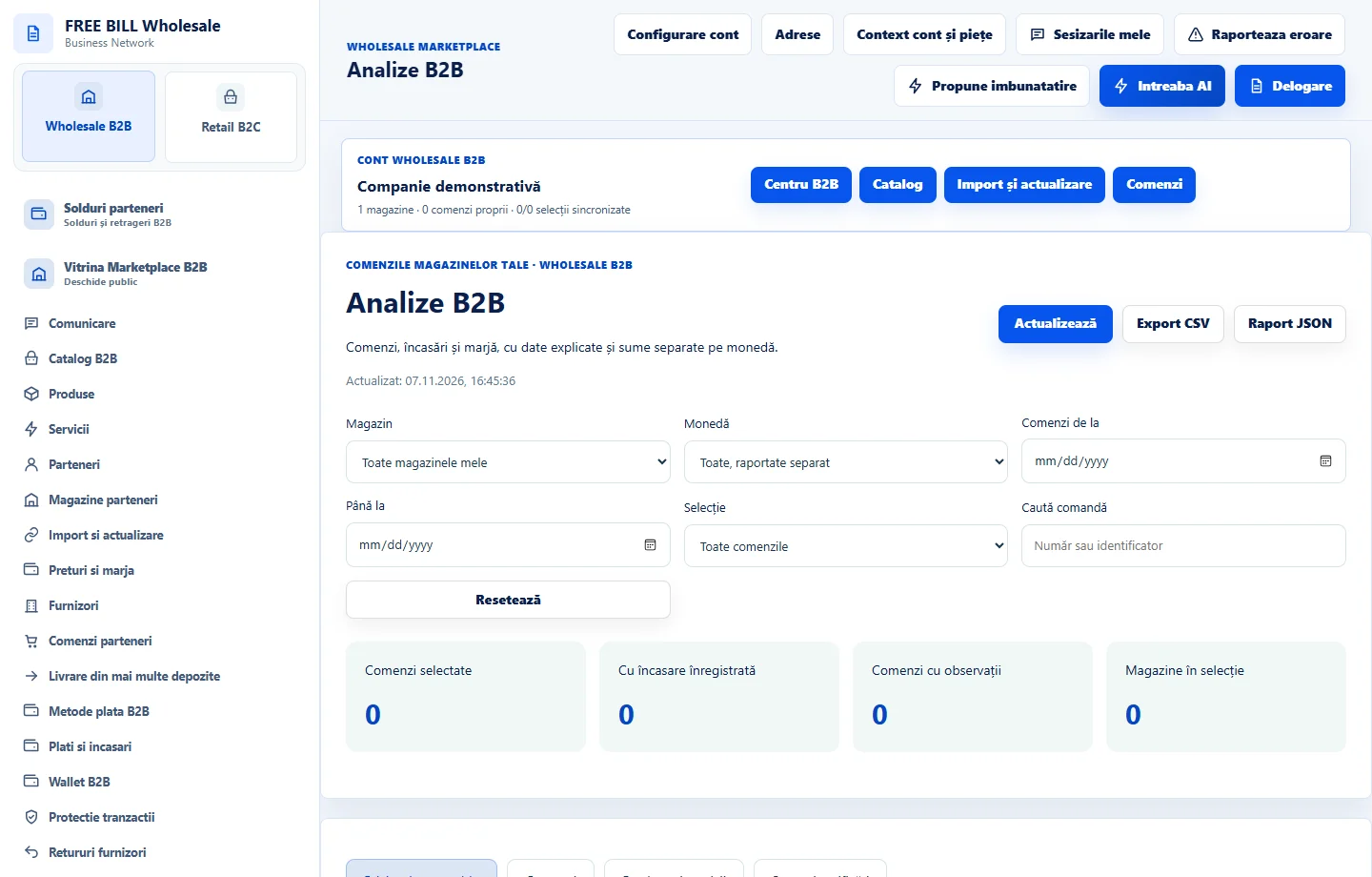
- Analize B2B
Step by step
Choose the period and currency
In «Analize B2B», choose the store and period. Compare «Comenzi» with «Produse și servicii», keeping currencies separate.
Check data coverage
In «Surse și verificări», check what data is confirmed and which records are excluded. Compare totals with the source registers.
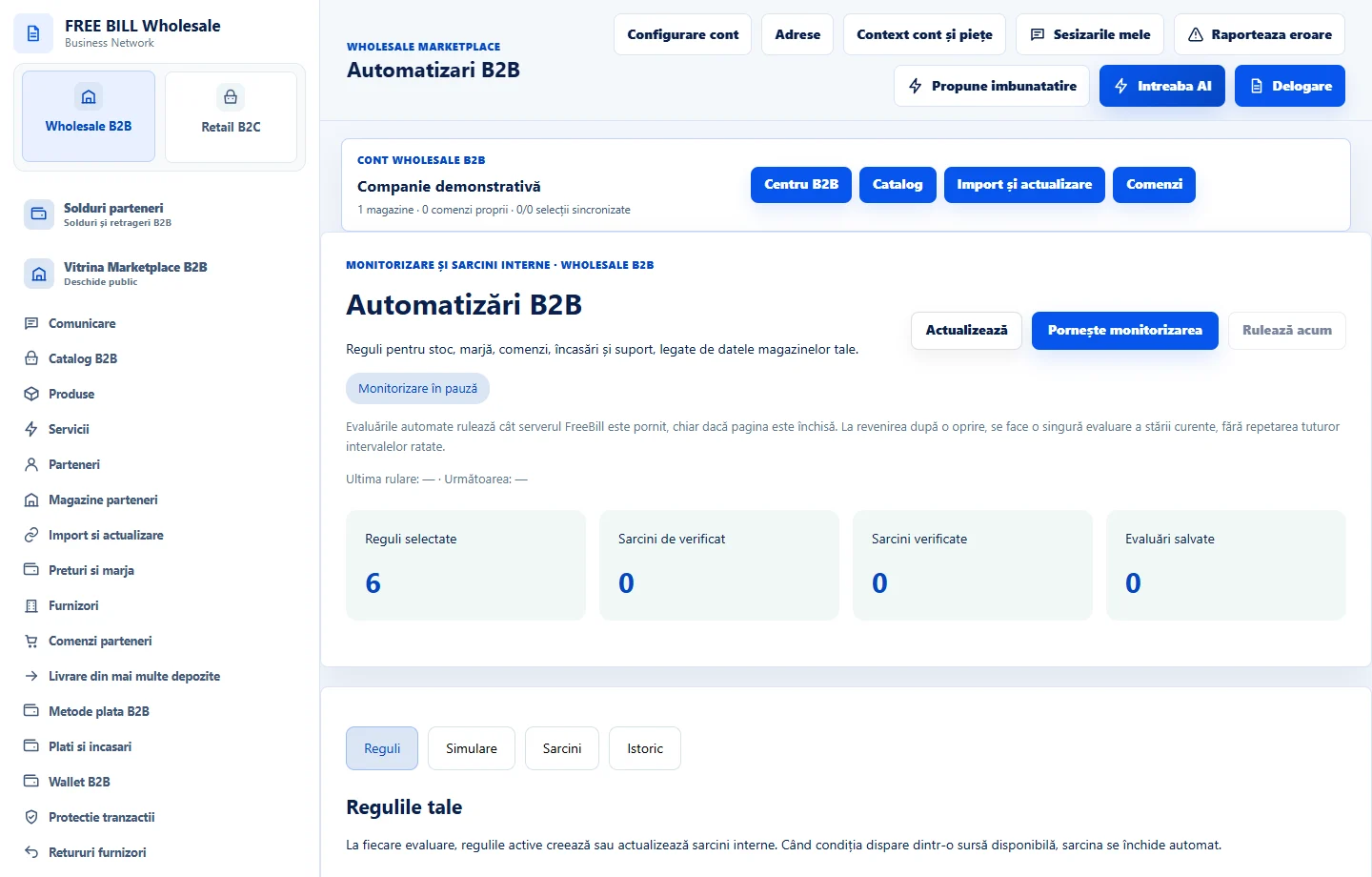
Test the rule
In automation, check the store and thresholds. Use «Simulează» and review the signals before «Salvează regulile».
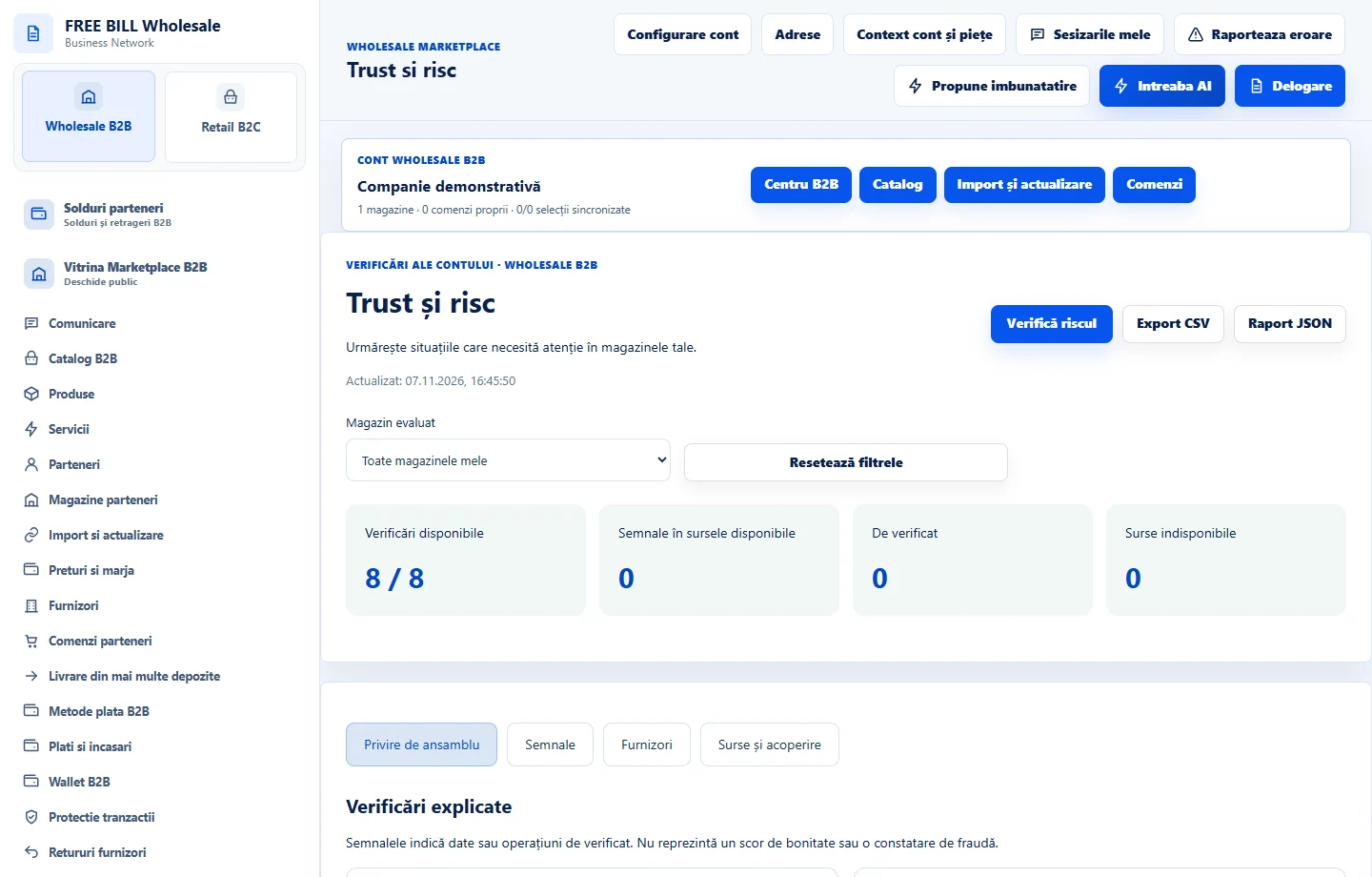
Investigate a signal
In trust and risk, use «Vezi semnalele». Check the explanation, store and record through «Deschide sursa».
Application interface · Romanian · 2
Check the result
You can explain the reported figures and decide which signals require checking at the source.
If something is missing
If a source is unconfirmed, refresh and check its register before interpreting the signal.
Availability depends on your role, enabled modules, country and company configuration.
Open in FreeBill Conect