Prepare drafts, images and metadata for offers
Start from your own source and review the content before applying it to the storefront.
Before you begin
- You need a store and rights to the material. For generation, verify an eligible AI connection.
- Who it is for
- Wholesale partner
- Where to find it
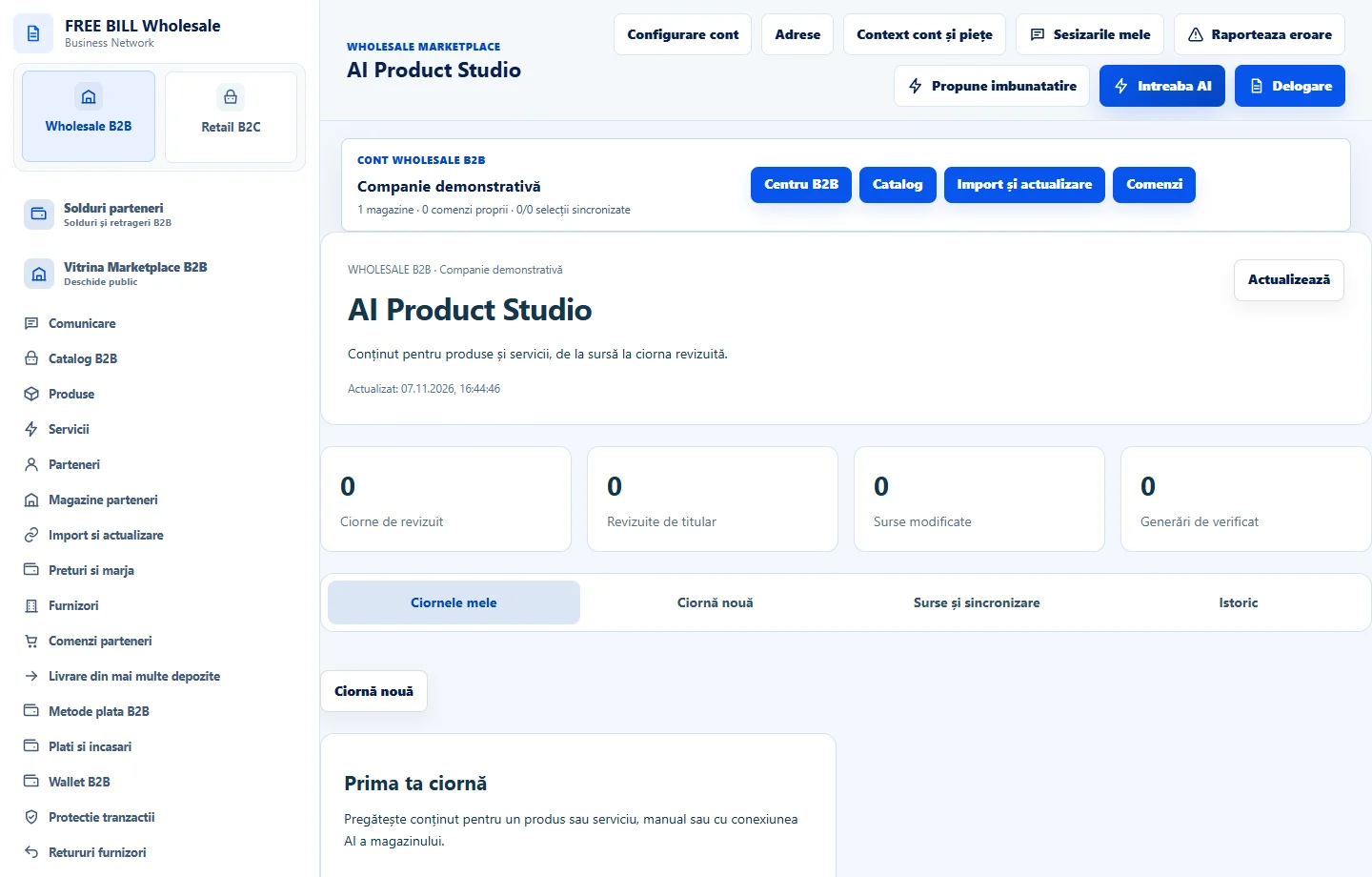
- AI Product Studio
Step by step
Prepare the offer draft
In «AI Product Studio», select the product or service and your own source. Fill in the required information and use «Salvează ciorna».
Prepare the visual material
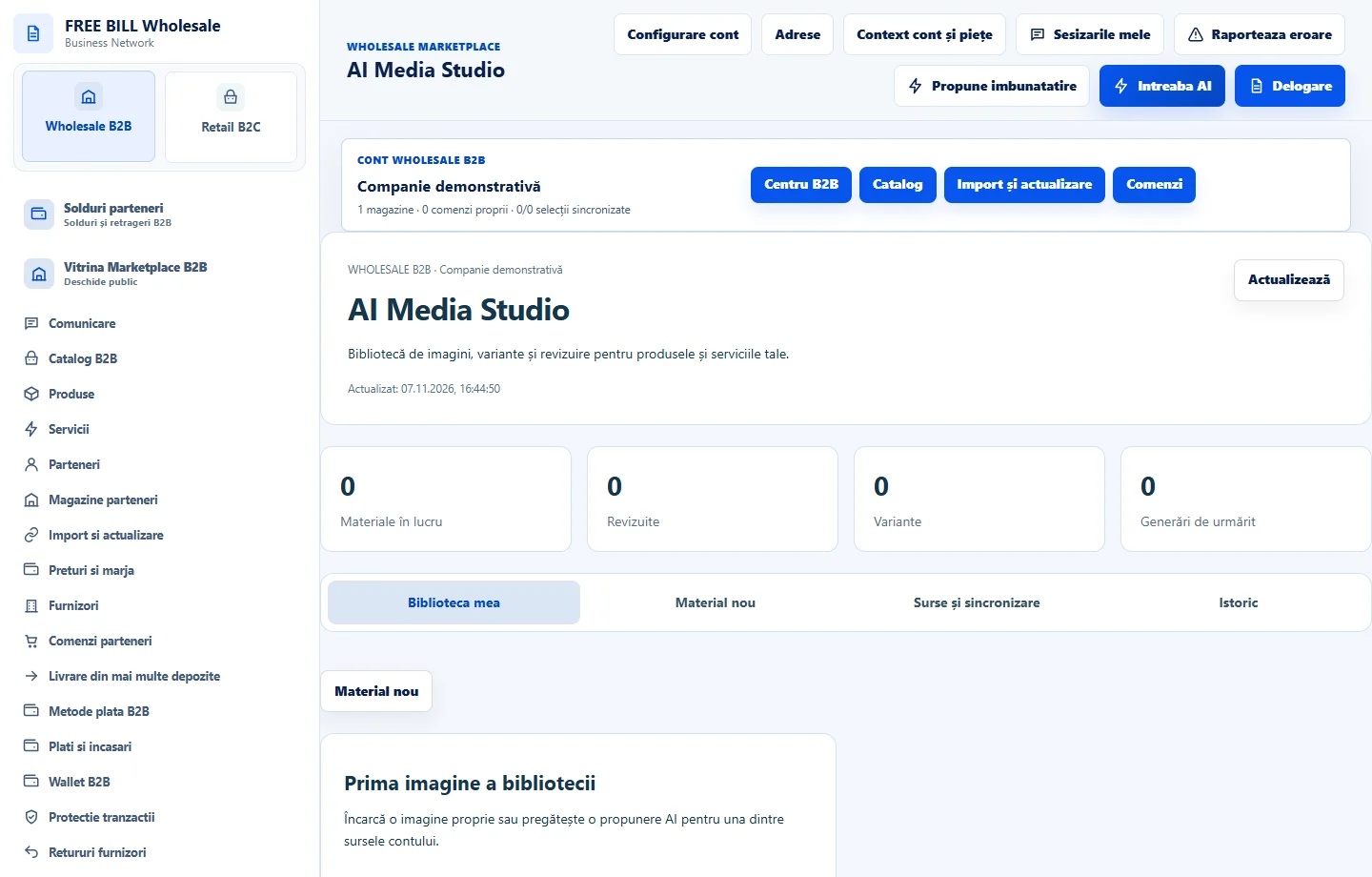
In «AI Media Studio», upload authorized material or use an eligible generation connection. Check the preview, rights and description before «Salvează în bibliotecă».
Propose page metadata
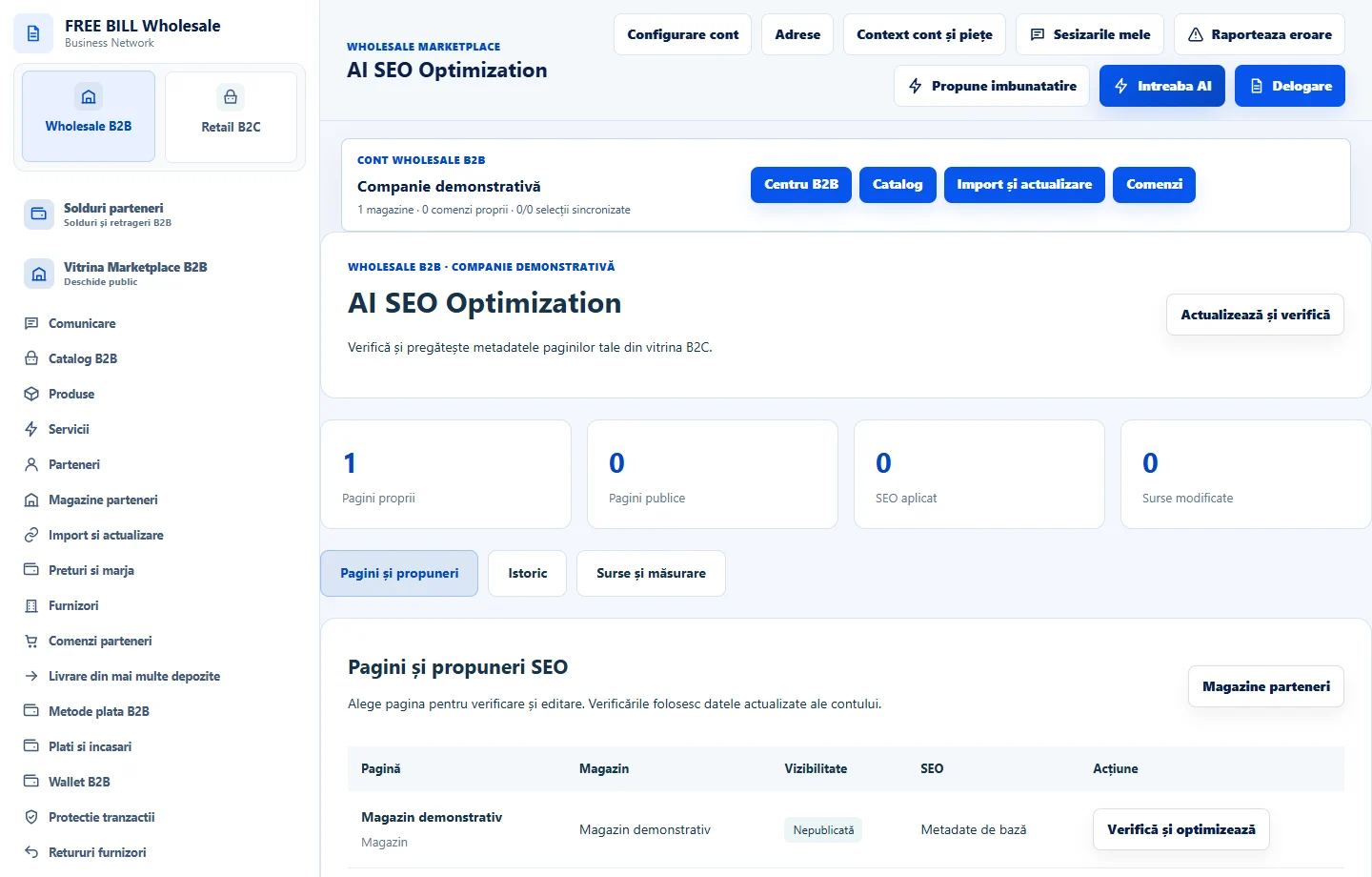
In «AI SEO Optimization», choose the correct page and use «Propunere nouă». Compare the title and description with confirmed offer information.
Check publication and history
Apply only the reviewed version when the action is available. Open the storefront and compare the page, then keep the history for possible corrections.
Application interface · Romanian · 2
Check the result
The draft, material and metadata are linked to the correct source and can be reviewed.
If something is missing
If a source is unavailable, check the store, publication and rights to the material.
Availability depends on your role, enabled modules, country and company configuration.
Open in FreeBill Conect