Check sources and prepare a plan with the B2B assistant
Separate local checks from requests to an AI provider and review the resulting plan.
Before you begin
- For external generation you need your own active connection for the store and permission to send the selected data.
- Who it is for
- Wholesale partner
- Where to find it
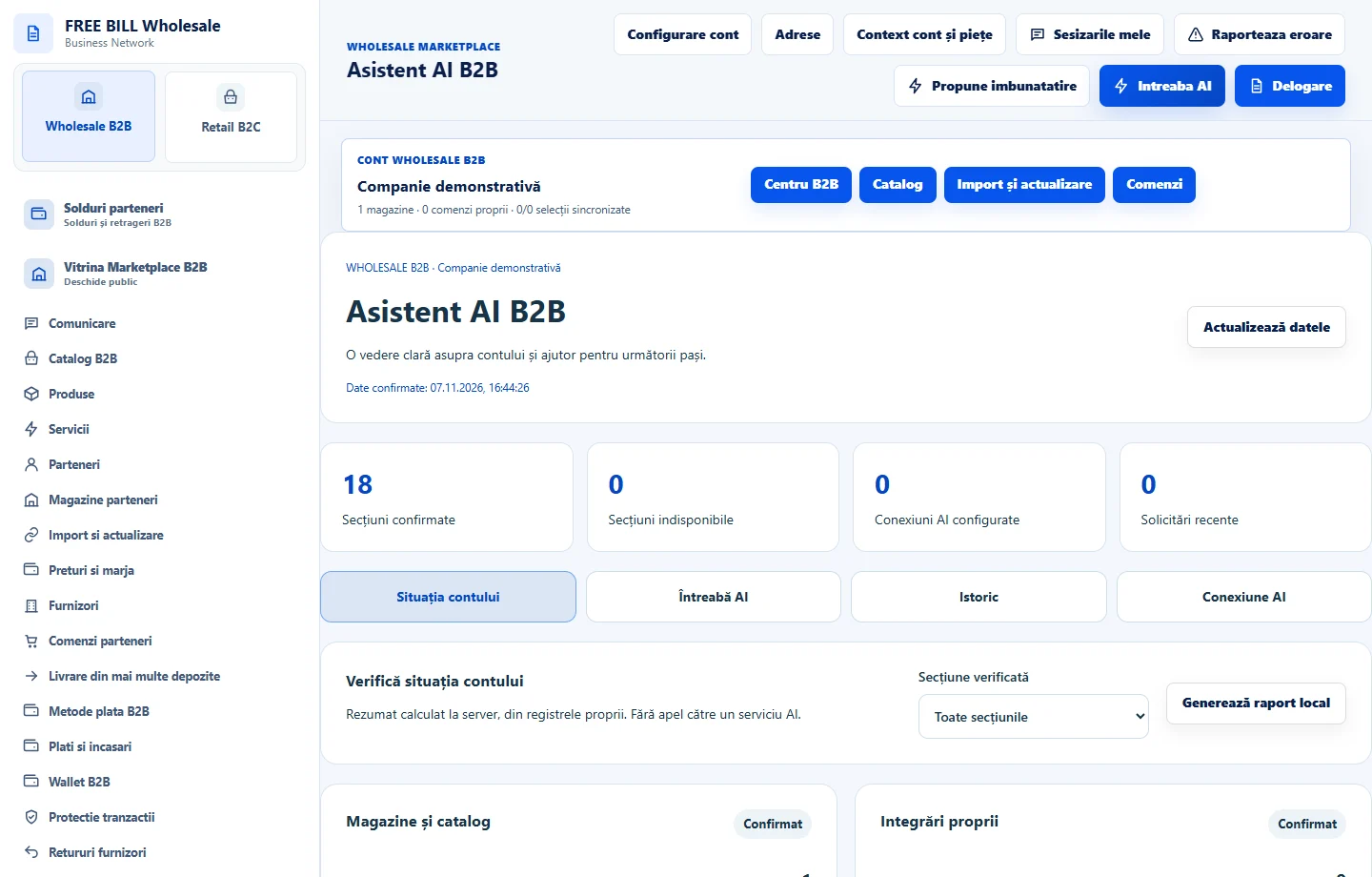
- Asistent AI B2B
Step by step
Check the underlying data
In «Asistent AI B2B», use «Generează raport local» for your own registers. Unavailable data remains to be checked.
Review claims and rights
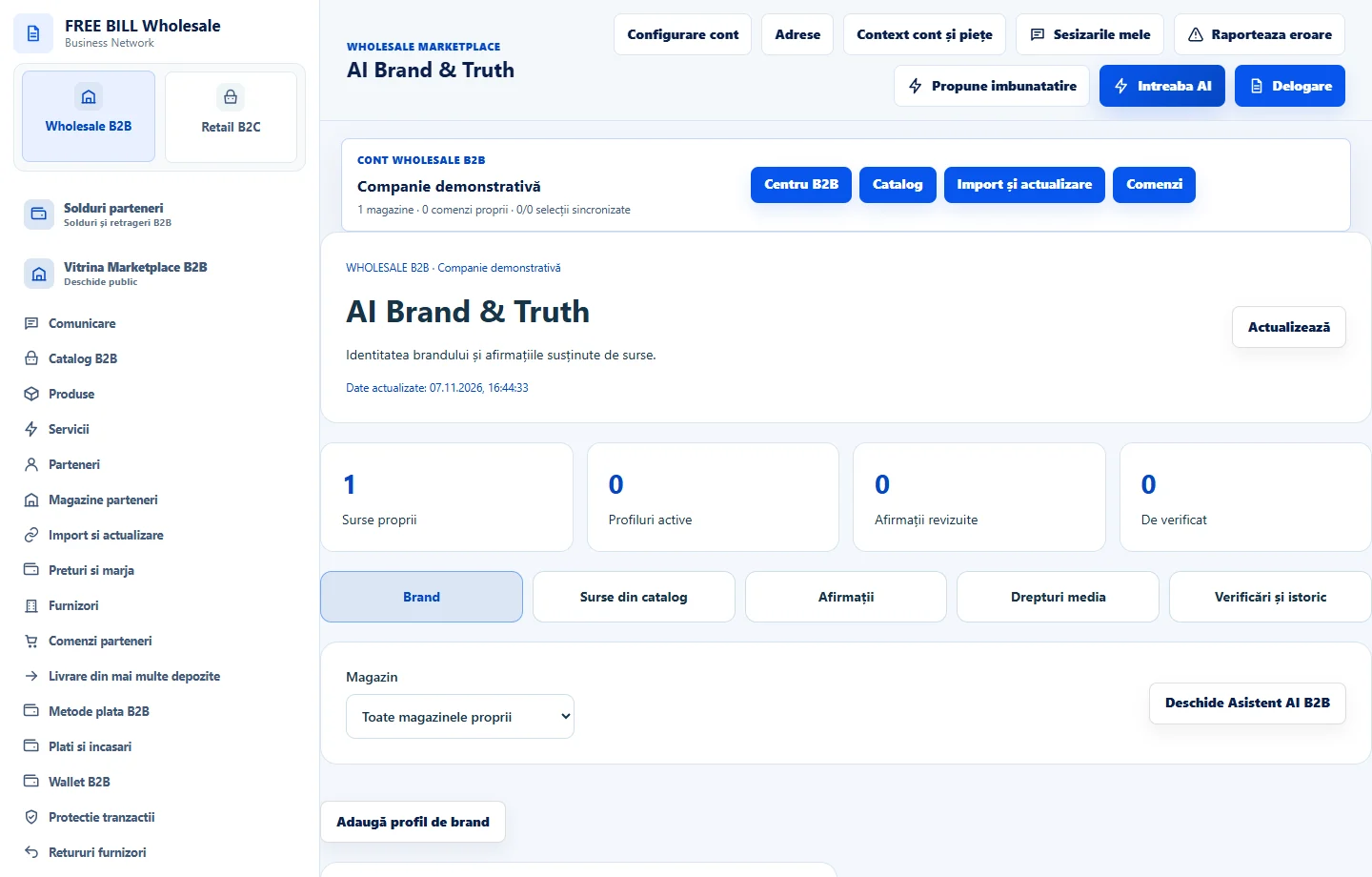
In «AI Brand & Truth», check the product or service sources. Record only supported claims and rights you can confirm.
Prepare a plan
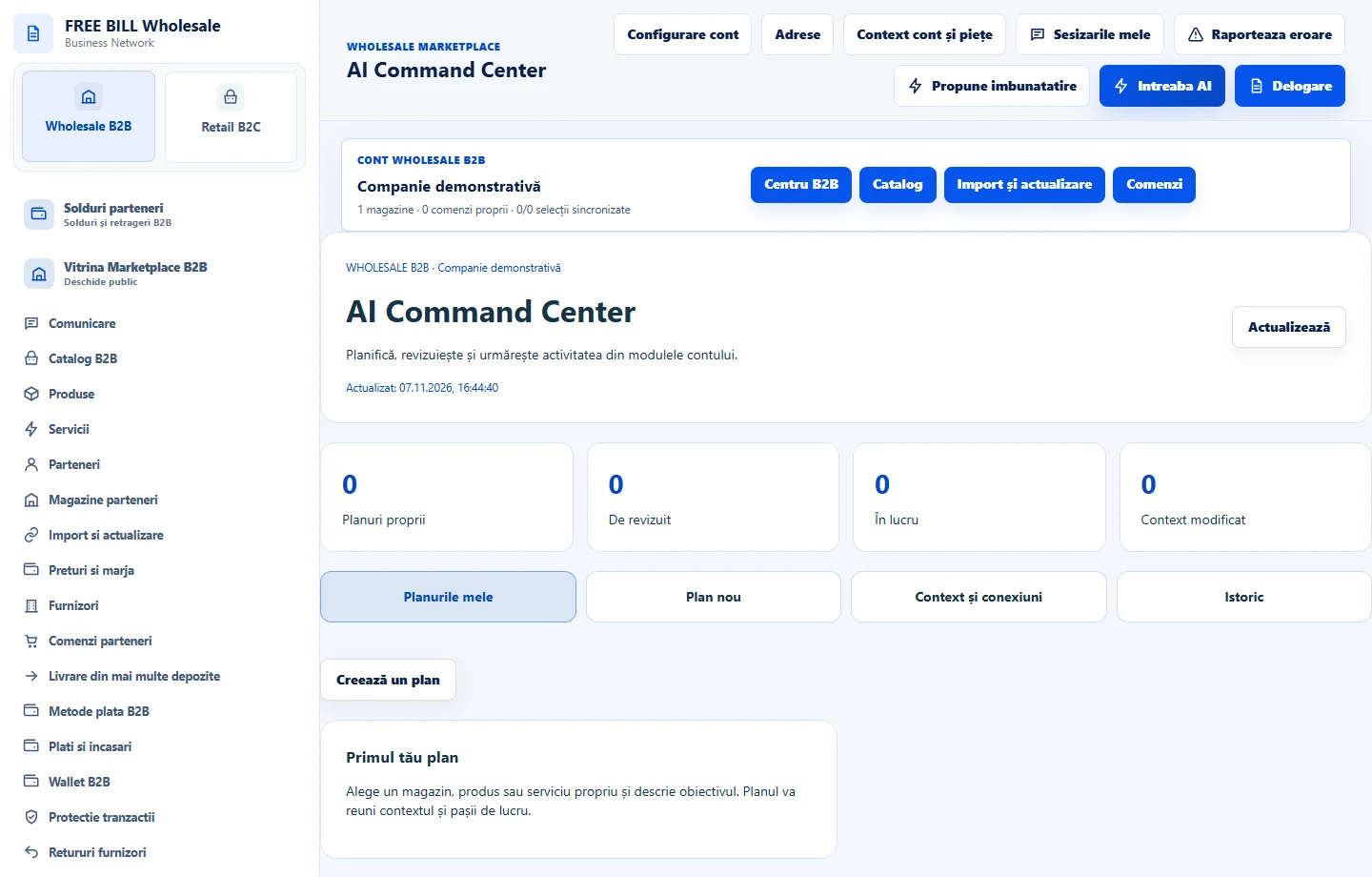
In «AI Command Center», choose your own source, objective and audience. Use «Pregătește planul local» or review the context before «Generează propunerea AI».
Review before approval
Compare the proposal with its sources and note any corrections. Confirm only the actions you reviewed and check the plan history.
Application interface · Romanian · 2
Check the result
The plan has clear sources, a verified objective and a review step.
If something is missing
If generation is unavailable, check the store, your connection and its integration status.
Availability depends on your role, enabled modules, country and company configuration.
Open in FreeBill Conect