Configure an integration and check readiness
Find a provider and open its configuration without assuming it is already connected.
Before you begin
- Company integration permission and the provider account details required by the integration.
- Who it is for
- company user with module permission
- Where to find it
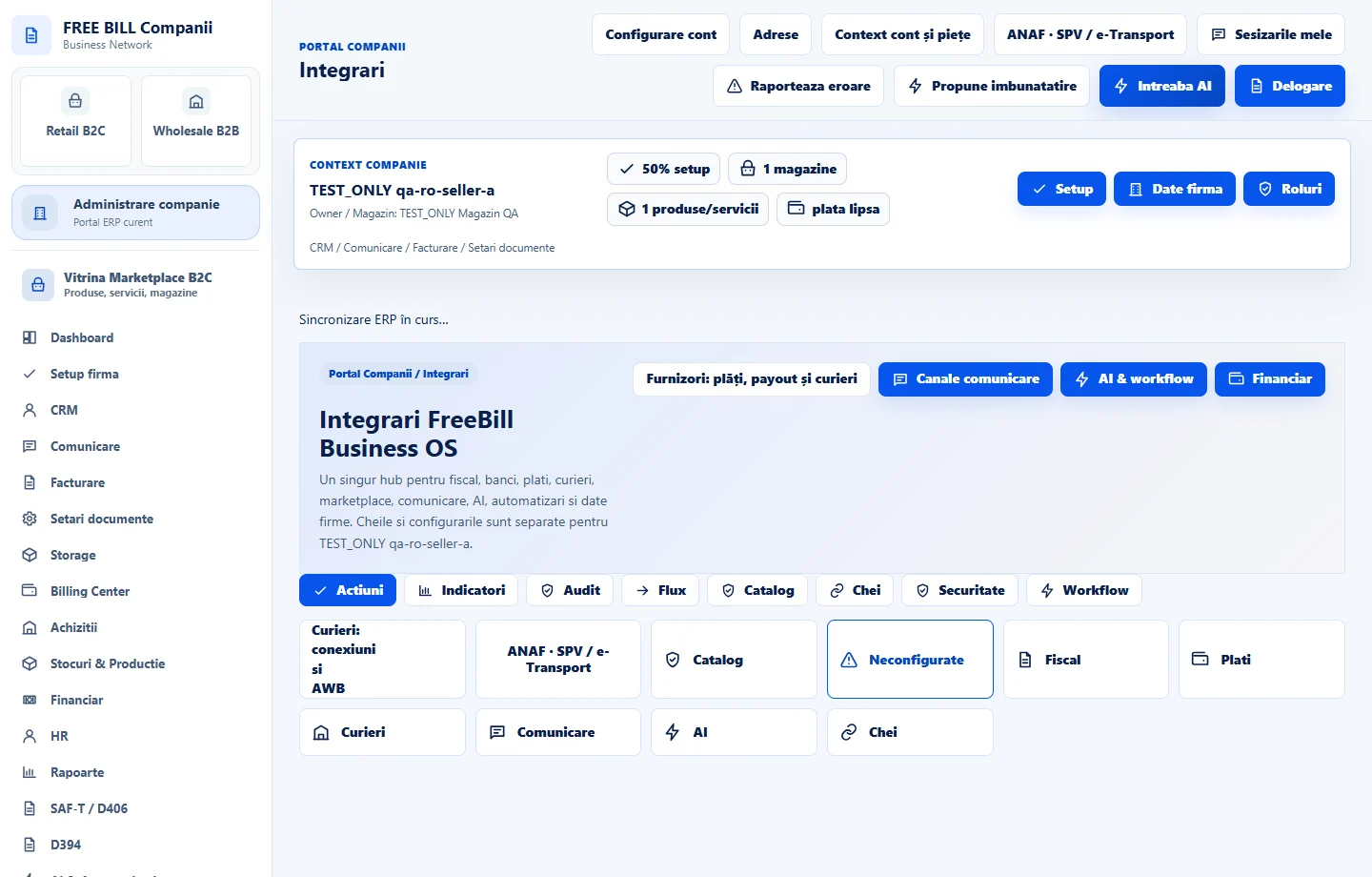
- Integrari
Step by step
Open Integrari
Select the relevant company or account, then open «Integrari».
Find the provider
Use the integration categories and catalog to locate the required service.
Open configuration
Choose «Setari» on its integration card and complete the settings requested by that provider.
Review connection status
Inspect the configured integration status and any missing-credential or readiness messages.
Continue in the module
Use «Deschide modulul» to enter the operational workflow supported by the configured integration.
Check the result
A reviewed integration configuration and its actual readiness state.
If something is missing
If editing is disabled, check the active company and your permission for this module. Resolve the validation message shown in the form before submitting again.
Availability depends on your role, enabled modules, country and company configuration.
Open in FreeBill Conect